Alternatively Setting Up Web API Endpoints To Collectively Require Authentication With Carter In C# & .NET
[C#, ASP.NET, Security, Carter]
Our last post, “Setting Up Web API Endpoints To Collectively Require Authentication With Carter In C# & .NET”, looked at how to set up all your ASP.NET Web API endpoints to require authorization when using the Carter package.
The workflow I prescribed there works when you set up each of your endpoints as independent modules.
In our example, we had an Add module that looked like this:
public class AddModule : ICarterModule
{
    public void AddRoutes(IEndpointRouteBuilder app)
    {
        app.MapGet("/Add", () => "Add");
    }
}
We also had a Subtract module, that looked like this:
public class SubtractModule : ICarterModule
{
    public void AddRoutes(IEndpointRouteBuilder app)
    {
        app.MapGet("/Subtract", () => "Subtract");
    }
}
Here you can see each module is maintained in its own class (and probably own file).
This is what I prefer for various reasons:
- Easier to maintain as your application grows.
- Adding functionality does not interfere with existing code.
You can, however, map all your endpoints from within a single module.
The program setup would look like this:
using Carter;
using Microsoft.AspNetCore.Authentication.JwtBearer;

var builder = WebApplication.CreateBuilder(args);
// Authentication - the exact scheme does not matter for this example!
builder.Services.AddAuthentication(JwtBearerDefaults.AuthenticationScheme)
    .AddJwtBearer(options =>
    {
        options.Authority = "https://fake-provider.com";
        options.Audience = "api";
    });
builder.Services.AddAuthorization();
builder.Services.AddCarter();

var app = builder.Build();
// Create a default group and require authentication on it
app.MapCarter();

app.UseAuthentication();
app.UseAuthorization();

app.Run();
Here, we can see we are calling MapCarter() directly on the WebApplication object.
Next, we implement a single ICarterModule and configure it as follows:
using Carter;

namespace CarterGrouped;

public class Modules : ICarterModule
{
    public void AddRoutes(IEndpointRouteBuilder app)
    {
        // Configure authorization
        var secured = app.MapGroup("").RequireAuthorization();

        // Add module
        secured.MapGet("/Add", () => "Add");
        // Subtract module
        secured.MapGet("/Subtract", () => "Subtract");
    }
}
Here we can see a couple of things:
- The first thing is we are calling
MapGroup()on theIEndpointRouteBuilderobject,app, and creating a new RouteGroupBuilder. - The new object,
secured, is what we then proceed to use to map our endpoints.
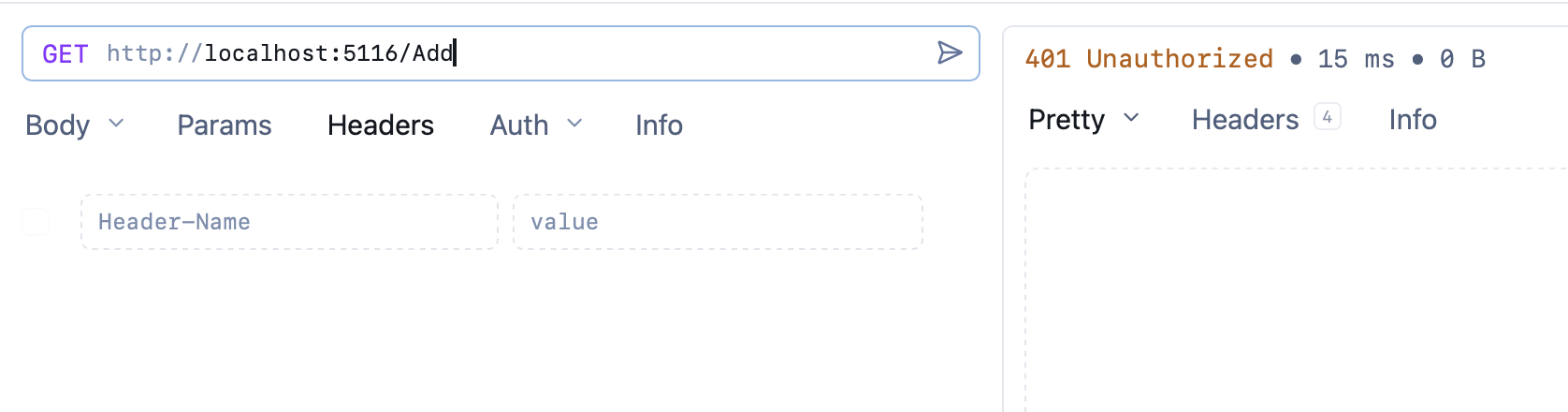
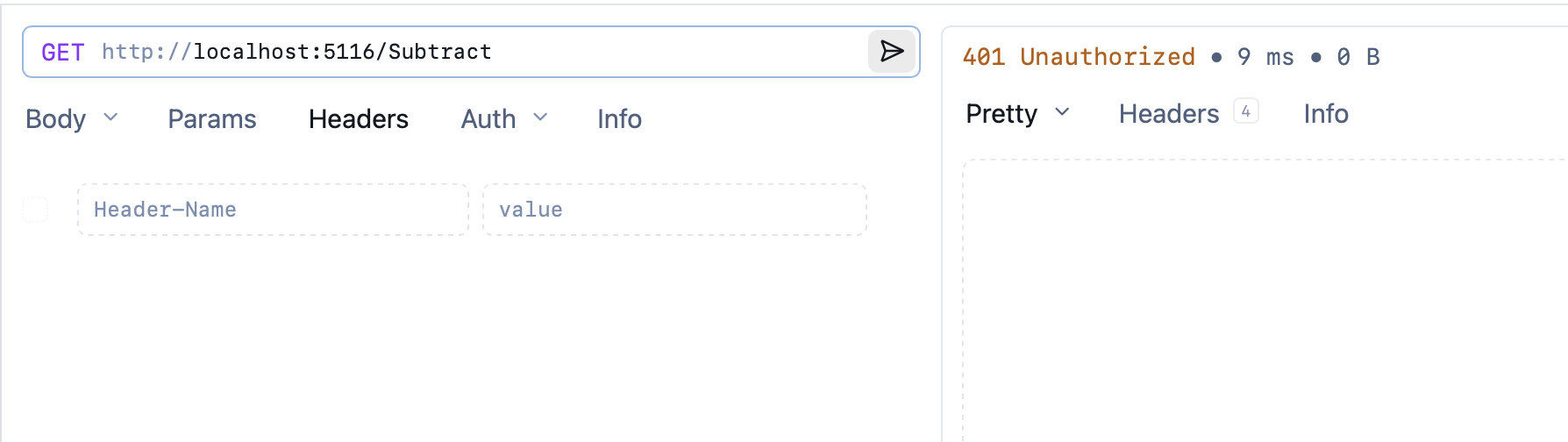
If we invoke our endpoints now, we should get 401 errors for each.
Much as you can use a single module to map multiple endpoints, I strongly discourage this approach as it makes maintenance, refactoring and collaboration that much more difficult.
TLDR
You can use a single Carter module to map your endpoints, and from within that module, create and configure them collectively.
The code is in my GitHub.
Happy hacking!