
BEWARE - 1Password's Browser Extension Breaks Jekyll Syntax Highlighting
[Jekyll, Chrome, Edge, Firefox, Beware]
UPDATE - this seems to have been fixed in version 8.11.27.2 for Chrome
UPDATE #2 - it is still broken as of version 8.11.22.27 for Microsoft Edge
Recently, I opened one of my recent blog posts and noticed something curious - the syntax highlighting for code samples was gone.
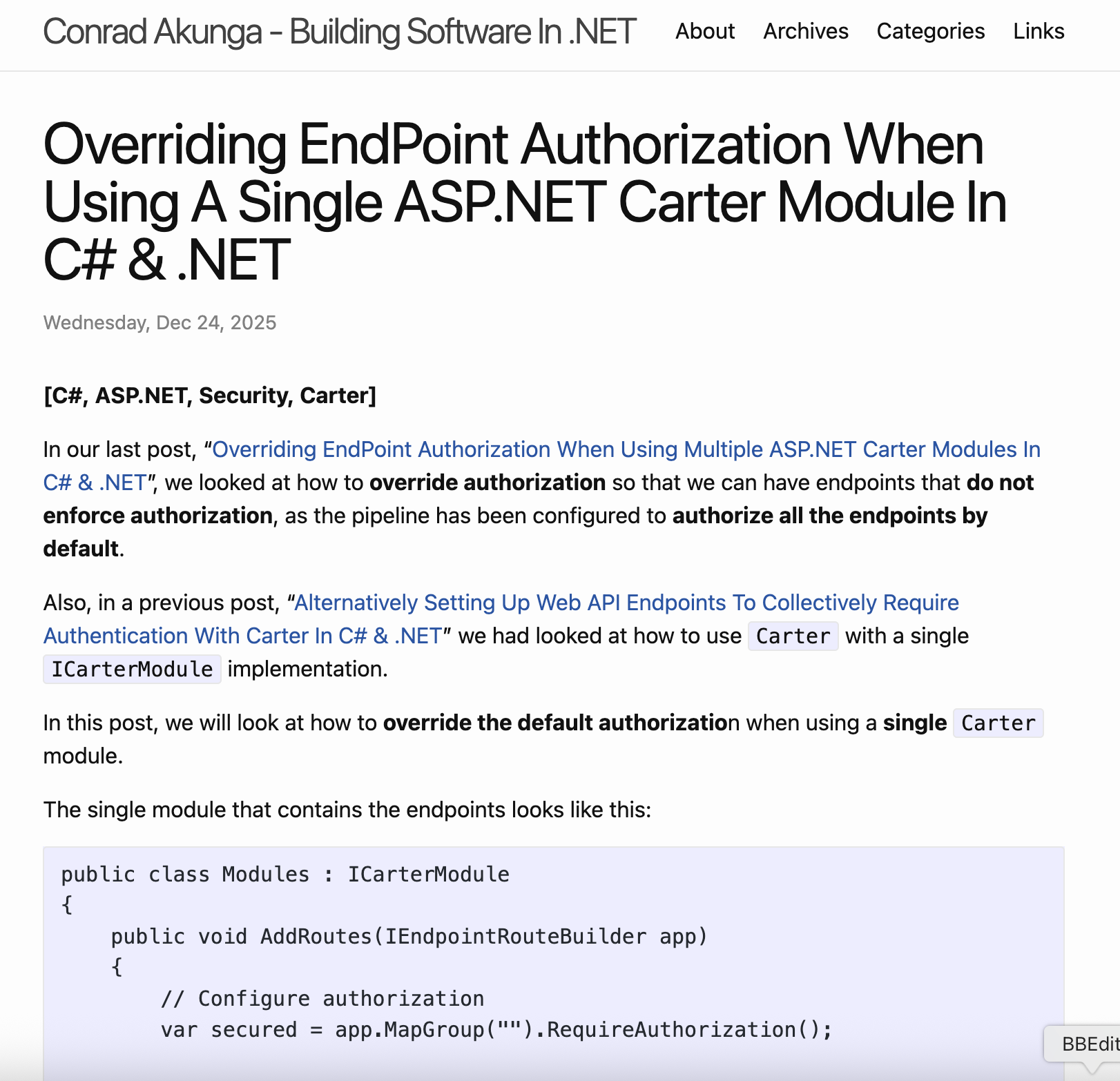
Perhaps it was an isolated incident. I tried another post:
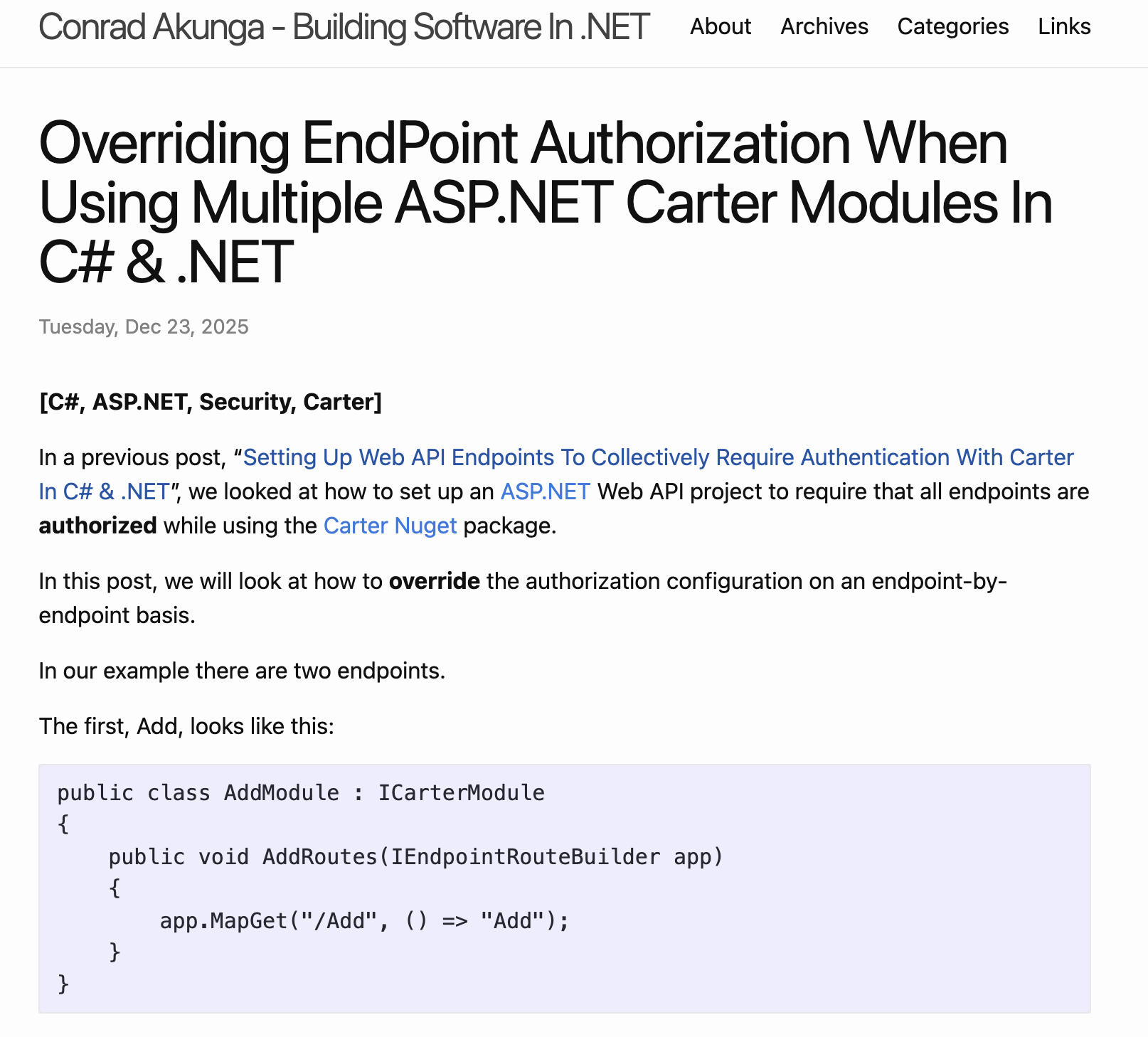
Same problem.
Strange.
I tried with a different browser, Firefox.
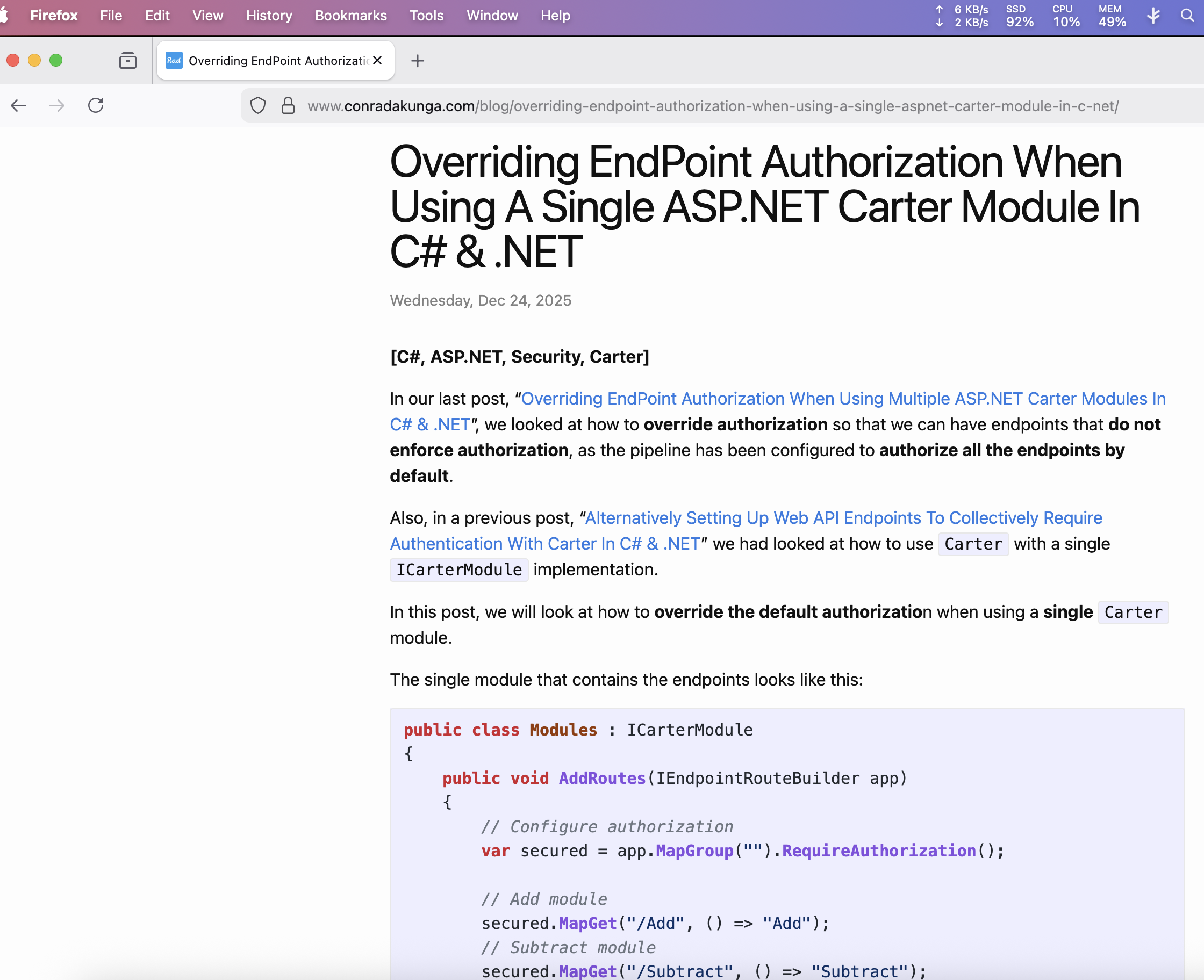
Works ok.
Tried with yet another browser, Microsoft Edge.
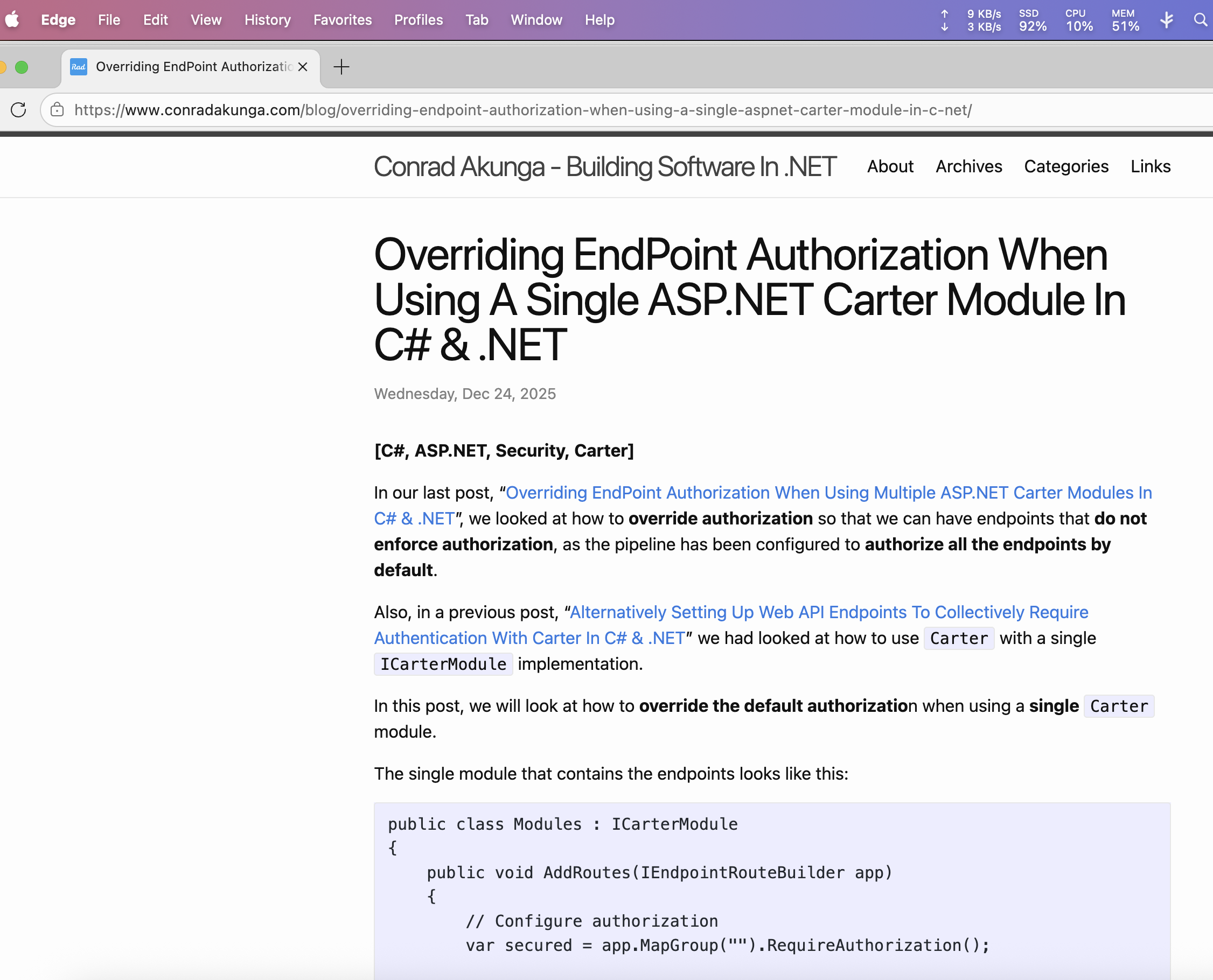
This was broken.
What do these three scenarios have in common?
It could also be that the problem was Jekyll itself, but I dismissed that because I have been using the same version of Jekyll for quite some time, and I know for a fact that at some point it worked well.
I looked even closer at the browsers.
Turns out the other thing they had in common was that Edge and Chrome both had the 1Password browser extension installed and turned on, but Firefox didn’t.
When I disabled the extension in Chrome:
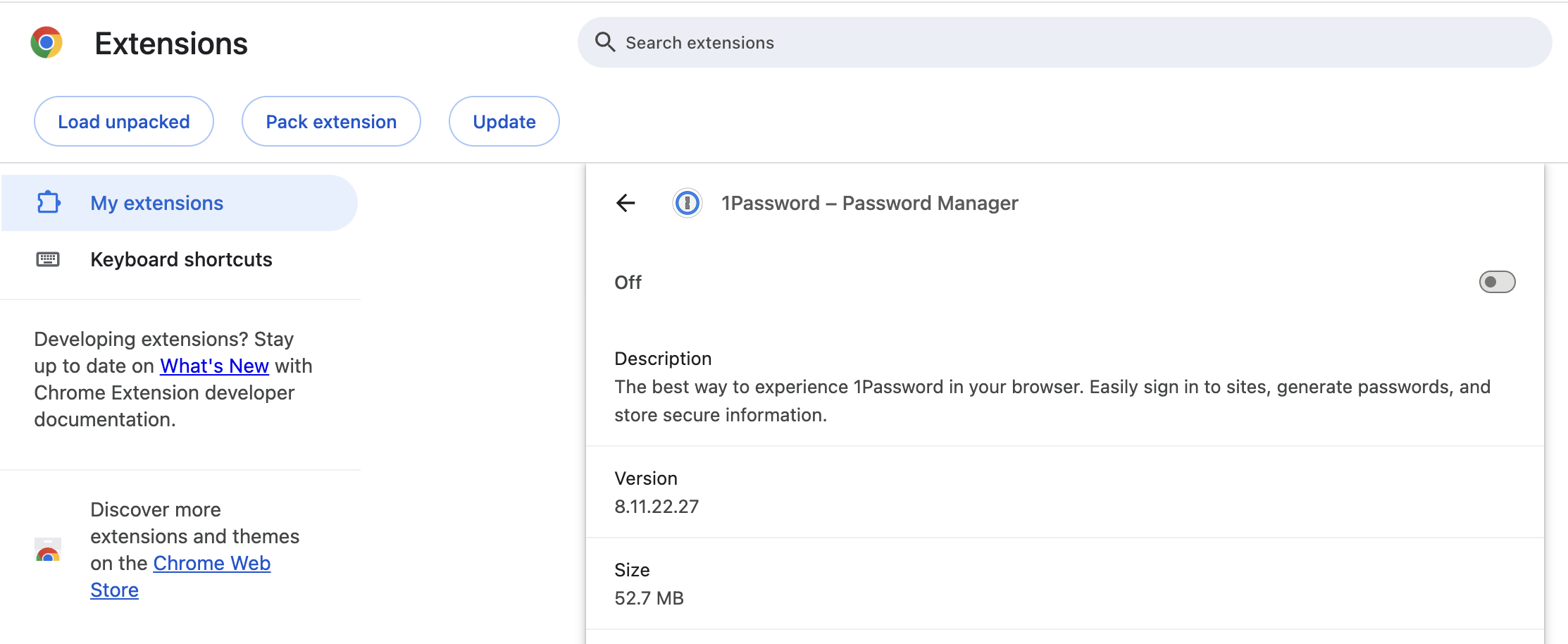
The page rendered correctly:
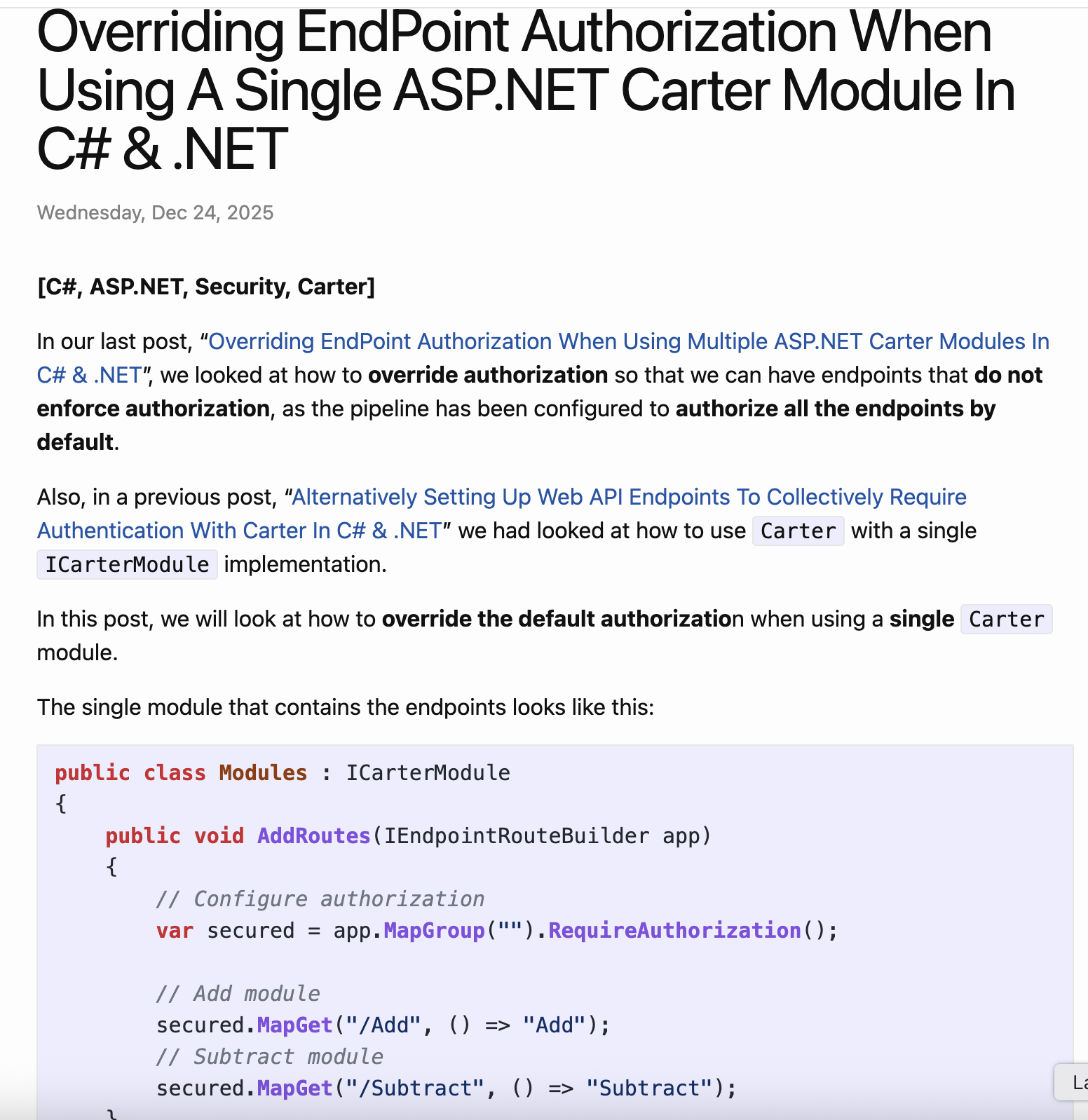
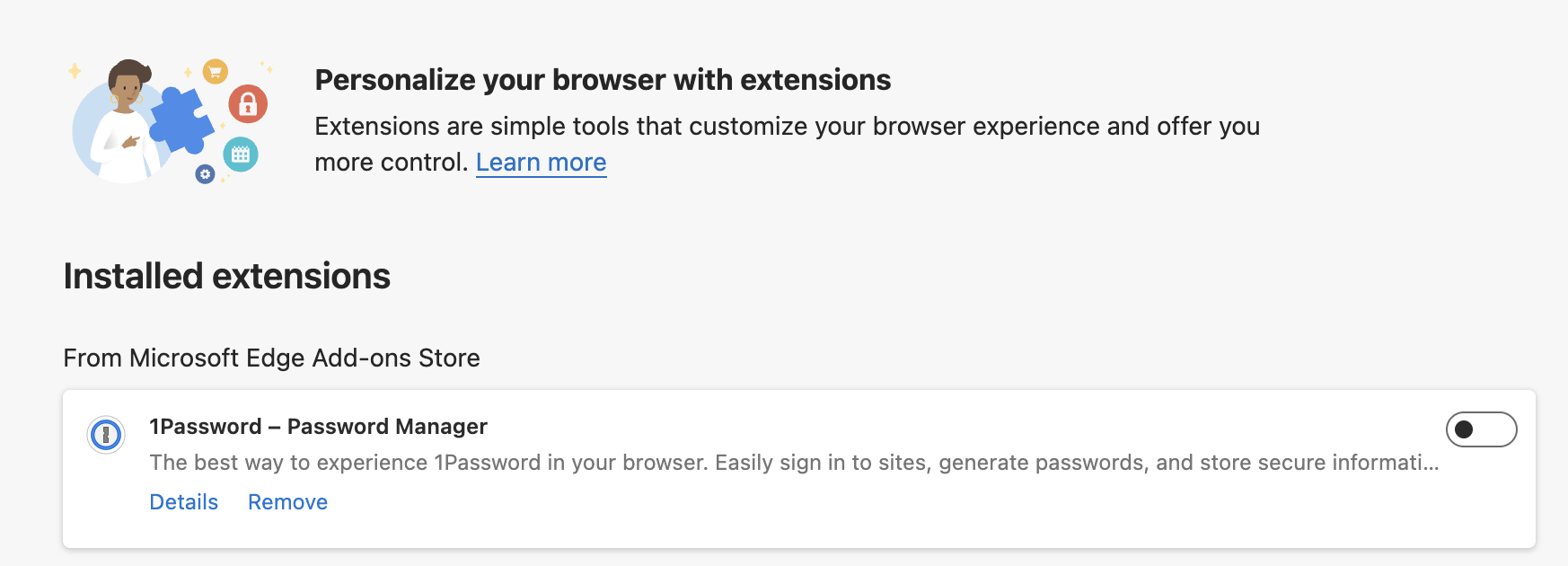
The same when I disabled the extension for Edge:
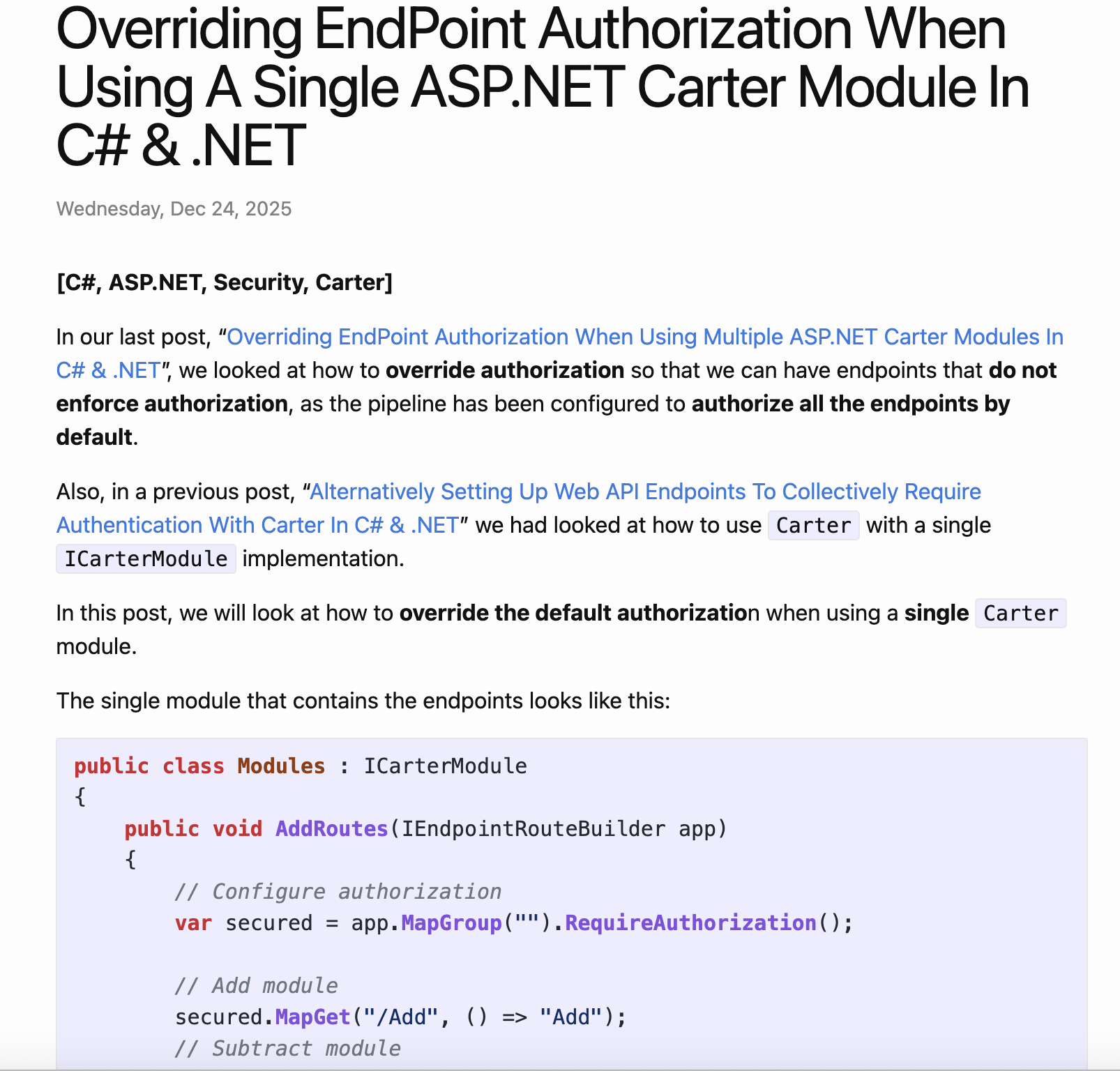
The page also loaded correctly:
I was curious what would happen if I installed and enabled the extension on Firefox:
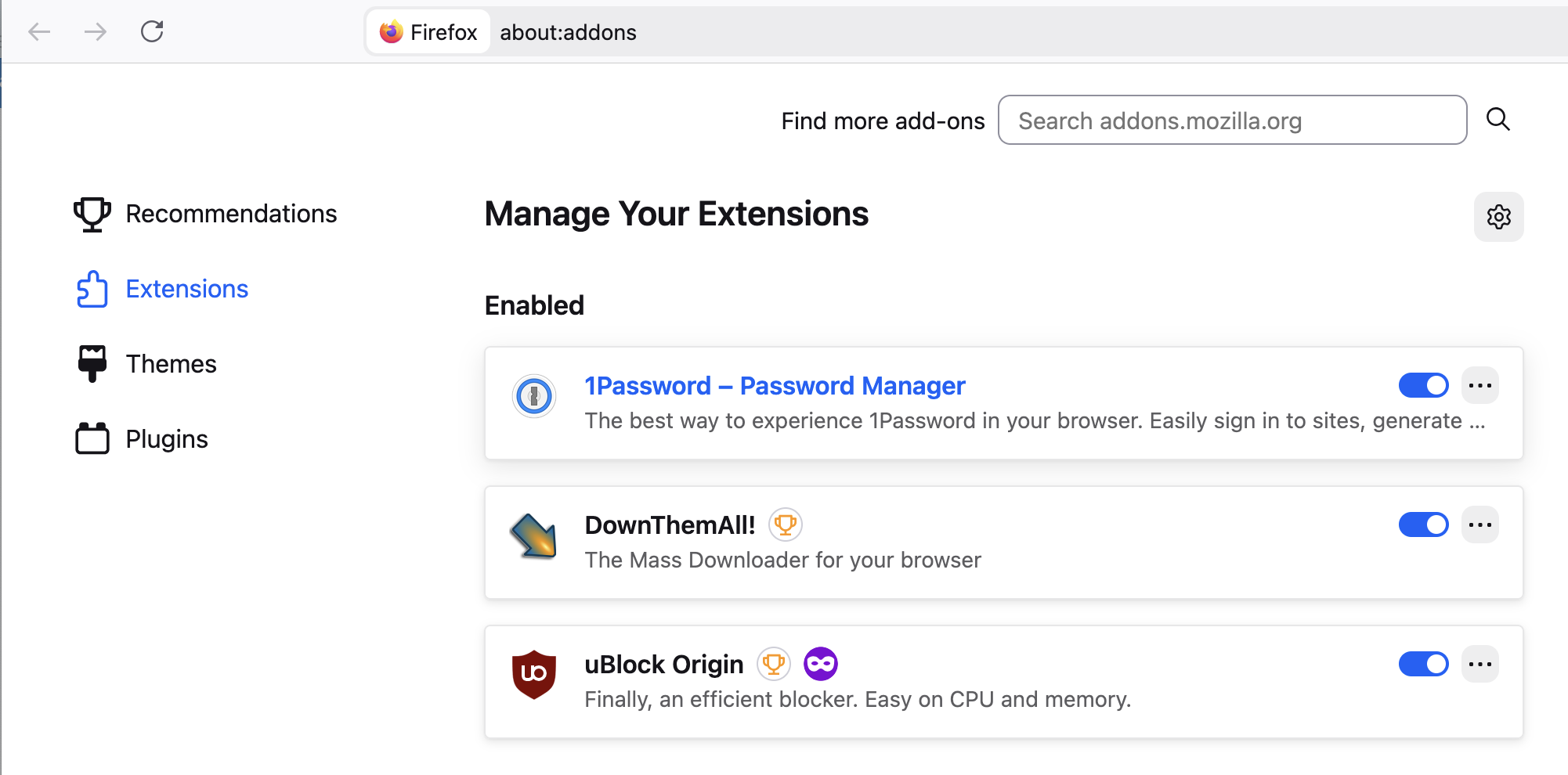
The page formatting broke:
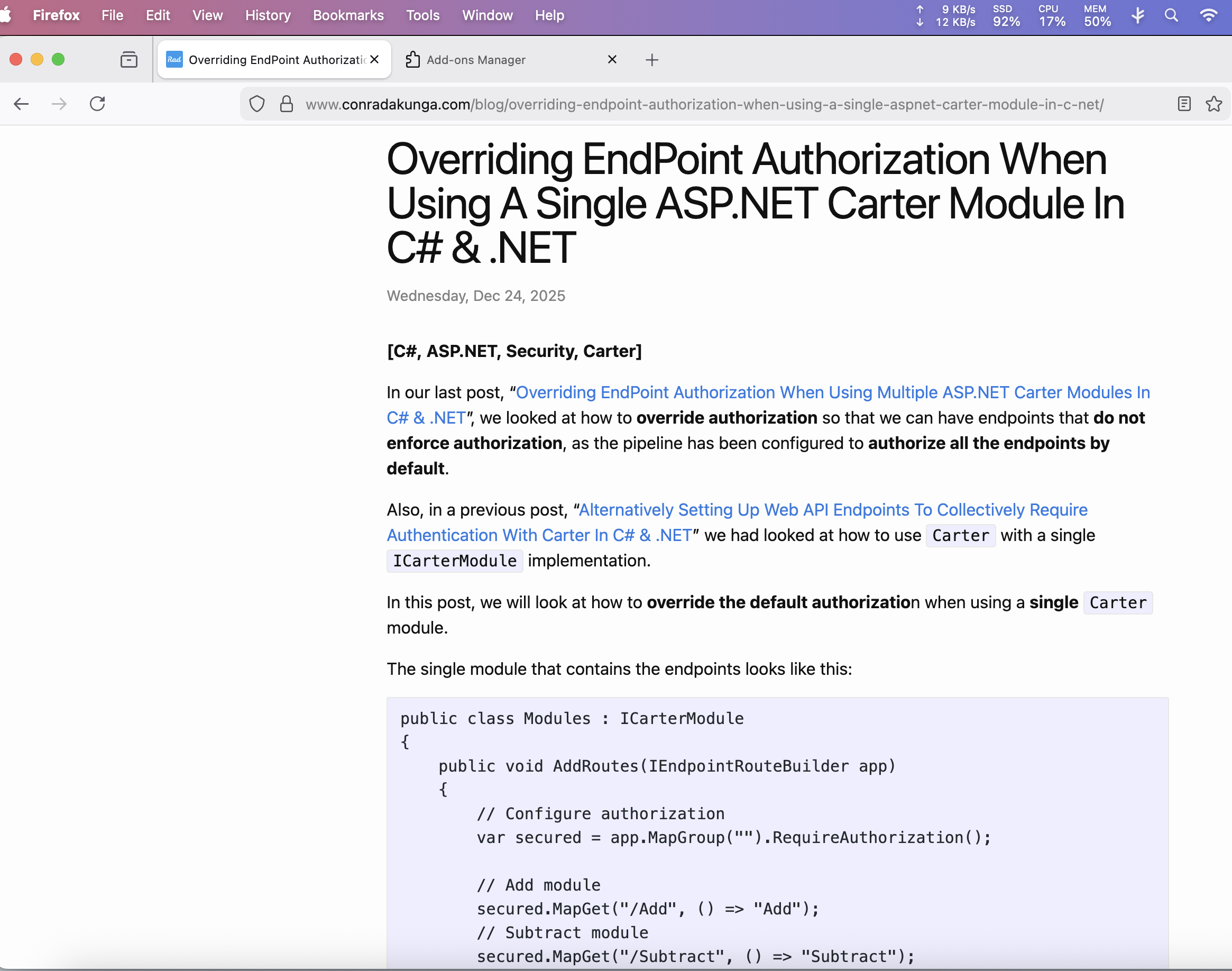
But when I turned it off:
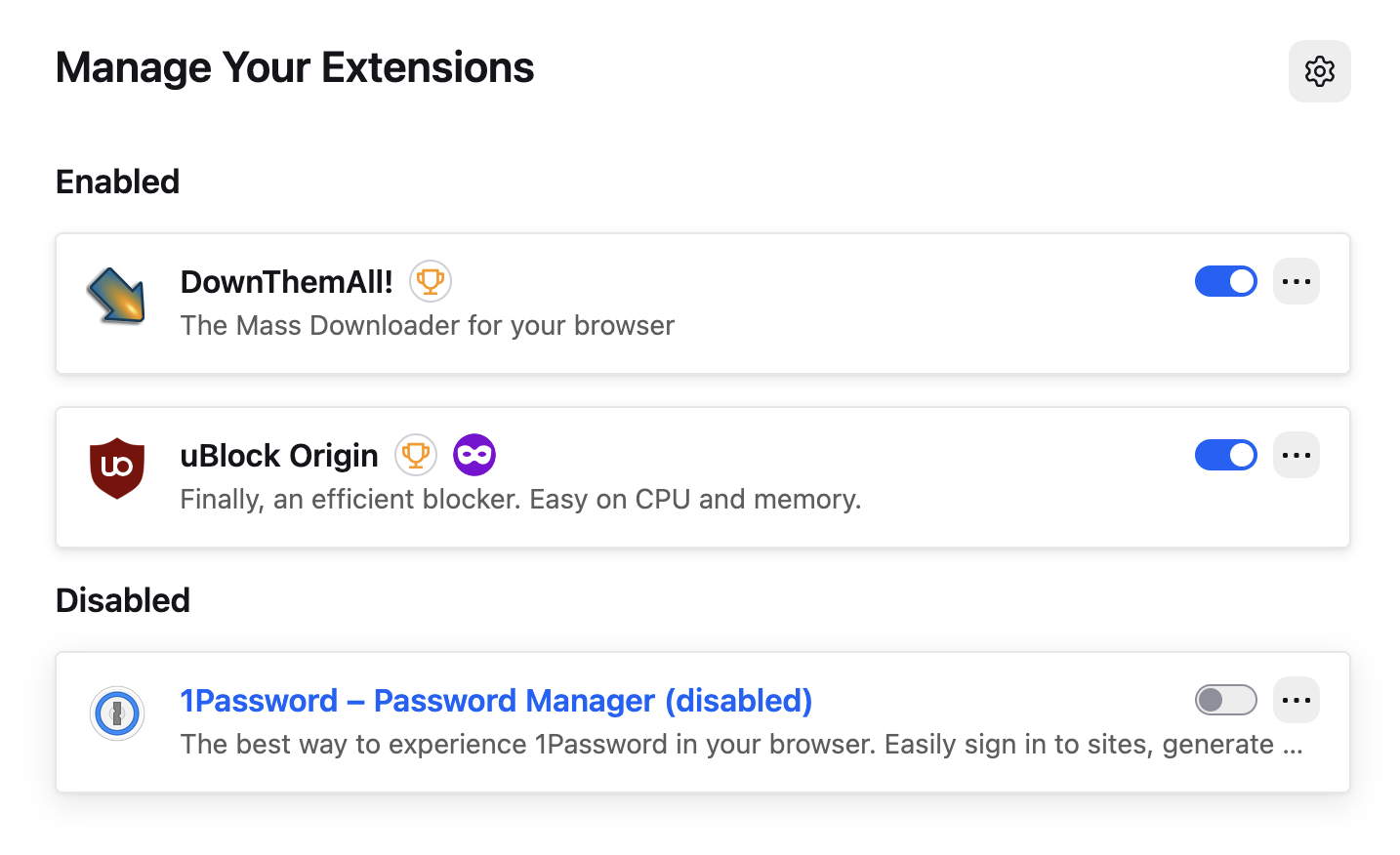
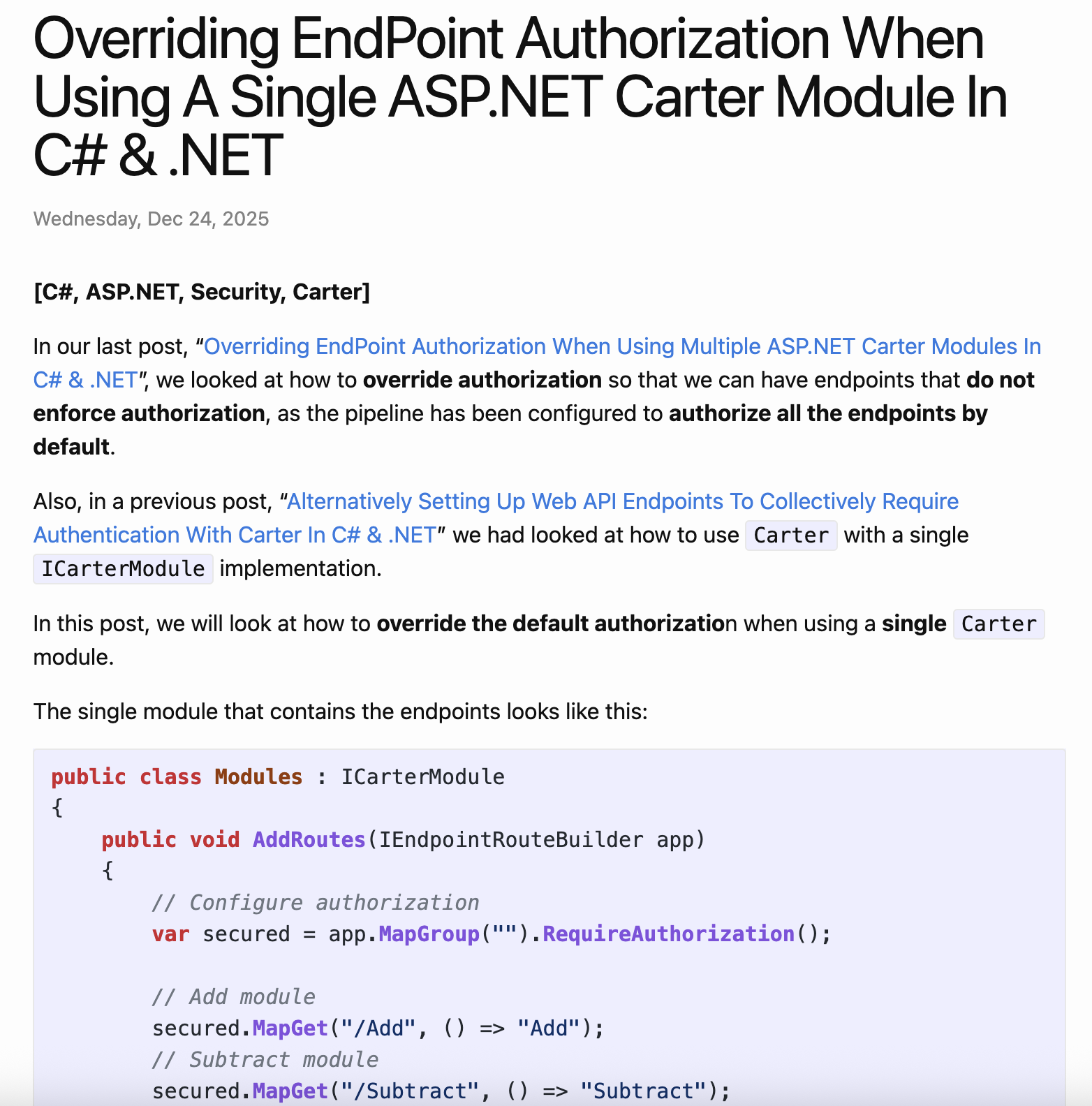
All was well.
The versions tested were as follows:
| Browser | Version | 1Password Version |
|---|---|---|
| Firefox | 146.0.1 | 8.11.23.2 |
| Edge | 143.0.3650.96 | 8.11.2 |
| Chrome | 143.0.7499.170 | 8.11.22.27 |
TLDR
The 1Password extension breaks Jekyll’s syntax highlighting.
Happy hacking!