
Creating Password-Protected Zip Files In C# & .NET
[C#, .NET, Compression]
Our previous post, Opening Password-Protected Zip Files in C# & .NET, looked at how to open a password-protected Zip file using the SharpZipLib library.
In this post, we will look at the reverse - how to create a password-protected Zip file.
We start by adding the package to our project using Nuget.
dotnet add package SharpZipLib
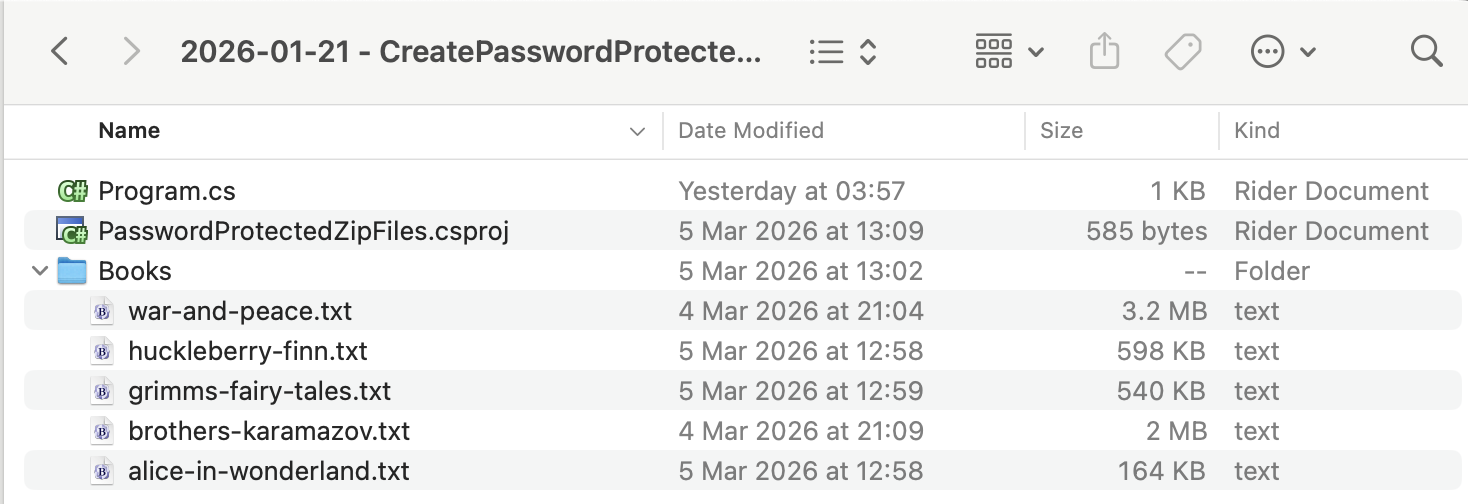
The files to add are in the Books folder.
To ensure the folder is always copied to the output, we add the following entry to our .csproj.
<ItemGroup>
  <None Include="Books\**\*">
  	<CopyToOutputDirectory>PreserveNewest</CopyToOutputDirectory>
  </None>
</ItemGroup>
The code is as follows:
using System;
using System.IO;
using System.Reflection;
using ICSharpCode.SharpZipLib.Zip;
using Serilog;

Log.Logger = new LoggerConfiguration()
    .WriteTo.Console().CreateLogger();

// Extract the current folder where the executable is running
var currentFolder = Path.GetDirectoryName(Assembly.GetExecutingAssembly().Location)!;

// Set the folder with the input files
var folderWithFiles = Path.Combine(currentFolder, "Books");

// Construct the full path to the zip file
var zipFile = Path.Combine(currentFolder, "PasswordProtected.zip");

// Set the password (typically this would come from the user)
const string password = "A$tr0nGpA$$w)rD";

await using (var fs = File.Create(zipFile))
{
    await using (var zipStream = new ZipOutputStream(fs))
    {
        // Set the desired compression level
        zipStream.SetLevel(9);

        // Set the password
        zipStream.Password = password;

        // Loop through the files to be added
        foreach (var file in Directory.GetFiles(folderWithFiles))
        {
            string entryName = Path.GetRelativePath(currentFolder, file);

            Log.Information("Adding {File} to archive", entryName);

            // Create a ZipEntry
            var entry = new ZipEntry(entryName)
            {
                // Set the date of last modification
                DateTime = DateTime.Now
            };

            // Add the entry to the stream
            zipStream.PutNextEntry(entry);

            // Get the bytes from the file
            byte[] buffer = await File.ReadAllBytesAsync(file);

            // Write to the stream
            zipStream.Write(buffer, 0, buffer.Length);

            // Close the entry stream
            zipStream.CloseEntry();
        }
    }
}

Log.Information("Completed adding files to {TargetFile}", zipFile);
The main logic is as follows:
- Create a FileStream
- Open a
ZipOutputStreamfrom theFileStream - Set the compression level (
1-9),9being the smallest, on theFileStream - Set the password on the
FileStream - For each file to add, create a
ZipEntryusing the relative path of the file, and set the last modified date of theZipEntry. - Put this entry into the
ZipOutputStream - Repeat
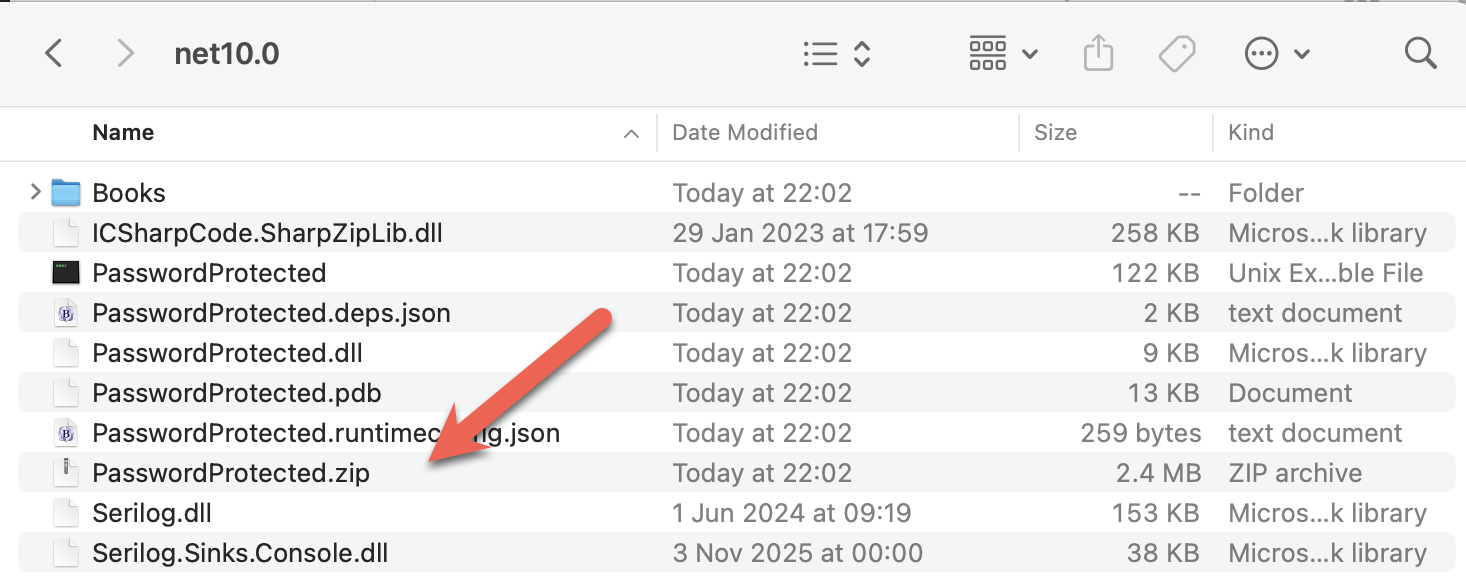
On completion, your Zip file should be ready.
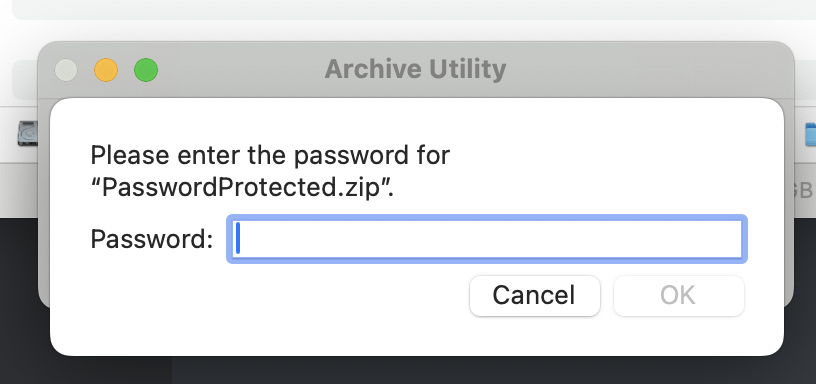
If we try to open the Zip file:
TLDR
You can use SharpZipLib to create password-protected Zip files.
The code is in my GitHub.
Happy hacking!