
Deleting A File From A Zip File In C# & .NET
[C#, .NET, Compression]
In our previous post, Adding A File To A Zip File in C# & .NET, we looked at how to add a new file to an existing Zip file archive.
In this post, we will look at how to delete a file from a Zip file archive.
In this project, we will use the Zip file generated in the previous post that has the file wealth-of-nations.md added.
The project looks like this:
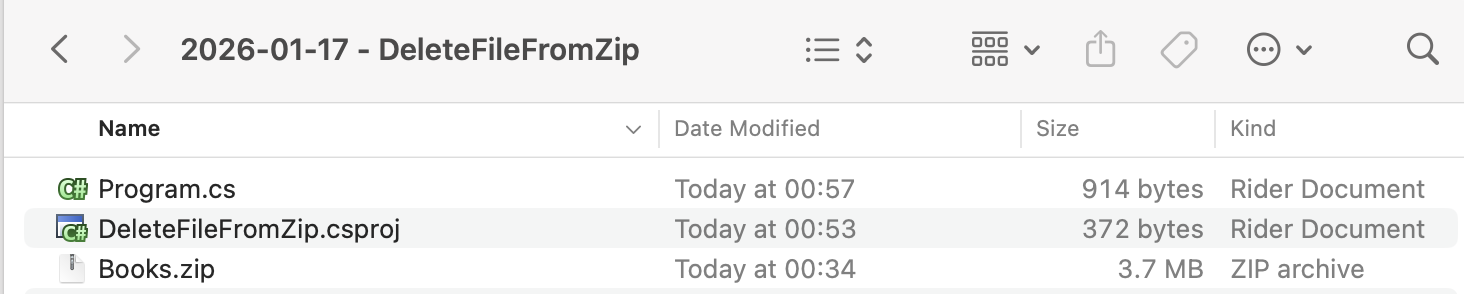
To ensure the Books.zip file is always copied to the output, we update the .csproj as follows:
<ItemGroup>
  <None Include="Books\**\*">
  	<CopyToOutputDirectory>PreserveNewest</CopyToOutputDirectory>
  </None>
</ItemGroup>
The code to delete the file is as follows:
using System.IO;
using System.IO.Compression;
using System.Reflection;
using Serilog;

Log.Logger = new LoggerConfiguration()
    .WriteTo.Console().CreateLogger();

// Extract the current folder where the executable is running
var currentFolder = Path.GetDirectoryName(Assembly.GetExecutingAssembly().Location)!;

// Construct the full path to the zip file
var targetZipFile = Path.Combine(currentFolder, "Books.zip");

// Set the filename
const string fileName = "wealth-of-nations.md";

// Open the zip file on disk for update
await using (var archive = ZipFile.Open(targetZipFile, ZipArchiveMode.Update))
{
    // If the entry exists, delete it
    var entry = archive.GetEntry(fileName);
    if (entry is not null)
    {
        entry.Delete();
        Log.Information("Deleted {File} from {Target}", fileName, targetZipFile);
    }
    else
    {
        Log.Warning("Could not file {File} in archive", fileName);
    }
}
The heavy lifting here is handled by the Delete method of the ZipArchiveEntry class.
We make use of the fact that the GetEntry method of the ZipArchive class will return a ZipArchiveEntry if the file you are looking for exists. Otherwise, it returns null.
Once we have it, we call the Delete method.
The program will print the following if it is successful.

TLDR
To delete a file from a Zip archive, use the Delete method of the ZipArchiveEntry class.
The code is in my GitHub.
Happy hacking!