
How To Delete A Remote Git Tag
[Git]
This is a follow-up to yesterday’s post, “How To Delete A Local Git Tag” when using the git source control management tool.
When using tags, you will generally tend to push them to the remote, so that everyone can access them.
You would typically do it like this:
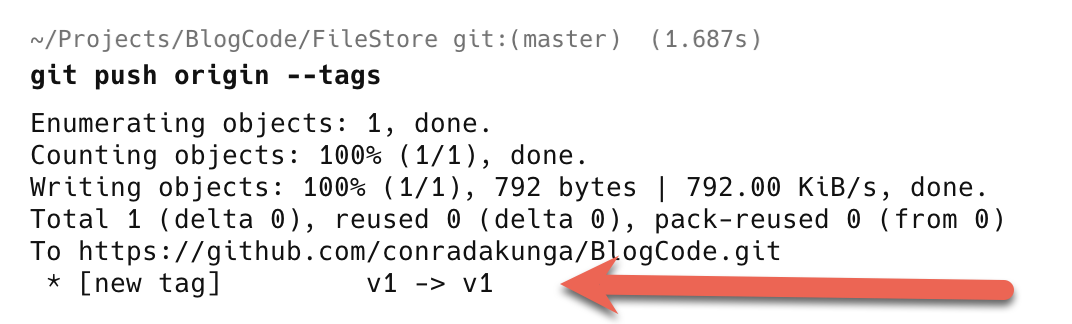
git push origin --tags
You will see the following in your terminal.
When you delete a tag, it only gets deleted locally.
You also need to delete it remotely.
You do that as follows;
git push --delete origin v1
Here we are using git push and passing the following:
- The
--deletesubcommand - The remote branch to delete, in this case,
origin - The tag to delete, in this case,
v1
You should see something like the following:
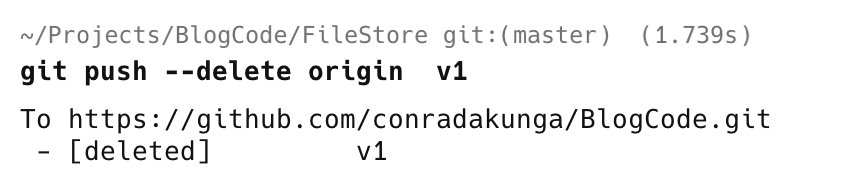
Upon successful execution, we receive confirmation.
TLDR
To delete a remote tag, use the command git push --delete origin version
Happy hacking!