
How To Get The PowerShell Version
[PowerShell]
A scenario you might run into is when you want to check the PowerShell version under which you are running.
This is complicated by the fact that there are two flavours of PowerShell
- PowerShell For Windows (version
5and below) - PowerShell Core (Version
6and above,7being the current)
For either, you can examine the $PSVersionTable variable, particularly the PSVersion property.
Like so:
$PSVersionTable.PSVersion
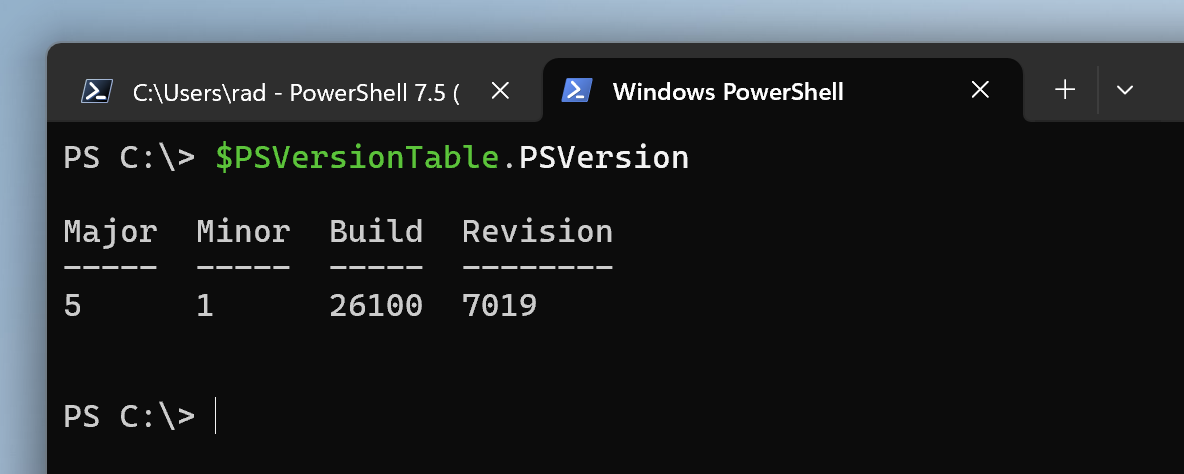
In PowerShell For Windows, you will see something like this:
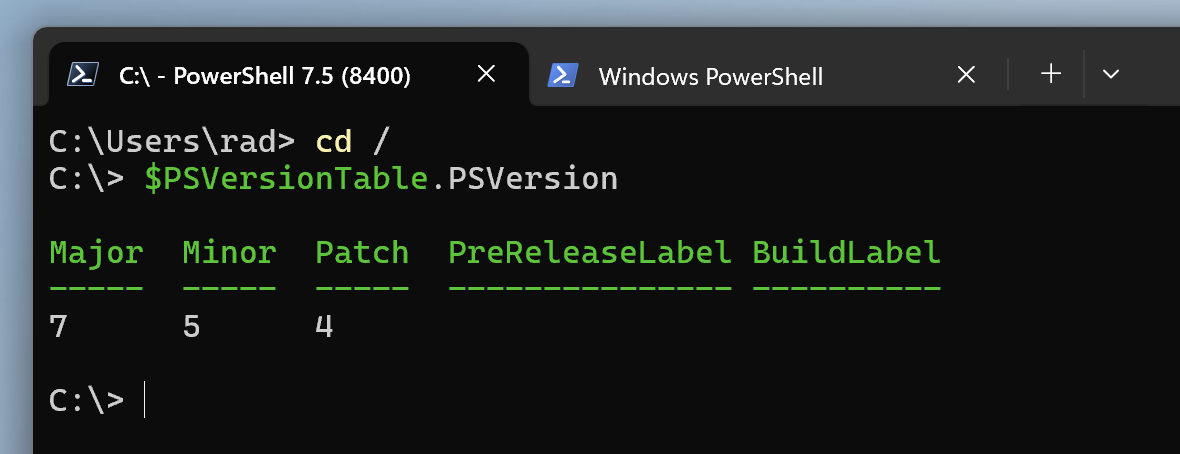
In PowerShell Core, running in Windows, you will see something like this:
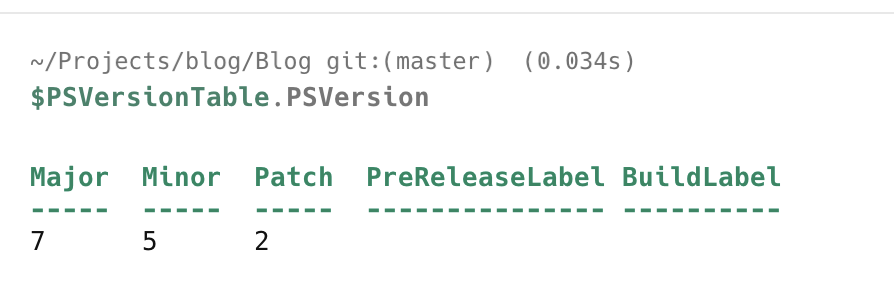
In macOS, you will see something like this (if you have installed PowerShell):
TLDR
You can get the PowerShell version by querying the $PSVersionTable.PSVersion variable.
Happy hacking!