
How To Read Environment Variables In PowerShell
[PowerShell]
Occasionally, you might want to read an environment variable from your PowerShell session.
This is pretty trivial.
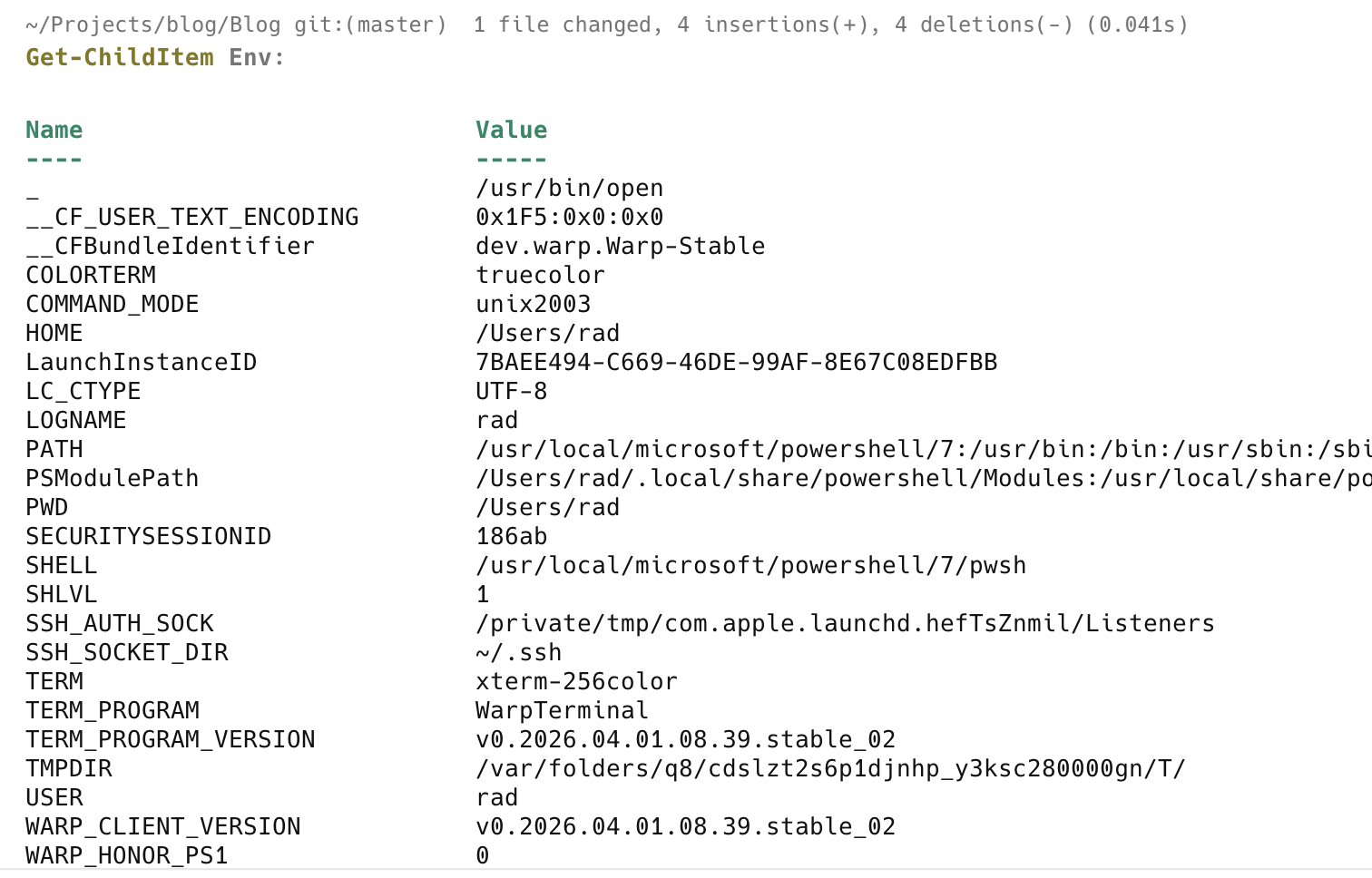
To list all the environmental variables, run the following command:
Get-ChildItem Env:
This will return a response like this:
To get a particular variable, you need to know its name.
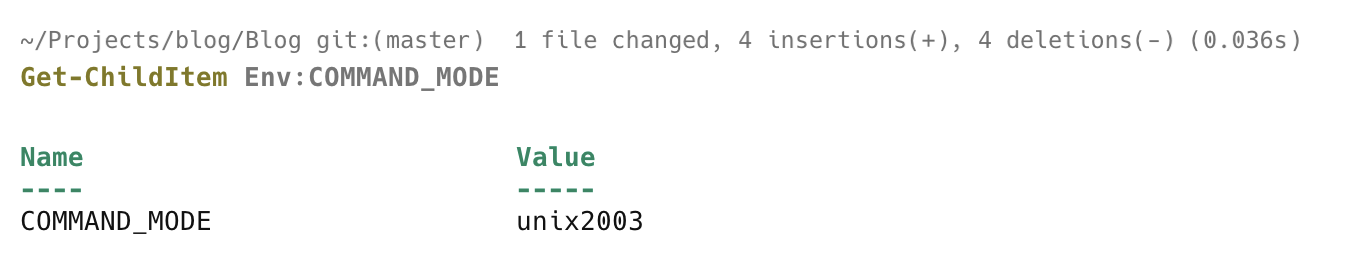
Let us take, for example, COMMAND_MODE
Get-ChildItem Env:COMMAND_MODE
You will see something like this:
If you want to capture it for subsequent use, you do it like this:
$mode = $env:COMMAND_MODE
You can then use it subsequently in your script or in the shell session.
write-host "The command mode is $mode"

IMPORTANT: On macOS and Unix, the environment names are case-sensitive!
TLDR
You can access environment variables from PowerShell using the Get-ChildItem cmdlet or the $env variable.
Happy hacking!