
How To UnZip A Single File In C# & .NET
[C#, .NET, Compression]
In yesterday’s post, How To Zip A Single File In C# & .NET, we looked at how to zip a single text file (Leo Tolstoy’s War and Peace) into a zip file.
In today’s post, we will look at the opposite: how to extract a file from a Zip archive.
Just as with compression, what we need for decompression is available in the System.IO and System.IO.Compression namespaces.
We will also use the ZipFile class for the heavy lifting.
The code is as follows:
using System.IO.Compression;
using System.Reflection;
using Serilog;

Log.Logger = new LoggerConfiguration()
    .WriteTo.Console().CreateLogger();

const string sourceZipFile = "war-and-peace.zip";
const string textFileName = "war-and-peace.txt";

// Extract the current folder where the executable is running
var currentFolder = Path.GetDirectoryName(Assembly.GetExecutingAssembly().Location);
// Construct the full path to the extracted text file
var targetTextFile = Path.Combine(currentFolder!, textFileName);


// Open the zip file and extract file
await using (var archive = await ZipFile.OpenReadAsync(sourceZipFile))
{
    // Find our entry
    var entry = archive.GetEntry(textFileName);
    // If not null, extract. Overwrite if it exists
    entry?.ExtractToFile(targetTextFile, overwrite: true);
}

Log.Information("Written {SourceZipFile} to {TargetTextFile}", sourceZipFile, targetTextFile, targetTextFile);
The project structure is as follows:
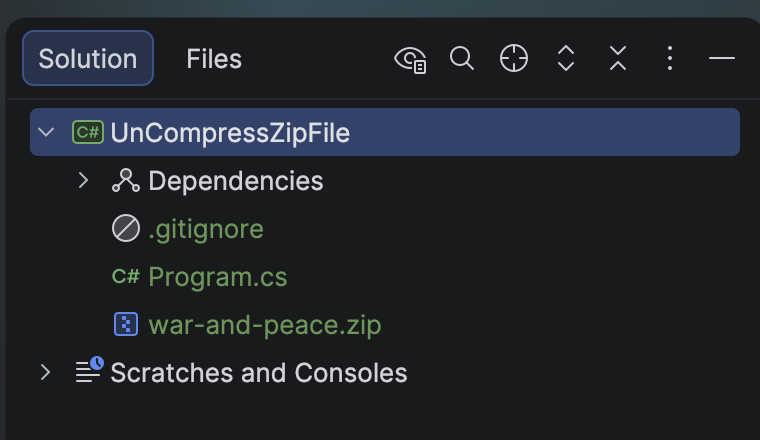
To ensure the zip file is copied to the output folder, update the .csproj to add the following:
<ItemGroup>
  <None Include="war-and-peace.zip">
  	<CopyToOutputDirectory>PreserveNewest</CopyToOutputDirectory>
  </None>
</ItemGroup>
If we run this code, it will print the following:

The folder will look like this:
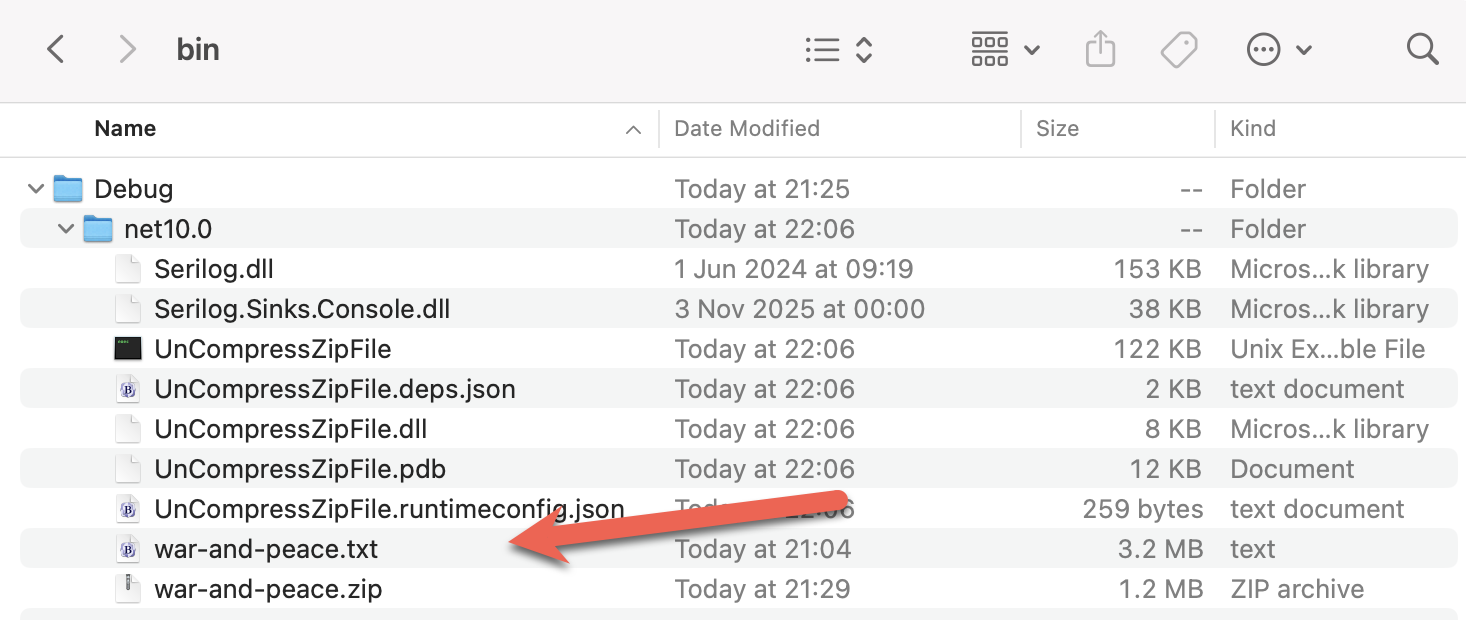
You can verify that it was successfully extracted by opening it in your favourite text editor.
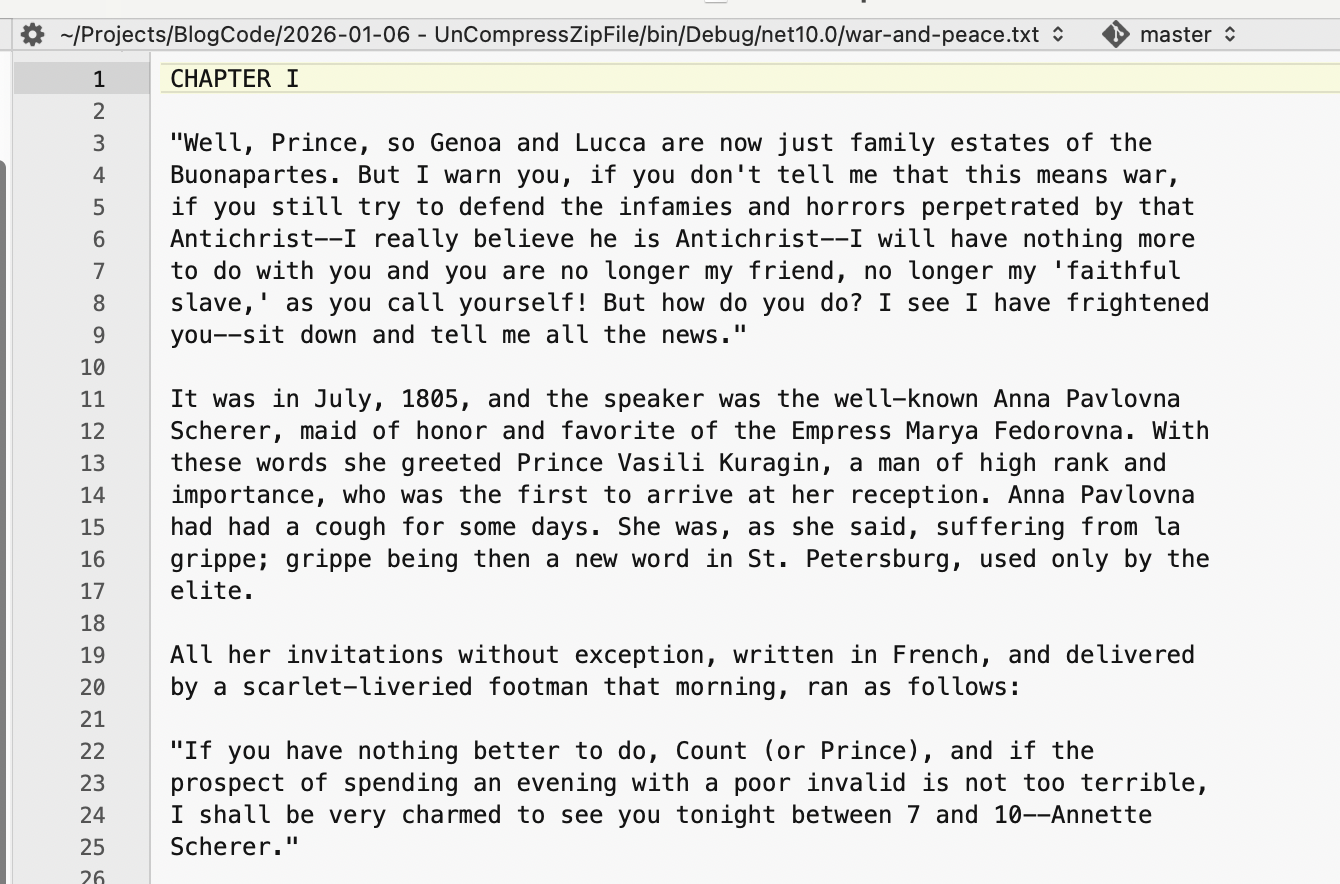
TLDR
System.IO and System.IO.Compression contain the ZipFile class that you can use to extract files from Zip files.
The code is in my GitHub.
Happy hacking!