
UI Fails - macOS Is Trying To Trick Me Into Upgrading To Tahoe From Sequoia
[Fail, UI Fails]
I am running macOS Seuqoia, and I have no plans to upgrade to Tahoe in the immediate future.
This is for several reasons:
- I have not heard good things about
Tahoe. - When new OS releases come out, I seldom upgrade immediately. In fact, I upgraded to
Sequoiafrom Sonoma just a couple of months ago. - I have a very complex setup of virtual machines, Docker containers, Parallels, and various tools and utilities set up that I am loath to interfere with until I am sure
Tahoehas no surprises.
So recently, I got an update notification.
Nothing surprising about this.
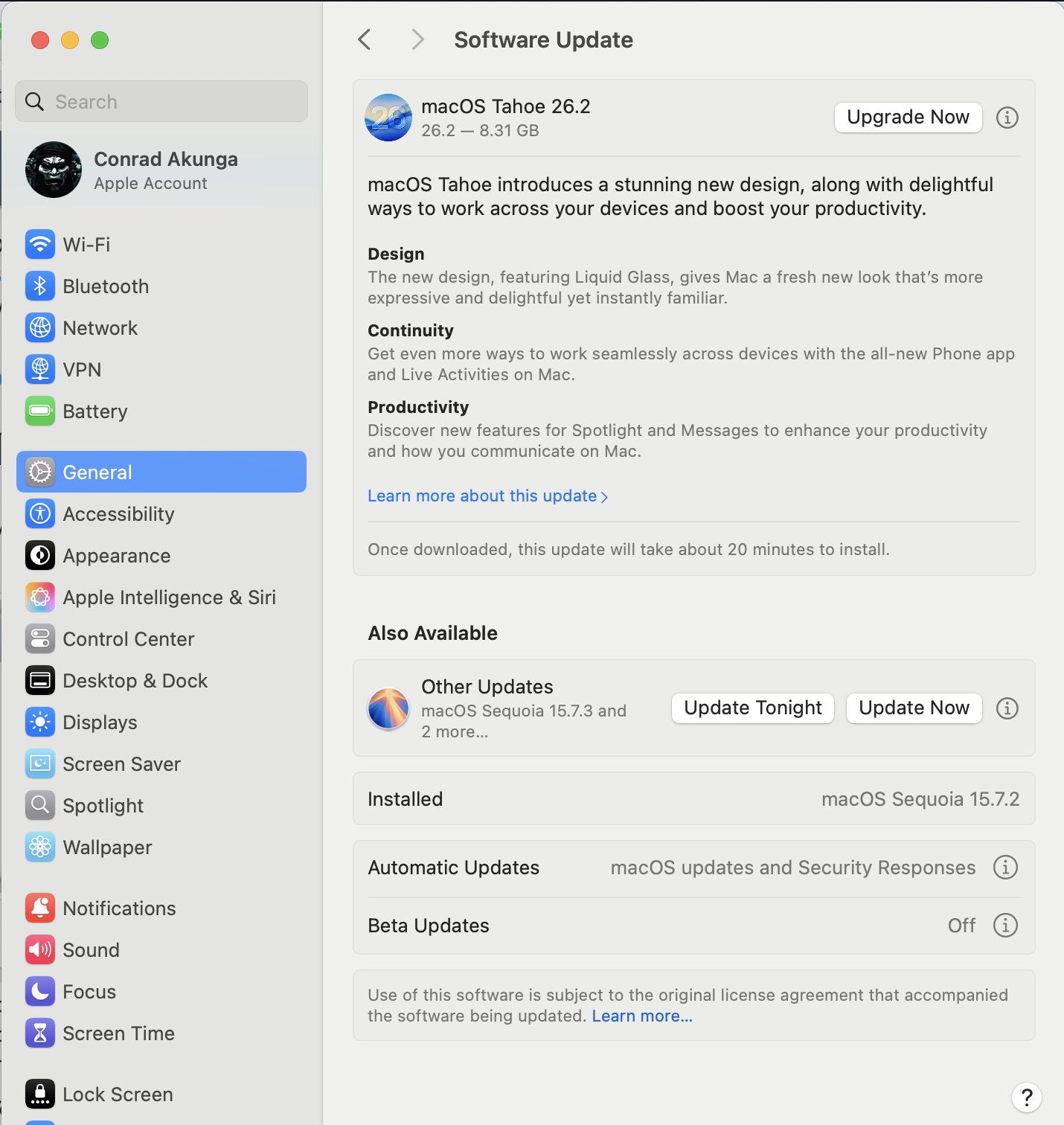
Since I don’t want Tahoe, the obvious choice is to click this button:
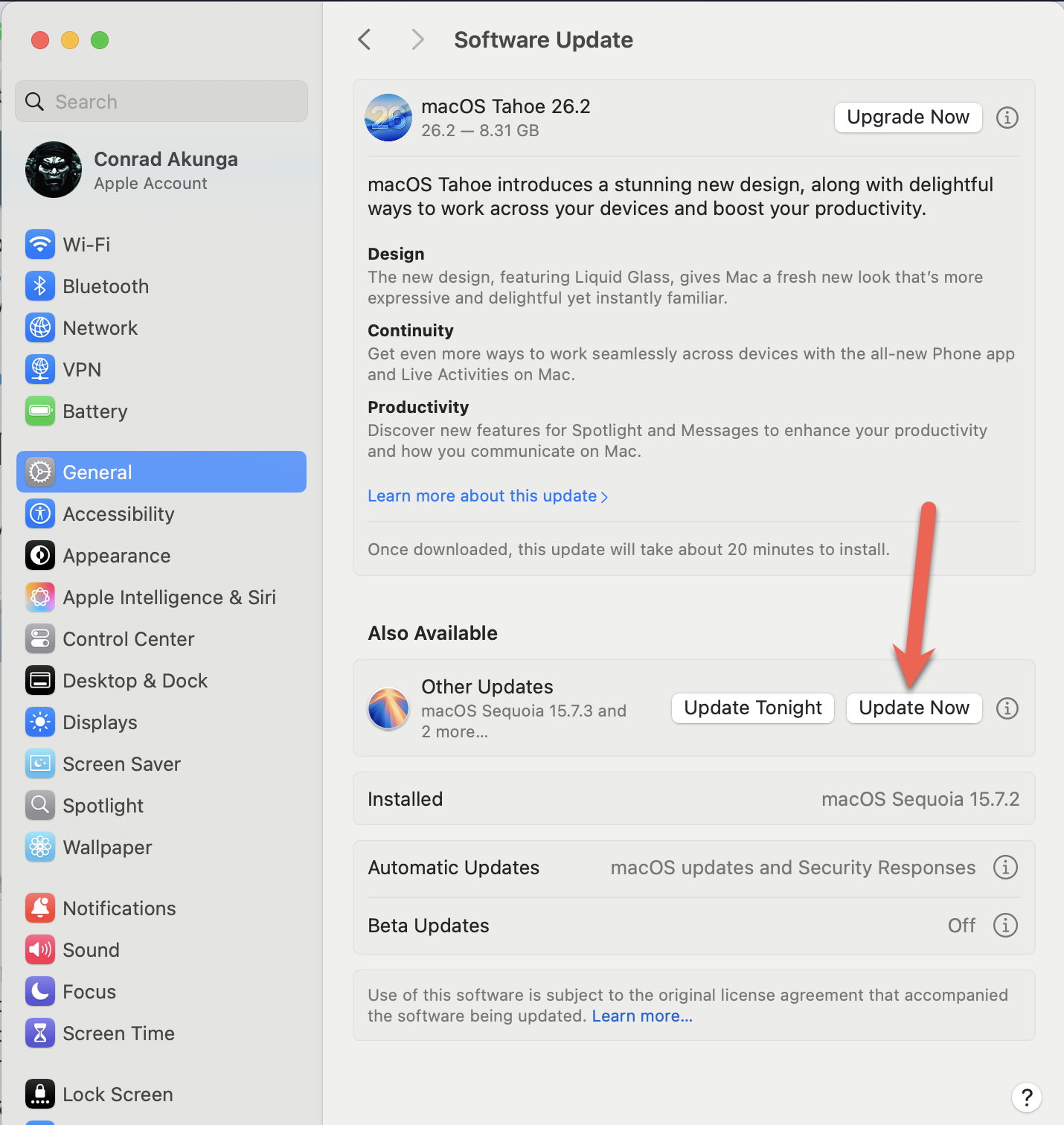
But since I am not trusting, I wanted to see exactly what was going to be upgraded and so I clicked this instead:
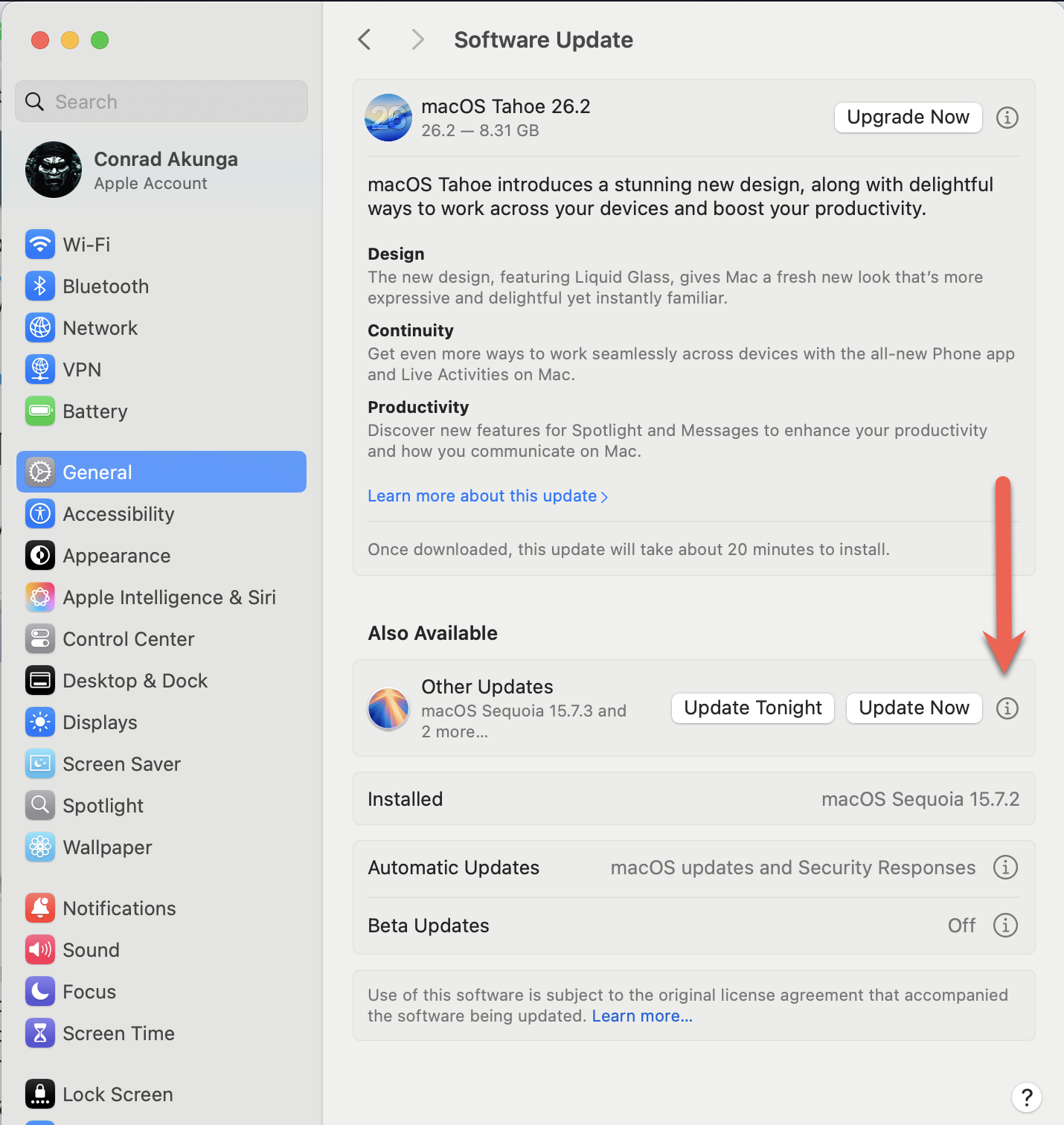
Which took me to the following screen:
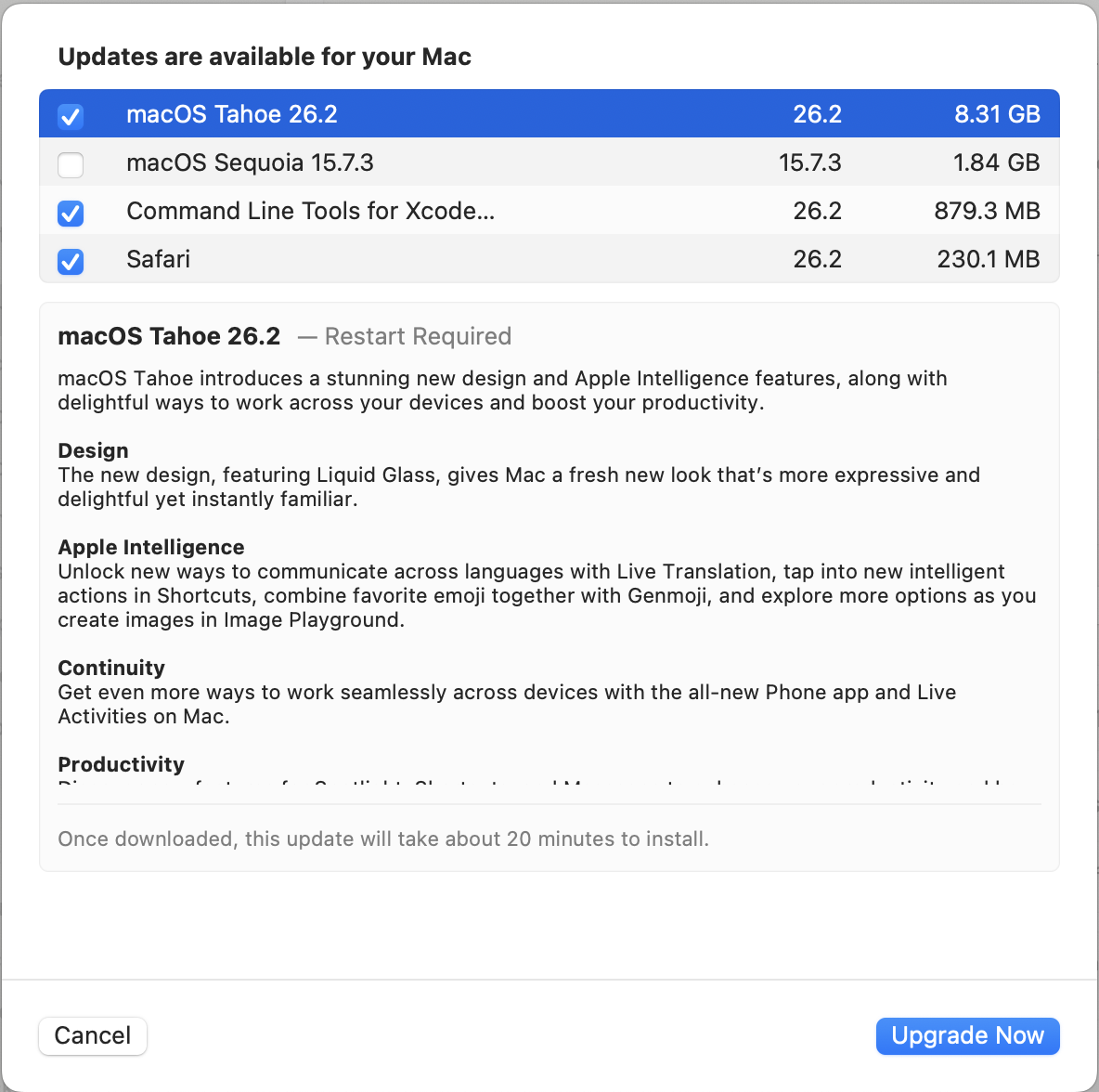
Note that not only has it helpfully deselected Sequoia, but it has also selected Tahoe for me!
What an underhanded trick!
TLDR
Don’t trust what any update screen tells you. Check for yourself what it is going to do!
Happy hacking!