Creating A Unique Index That Allows NULL in SQL Server
[SQL Server, Database]
A unique index is a fairly simple construct.
It does not allow a column value to repeat across the rows.
Take the following table DDL in Microsoft SQL Server.
CREATE TABLE Fruits
    (
        FruitID INT           IDENTITY NOT NULL PRIMARY KEY,
        Name    NVARCHAR(100) NOT NULL
    );
We can insert Fruits as follows:
INSERT dbo.Fruits
    (
        Name
    )
VALUES
    (
        N'Apples'
    ),
    (
        N'Bananas'
    ),
    (
        N'Mangoes'
    );
We can also do this:
INSERT dbo.Fruits
    (
        Name
    )
VALUES
    (
        N'Pears'
    ),
    (
        N'Pears'
    ),
    (
        N'Pears'
    );
This is a contrived example, so let us use something more realistic.
This is the table:
CREATE TABLE SpyAgencies
    (
        SpyAgencyID INT          IDENTITY NOT NULL PRIMARY KEY,
        Code        NVARCHAR(5)  NULL,
        Name        NVARCHAR(20) NOT NULL
    );
GO
And this is the data:
INSERT dbo.SpyAgencies
    (
        Code,
        Name
    )
VALUES
    (
        N'CIA', N'Central Intelligence Agency'
    ),
    (
        N'CIA', N'Candadian Intelligence Agency'
    );
This will result in the following:
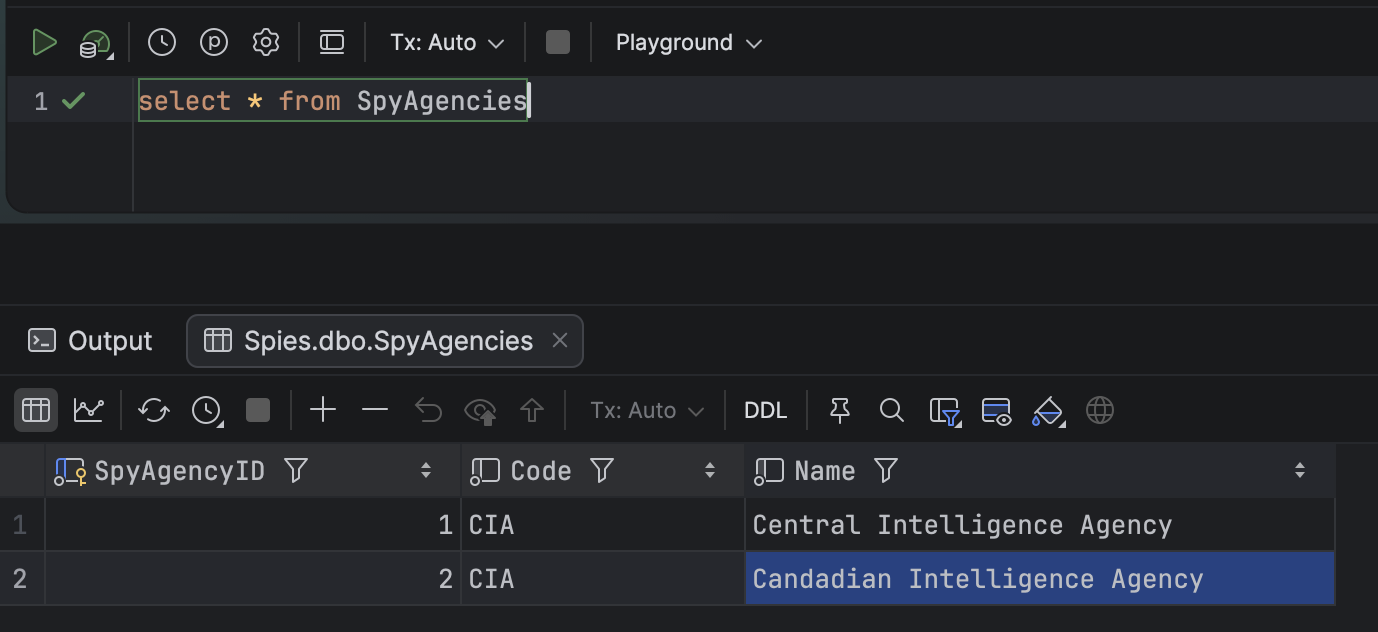
We can see here that the code is repeating.
This is solved using a unique index.
CREATE UNIQUE INDEX UQ_Spies_Code
    ON dbo.SpyAgencies (Code);
If you run this code, you will get the following error:
Msg 1505, Level 16, State 1, Line 1
The CREATE UNIQUE INDEX statement terminated because a duplicate key was found for the object name 'dbo.SpyAgencies' and the index name 'UQ_Spies_Code'. The duplicate key value is (CIA).
The statement has been terminated.
This is because the data in the table already violates the constraint!
For today’s purposes, go ahead and delete the existing data.
DELETE FROM dbo.SpyAgencies
Then run the code to create the index.
CREATE UNIQUE INDEX UQ_Spies_Code
    ON dbo.SpyAgencies (Code);
Now run the insert statements.
INSERT dbo.SpyAgencies
    (
        Code,
        Name
    )
VALUES
    (
        N'CIA', N'Central Intelligence Agency'
    ),
    (
        N'CIA', N'Candadian Intelligence Agency'
    );
Now we get a slightly different error:
Msg 2601, Level 14, State 1, Line 1
Cannot insert duplicate key row in object 'dbo.SpyAgencies' with unique index 'UQ_Spies_Code'. The duplicate key value is (CIA).
The statement has been terminated.

Completion time: 2026-06-08T20:28:26.0359650+03:00
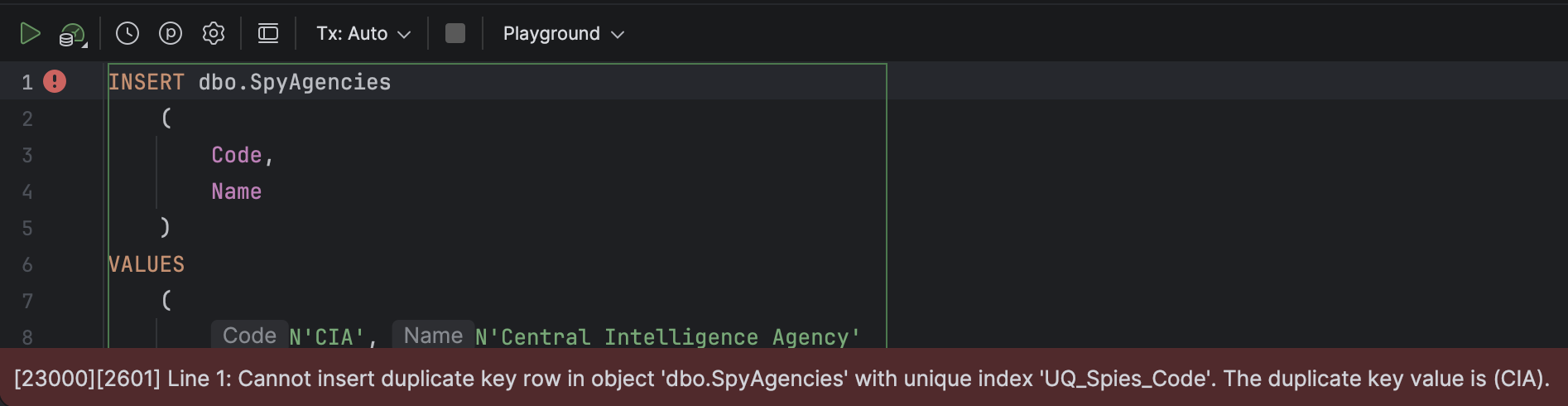
So far so good.
Now let us look at a scenario where we don’t always know the agency code as we are inserting the data.
INSERT dbo.SpyAgencies
    (
        Code,
        Name
    )
VALUES
    (
        N'KGB', N'Komitet gosudarstvennoĭ bezopasnosti'
    ),
    (
        NULL, 'Pakistani Intelligence'
    ),
    (
        NULL, 'National Intelligence Service (Kenya)'
    );
Here we know the code for the KGB, but we don’t know the code for 2 intelligence services - Pakistani Intelligence and the National Intelligence Service (Kenya).
Ideally, this should succeed, as NULL does not really constitute a code, and no two NULLs are equal.
Interestingly, this fails.
Msg 2601, Level 14, State 1, Line 1
Cannot insert duplicate key row in object 'dbo.SpyAgencies' with unique index 'UQ_Spies_Code'. The duplicate key value is (<NULL>).
The statement has been terminated.

Completion time: 2026-06-08T20:38:47.7266925+03:00
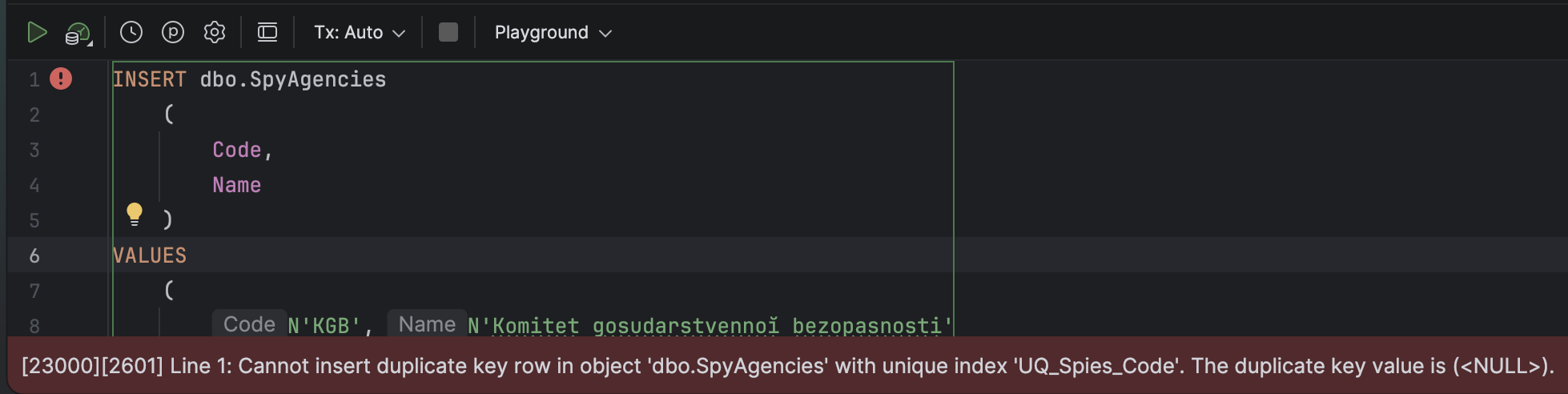
This is because SQL Server considers two different null values as a violation of the unique constraint.
This can be fixed by the fact that indexes can be filtered.
The solution is as follows:
-- drop the existing inde
DROP INDEX UQ_Spies_Code
    ON dbo.SpyAgencies;
-- Recreate to ignore nulls
CREATE UNIQUE INDEX UQ_Spies_Code
    ON dbo.SpyAgencies (Code)
    WHERE (Code IS NOT NULL);
Now, if we try to insert the data, we succeed.
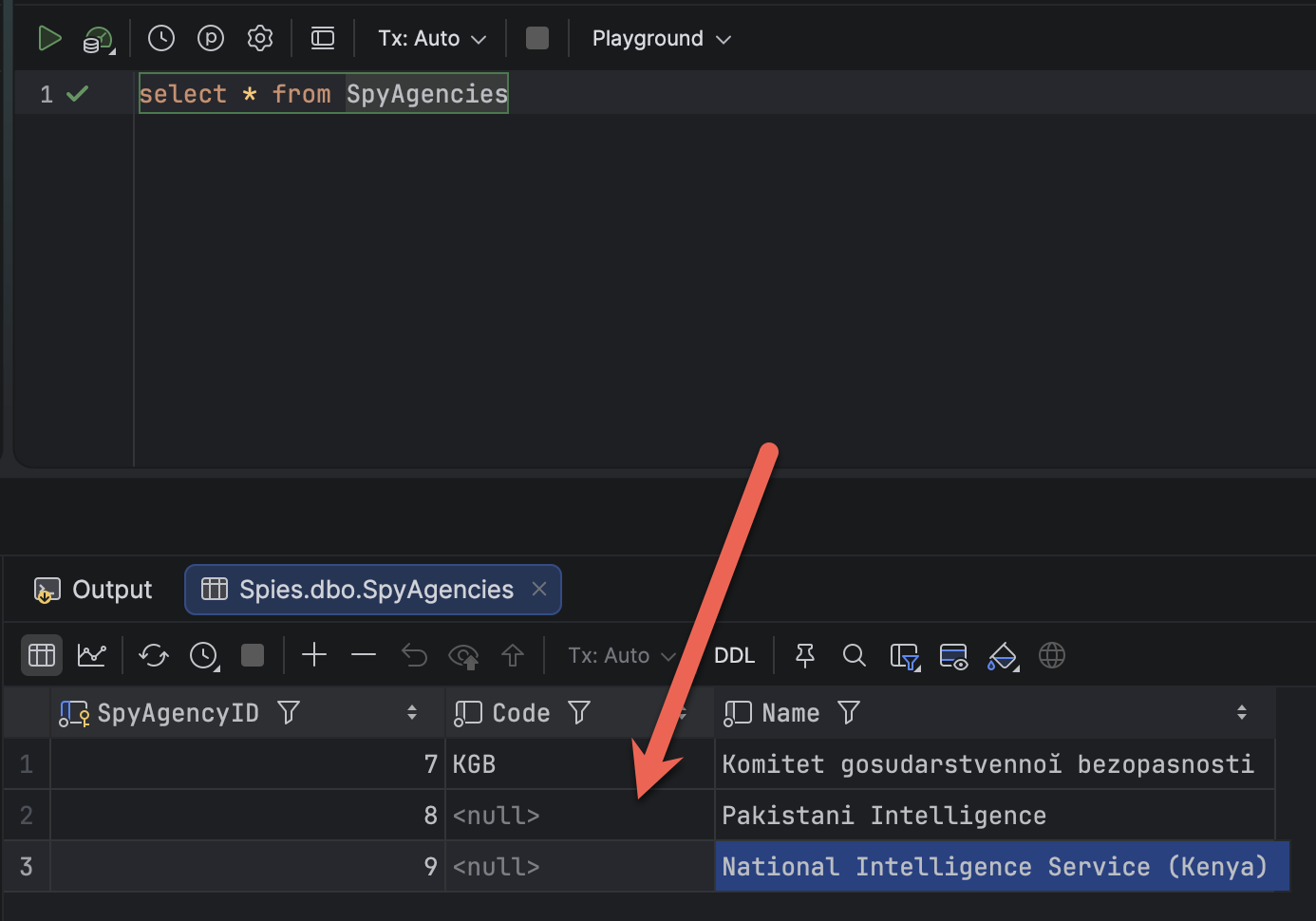
This essentially means:
If the code is NULL, allow entry. Otherwise, only allow entry if it is unique.
TLDR
In SQL Server you can allow NULL values for columns with a unique index by using filtered indexes. Otherwise, it will allow exactly one NULL
Happy hacking!