Displaying Icons In Warp Terminal
[Terminal, Command Line, Tooling, Linux, Unix, macOS]
In a previous post, “Using Aliases To Improve Command Line Experience”, we looked at how to use eza and aliases to improve your command line terminal experience.
However, I realized the output was still not what I expected.
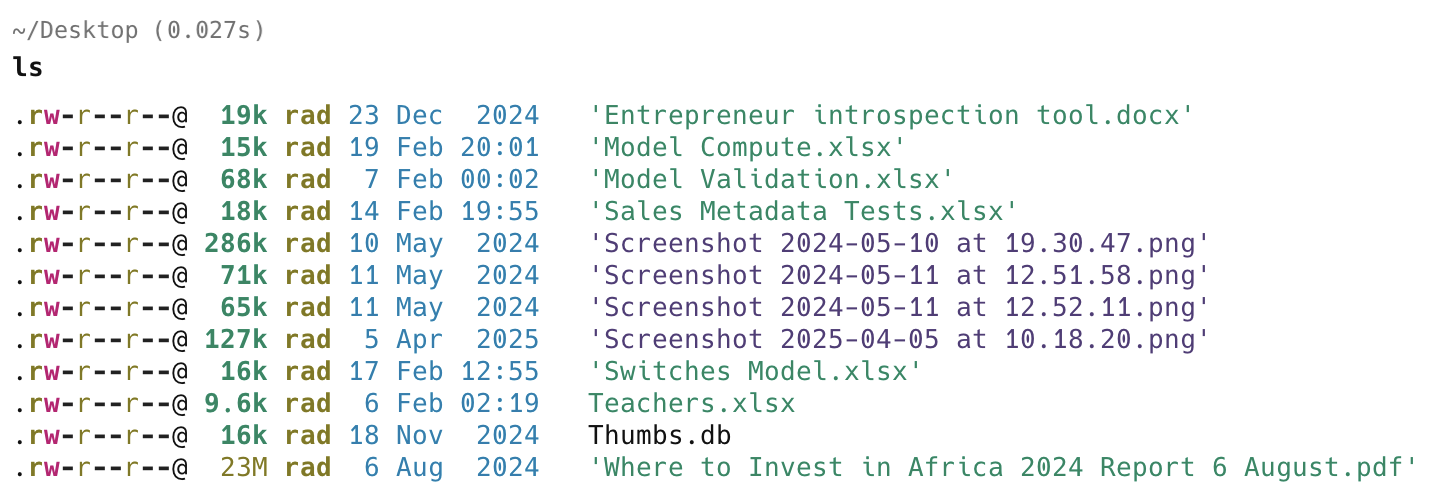
Given that the alias is the following:
ls='eza -l --icons'
Where are the icons?
Turns out that the display of icons is a two-part problem.
ezaobtains the icon for each file type- The terminal displays them
I have only solved the first problem.
The second problem is the terminal itself displaying the icons.
I currently use the excellent Warp terminal.
The solution is to change the display font to one that supports icons.
This is accessible via the settings menu:

Then the appearance section:
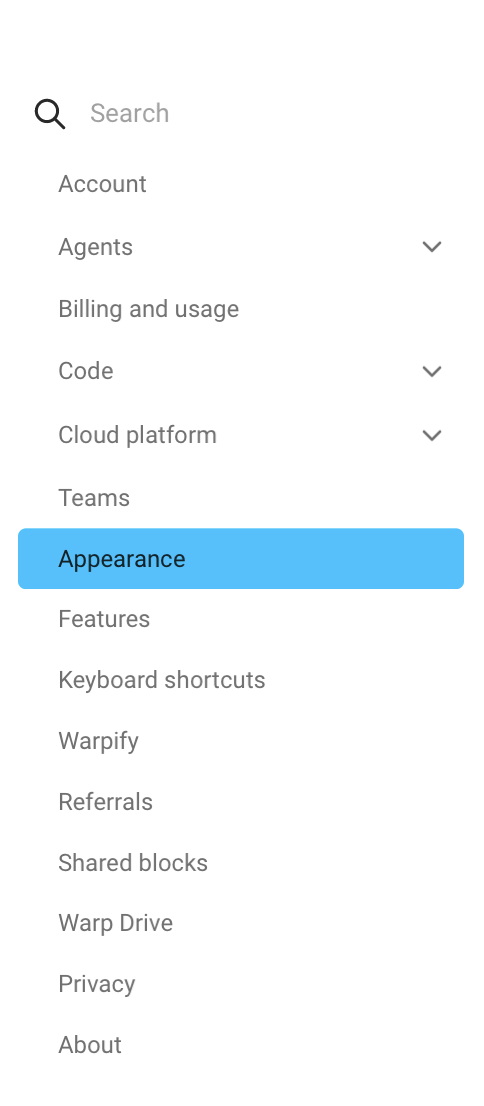
And finally, the text section, where you can change the font.

I am here using the excellent Fira Code Nerd font.
The change should take effect immediately.
My output now looks like this:
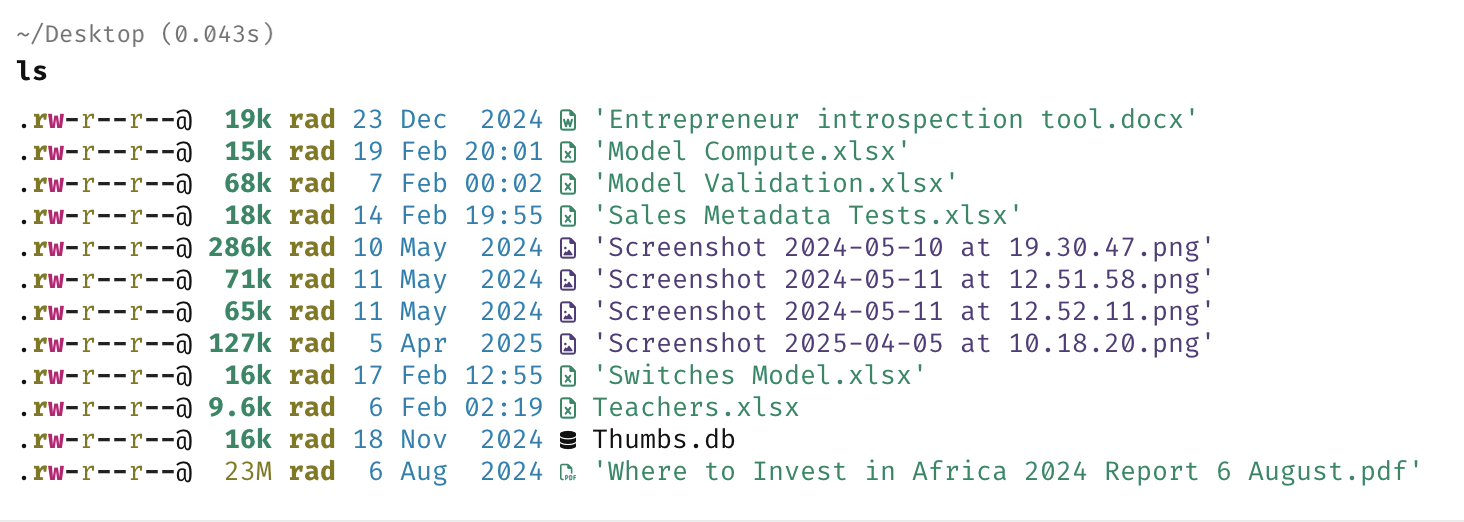
Much better!
TLDR
Use a font that supports icon display, like Fire Code Nerd, for an even better experience with eza.
Happy hacking!