Getting the Connected Drives in C# & .NET
[C#, .NET]
Recently, I needed to access and enumerate all the drives attached to my main computer, a MacBook Pro running macOS Sonoma.
This can be achieved using the GetDrives method of the DriveInfo class, which returns a collection of DriveInfo objects.
You can then iterate over the list and access whatever information you want.
During iteration, check whether the drive is ready by examining its IsReady property. This is because some drives may be connected, but not actually in a position to be interrogated; for example, a DVD drive that does not actually have a DVD.
The code is as follows:
// Get all the drives attached
var drives = DriveInfo.GetDrives();

foreach (var drive in drives)
{
  // Check if the drive is ready
  if (drive.IsReady)
  	Console.WriteLine($"{drive.Name} ({drive.DriveType})");
}
This will print something like this:
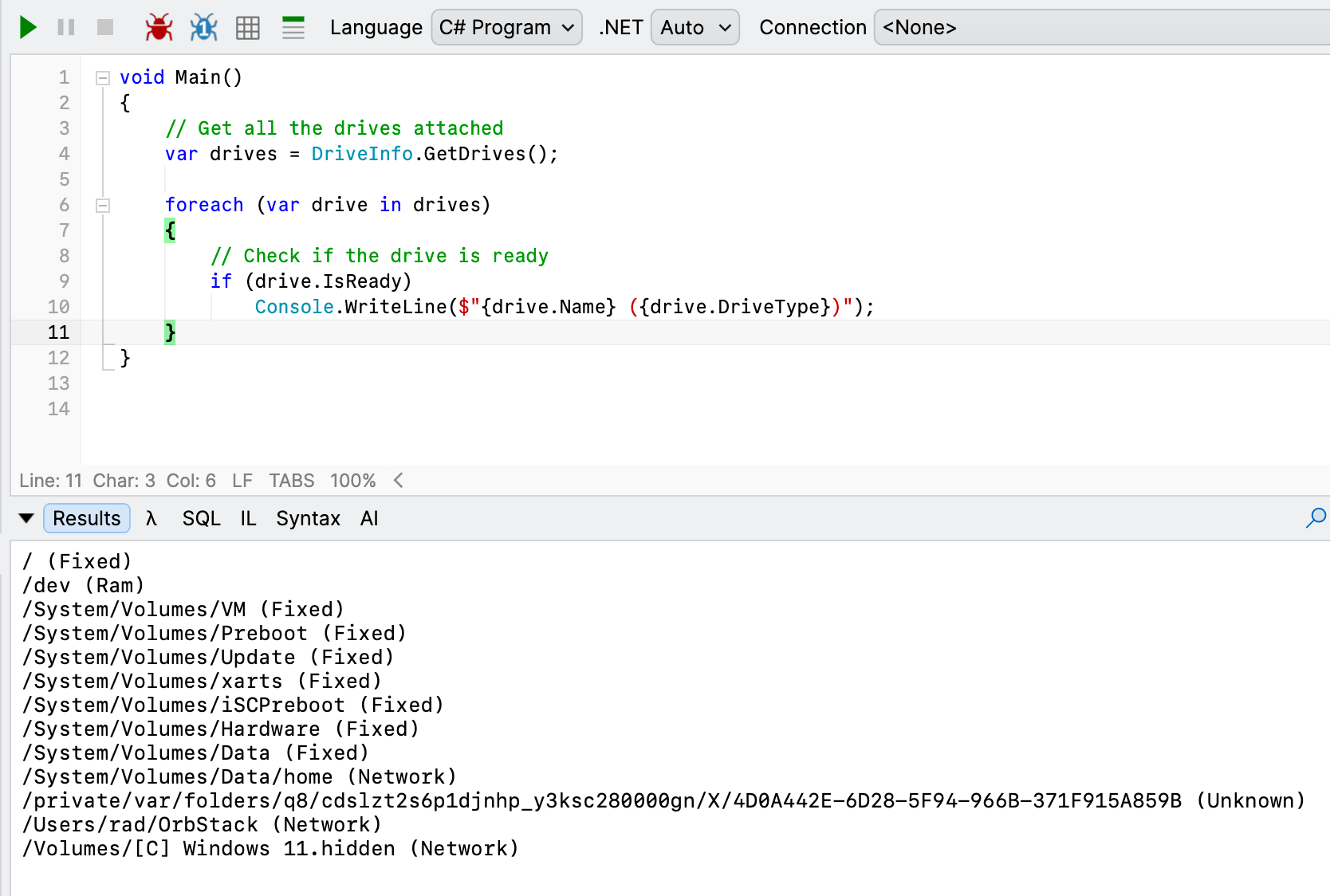
We can see that the runtime finds all attached drives, including hidden and system ones.
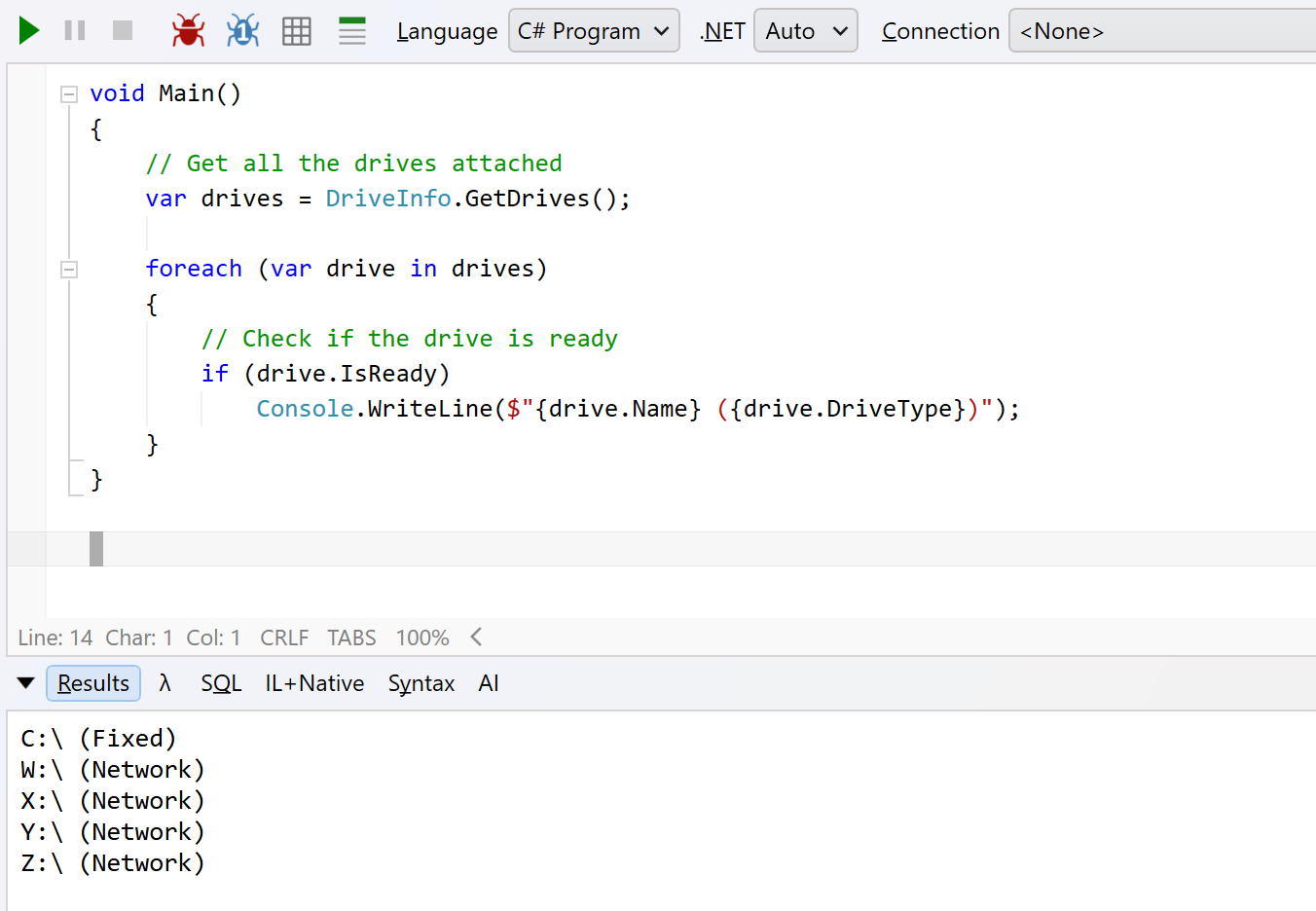
If I run the same code on Windows, I get the following result:
TLDR
The DriveInfo class contains methods and properties allowing interrogation of attached drives.