Installing .NET 11 Preview On macOS
[C#, .NET, .NET 11 Preview]
.NET 10 was released last year, and work is in progress on .NET 11, due for release this year. As a reminder, there is an annual release cycle for .NET (a topic of hot debate).
The time has come to see what’s coming, so I wanted to install the latest version of the SDK.
I am using the work of isen-ng to support having multiple versions of the SDK on my primary machine running macOS 15.
.NET 11 is available in preview.
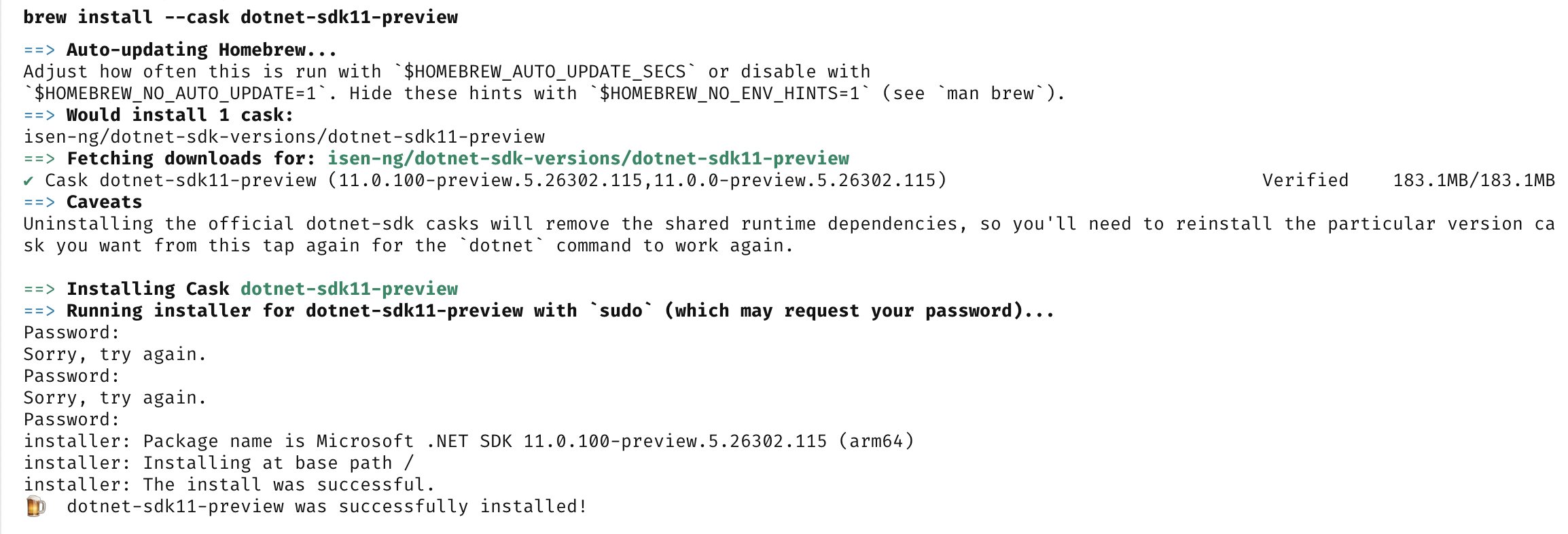
You install it as follows, using Homebrew.
brew install --cask dotnet-sdk11-preview
You should see something like this:
We can then verify it installed as follows:
dotnet --list-sdks
Which should show something like this:

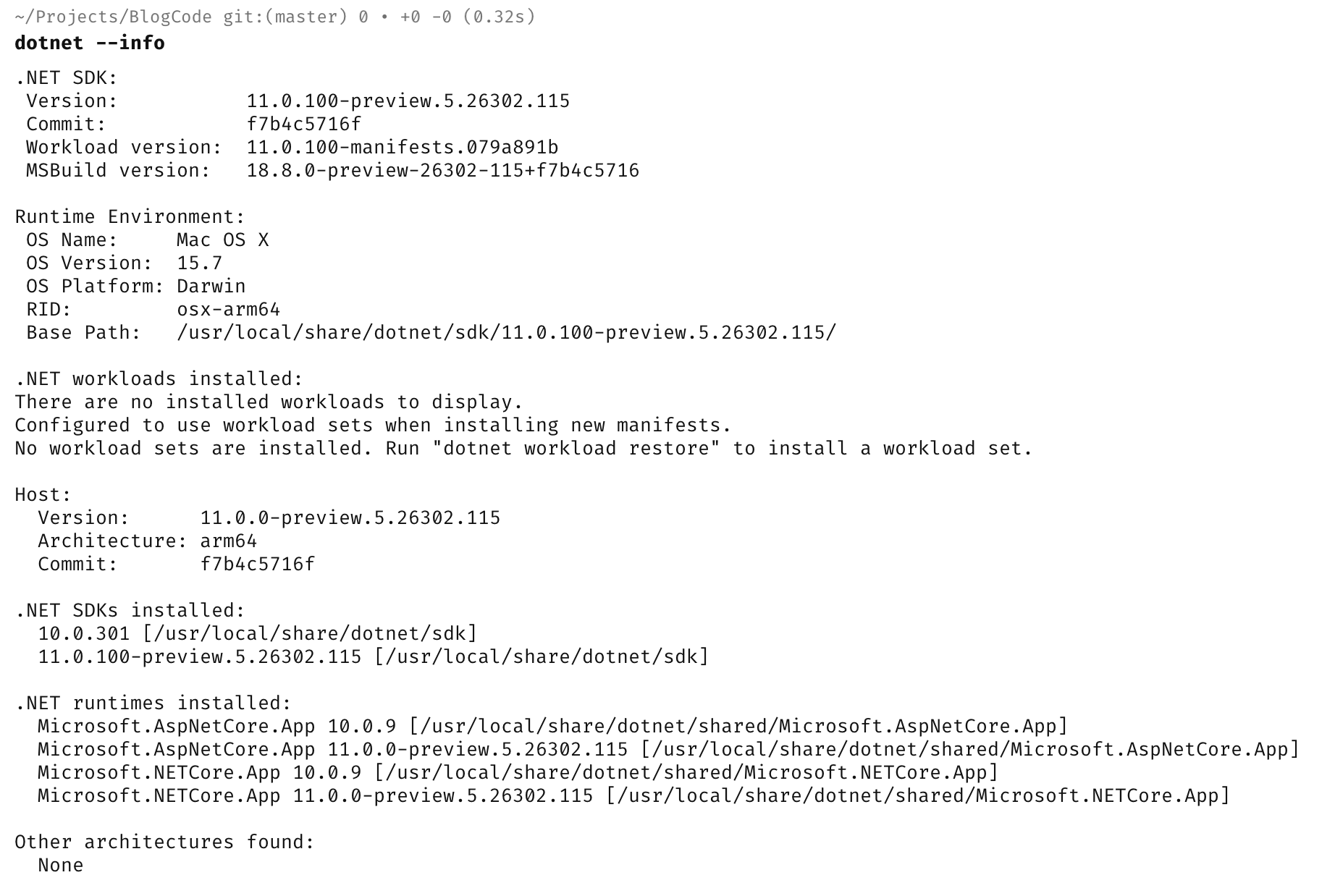
Finally, we can check that it runs.
dotnet --info
Which will print something like this:
And it seems we’re good to go.
TLDR
.NET 11 betas are available.
Happy hacking!