.NET 11 Preview - Finding A Running Process
[C#, .NET, .NET 11 Preview]
If you want to get information about a process and have its ID, you can use the GetProcessById API in the Process class to fetch it.
You’d typically do it like so:
var process = Process.GetProcessById(96137);
Console.WriteLine($"Process name: {process.ProcessName}");
This will print the following:

You can try this for yourself by listing the current processes using the ps command.
ps
This works with bash (for Linux, Unix, and macOS)
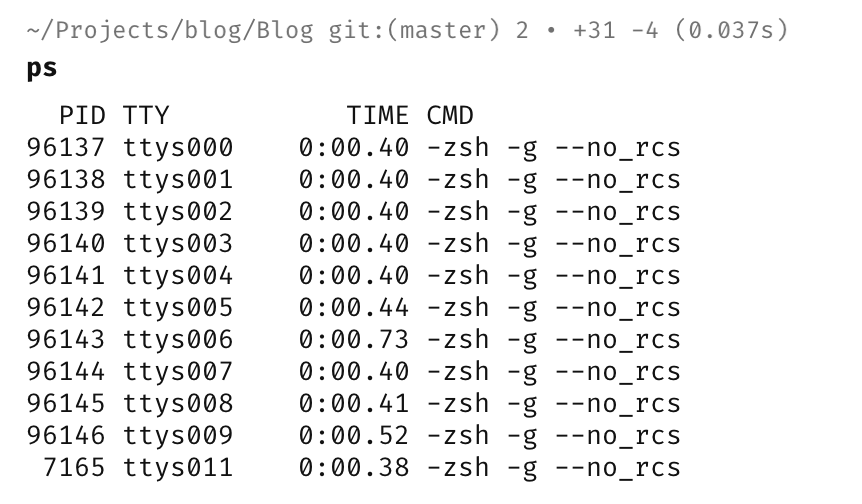
It also works on Windows with PowerShell, where it is an alias for Get-Process.

The problem arises when you try to get a process with a non-existent ID, or one you cannot legitimately get info about.
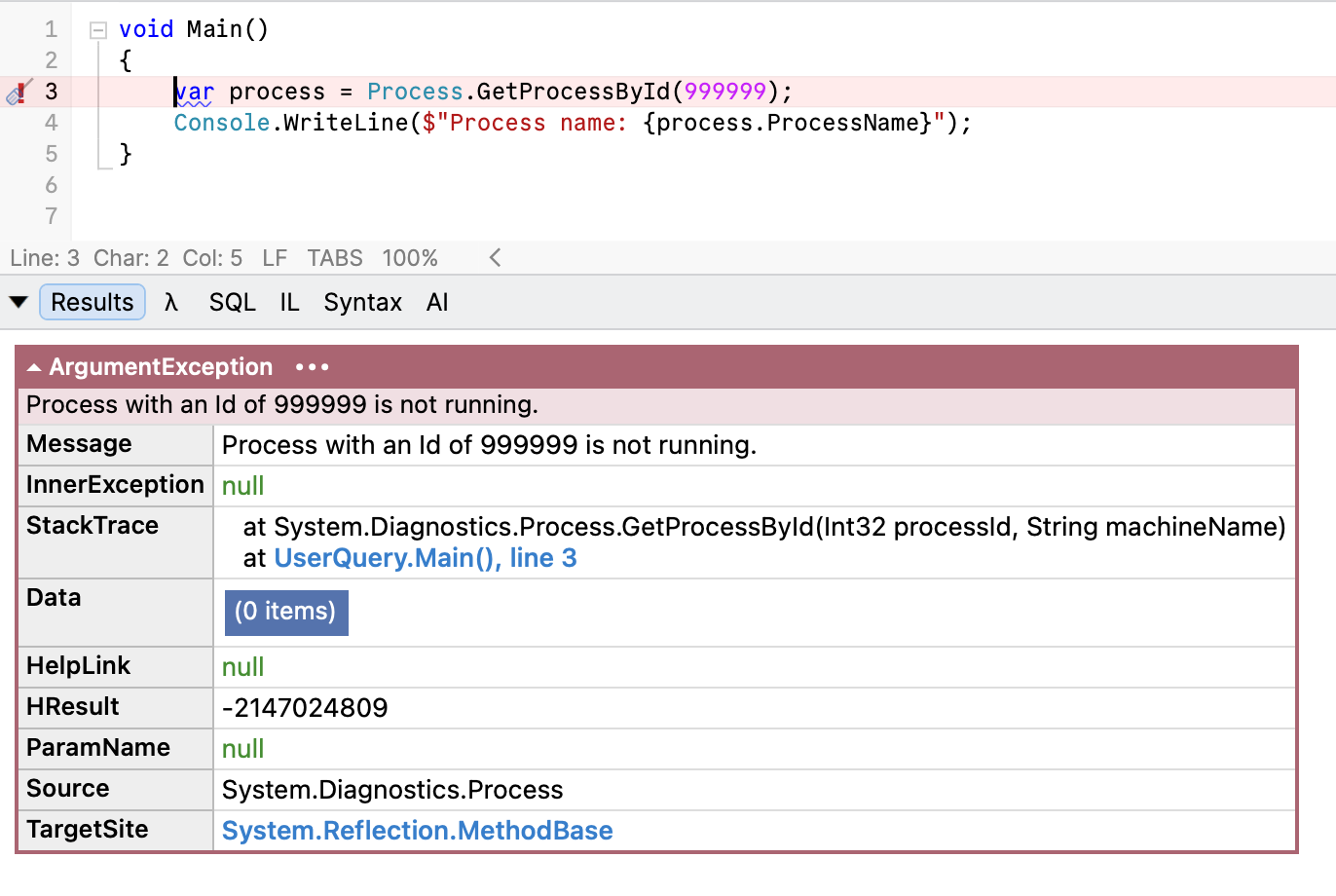
If the runtime cannot obtain the process, it throws an exception.
Here, I am using the dummy ID of 999999.
This means you must always wrap your code in a try-catch block, like so:
try
{
	var process = Process.GetProcessById(99999);
Console.WriteLine($"Process name: {process.ProcessName}");
}
	catch (Exception e)
{
	Console.WriteLine("Could not load process!");
}
In .NET 11, there is a more elegant API for this problem - the TryGetProcessById API. (As I write this, the official API documentation is yet to be updated for Preview 6)
This works like so:
if (Process.TryGetProcessById(99999, out var process))
{
  // Do stuff with our process here
  Console.WriteLine($"Process name: {process.ProcessName}");
}
else
{
  Console.WriteLine("Could not load process!");
}
This is much more elegant.
TLDR
The new TryGetProcessById API allows you to safely try to get process information without requiring exception handling in the case of failure.
The code is in my GitHub.
Happy hacking!