Storing Data In Redis With Command Line
[Tools, Redis]
Caching is something that you will undoubtedly need to do when writing high performance systems, where you are trying to minimize expensive I/O such as:
- Disk reads
- Network reads
- Database reads
- Data / objects that are expensive to compute
Redis, and its compatriots (which we shall look into later) is a solution built around this precise use case.
You can spin up a Redis instance using this docker-compose file:
services:
  redis:
    image: redis:alpine
    container_name: redis
    restart: always
    environment:
      - TZ=Africa/Nairobi
    command: ["redis-server", "--requirepass", "YourStrongPassword123"]
    ports:
      - '6379:6379'
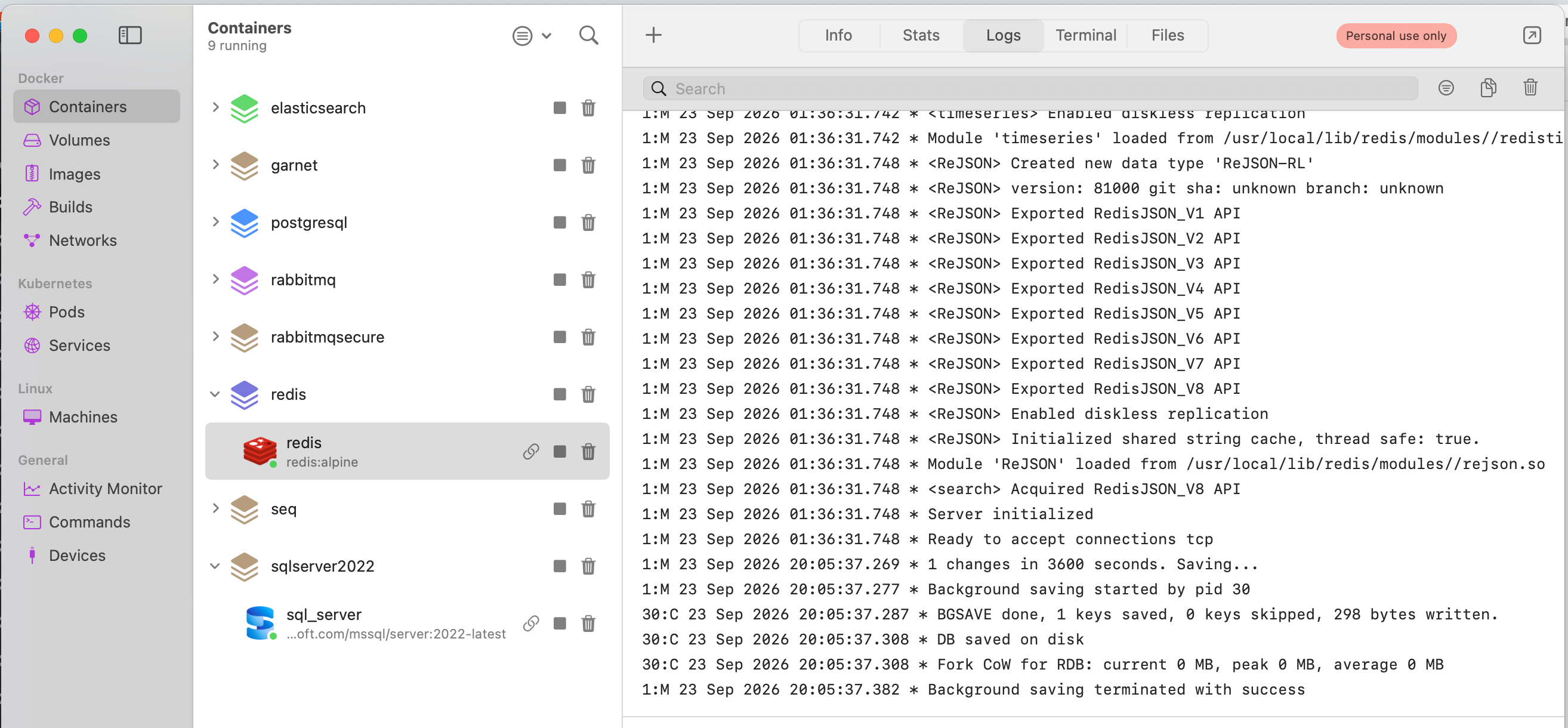
Once it is running, you should see the following:
Next, we insert some data.
For this we will use the command line.
We start by connecting to the instance and authenticating ourselves.
redis-cli -h localhost -p 6379 -a 'YourStrongPassword123'
If all goes well we should see the following:
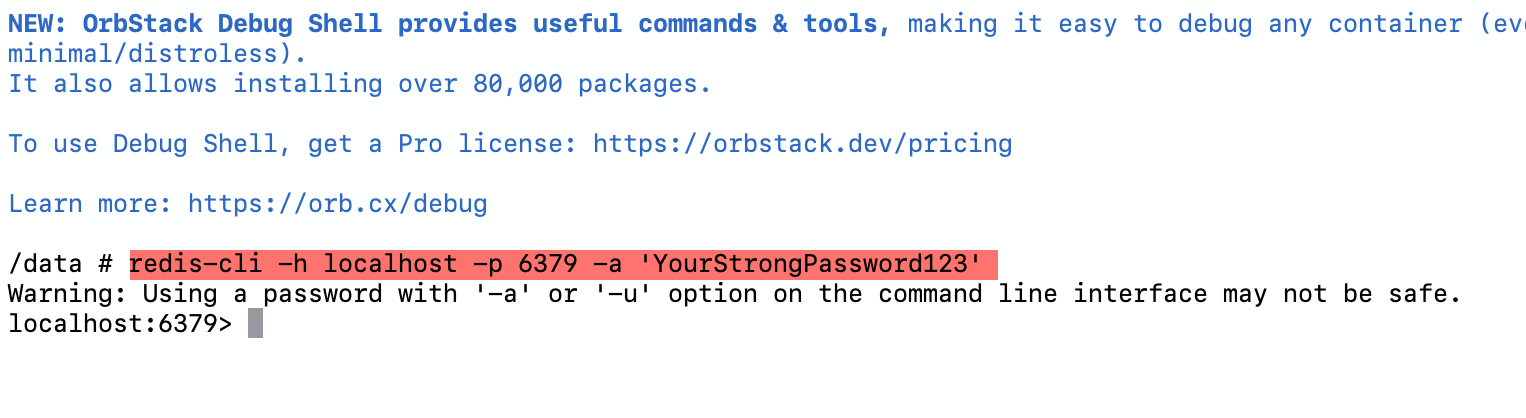
We are successfully connected.
Next, we persist an object.
The object is as follows:
{
  "Name": "Jake Ballard",
  "Agency": "B-16"
}
We want to use the key my-key to identify it.
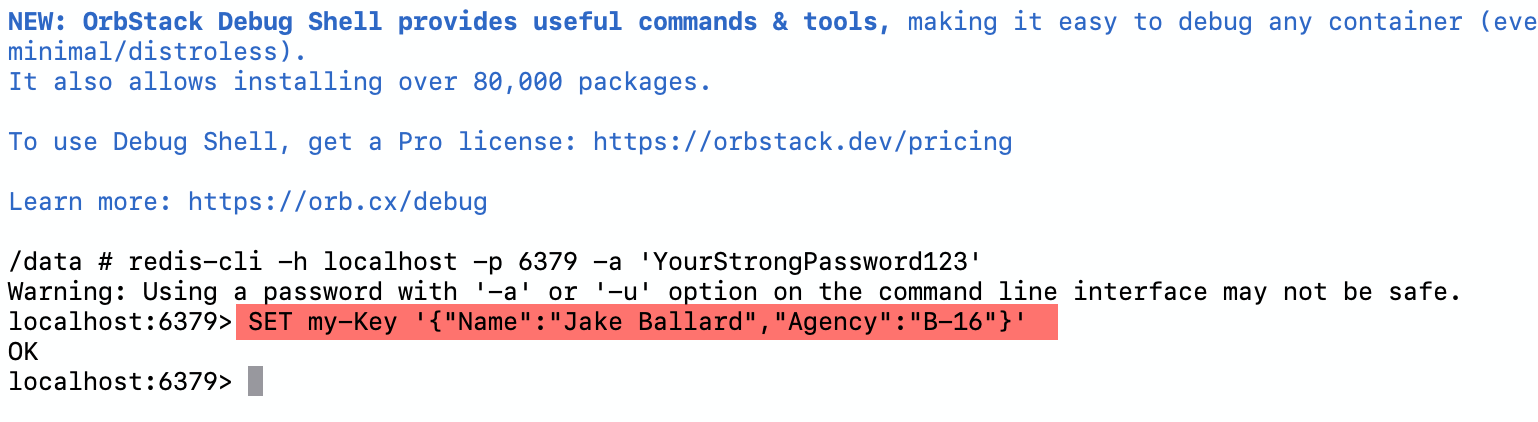
Our command is thus:
SET my-Key '{"Name":"Jake Ballard","Agency":"B-16"}'
If all goes well we should see the following:
We can fetch our object as follows:
GET my-Key
We should get the following:
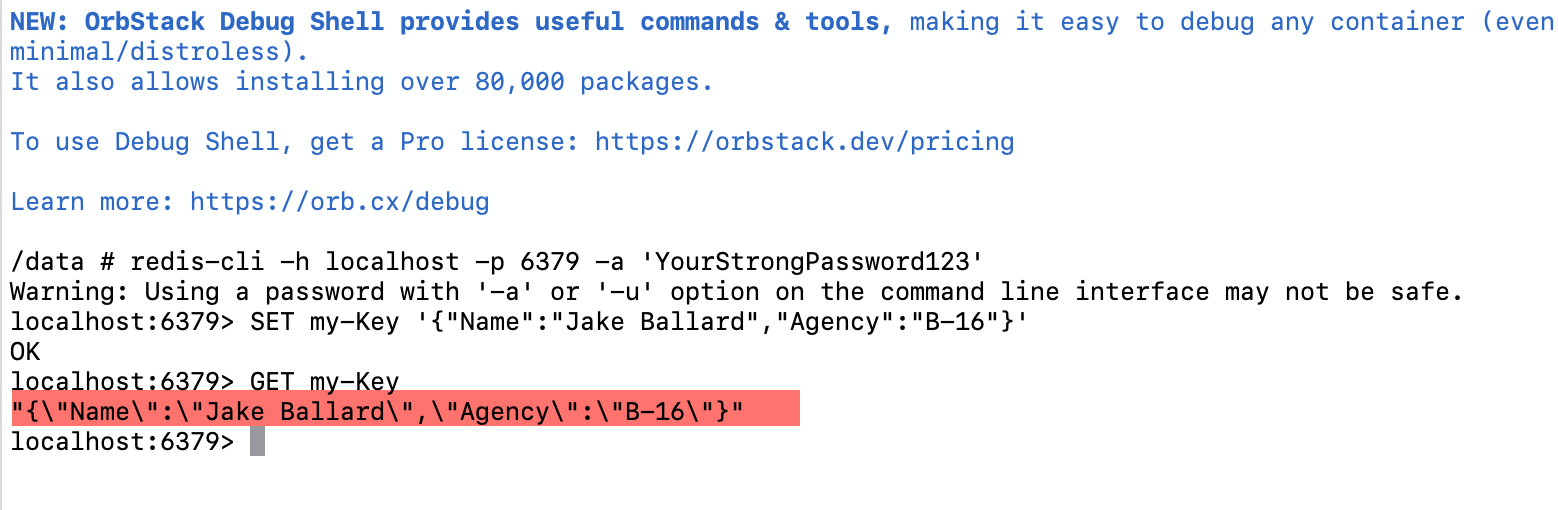
Here you can see we get back our JSON successfully.
TLDR
You can use the Redis and its command line client to persist and retrieve data.