Viewing Files In The Terminal Using Bat
[Tools, Terminal]
Viewing file contents while in the terminal is something that you will probably do quite often.
And the goto for this is usually the cat command.
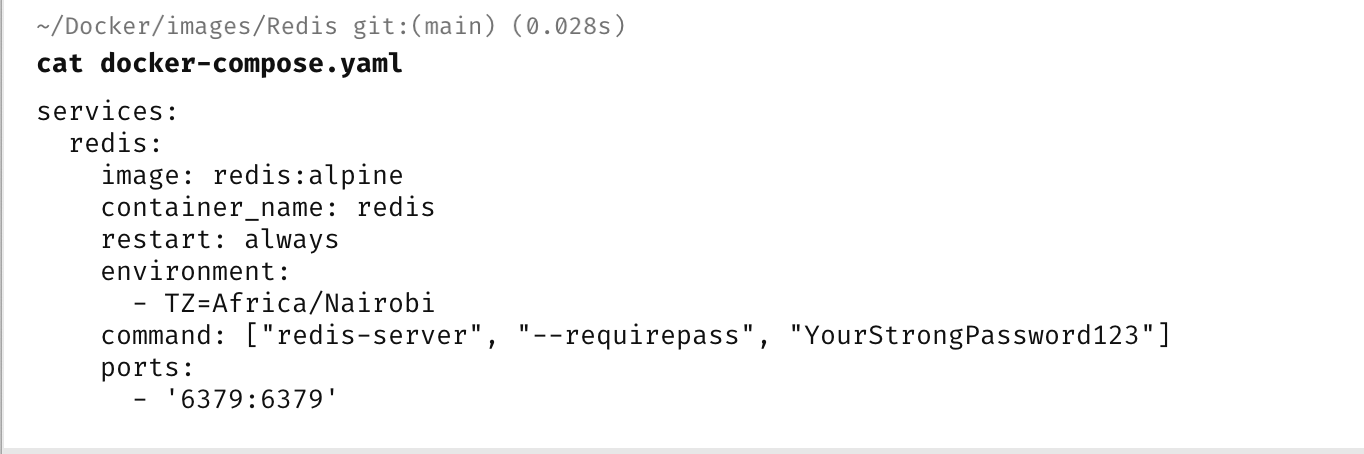
For example in the terminal, if you wanted to view the contents of the file docker-compose.yaml, you would do it like this:
cat docker-compose.yaml
Which would yield the following:
A better tool for this is the cross-platform bat.
Install it using whichever option is appropriate.
Once it is installed, it is a drop-in replacement for cat.
cat docker-compose.yaml
This will yield the following:
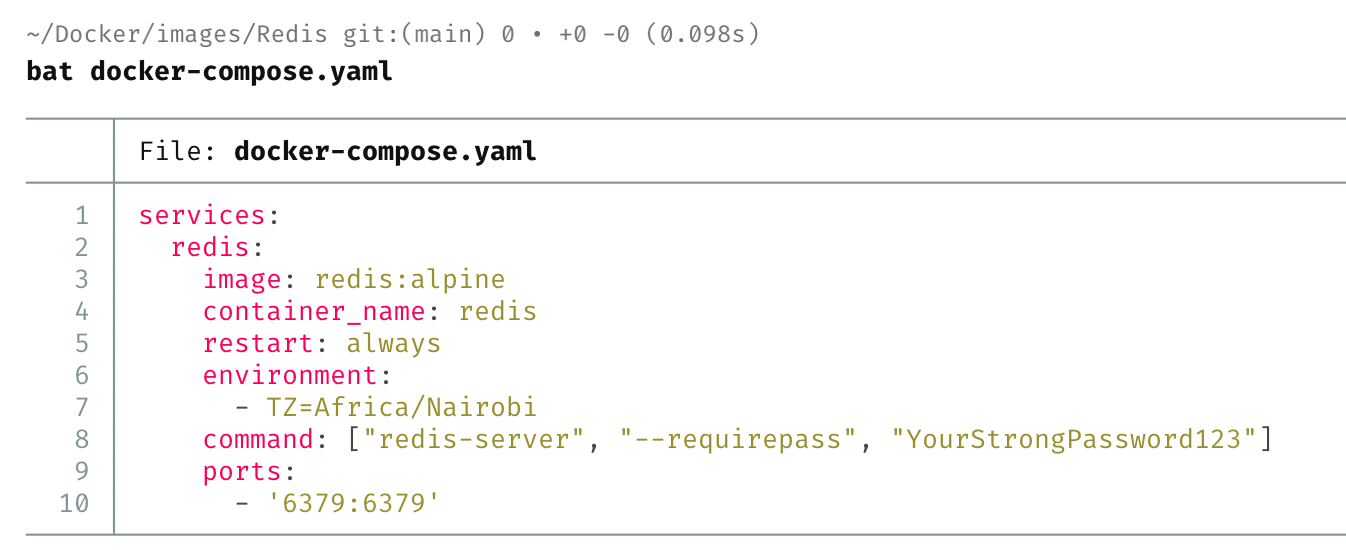
The differences are:
- The viewer is file-type aware and can colour the contents appropriately
- Line numbers are visible.
This is much easier to view and interact with.
TLDR
Use bat, a replacement for cat, for viewing files in the terminal.
Happy hacking!