Working With MySQL using Docker
[Database, MySQL]
Thanks to the power and flexibility of Docker, it is pretty trivial to spin up a MySQL database instance for development and experimentation.
The most current version, as I write this, is 9.7.
The simplest way is to use a docker-compose.yaml file.
Below is a simple file that spins up an instance that will always restart unless you explicitly shut it down.
services:
  mysql:
    image: mysql:latest
    container_name: mysql
    restart: always
    environment:
      MYSQL_ROOT_PASSWORD: mystrongpassword123
      MYSQL_DATABASE: testdb
The container should be up and running once you spin this up.
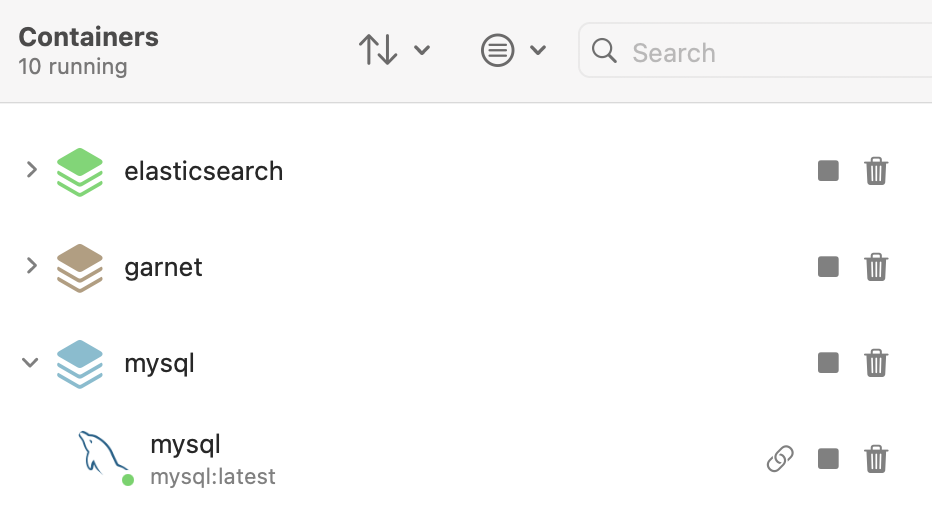
Once you shut down this instance, its data is lost.
If you want to persist the data, do it like this:
First, decide on a location in your file system where you want the persistent data to remain.
Mine is here - /Users/rad/Docker/containers/MySQL
We can update our Docker Compose file as follows:
services:
  mysql:
    image: mysql:latest
    container_name: mysql
    restart: always
    environment:
      MYSQL_ROOT_PASSWORD: mystrongpassword123
      MYSQL_DATABASE: testdb
    volumes:
      - /Users/rad/Docker/containers/MySQL:/var/lib/mysql
As a habit, it is good to be explicit about the timezone.
Our final file looks like this:
services:
  mysql:
    image: mysql:latest
    container_name: mysql
    restart: always
    environment:
      MYSQL_ROOT_PASSWORD: mystrongpassword123
      MYSQL_DATABASE: testdb
      TZ: Africa/Nairobi
    ports:
      - "3306:3306"
    volumes:
      - /Users/rad/Docker/containers/MySQL:/var/lib/mysql
Using your favourite tool of choice, you can verify that everything is working as expected.
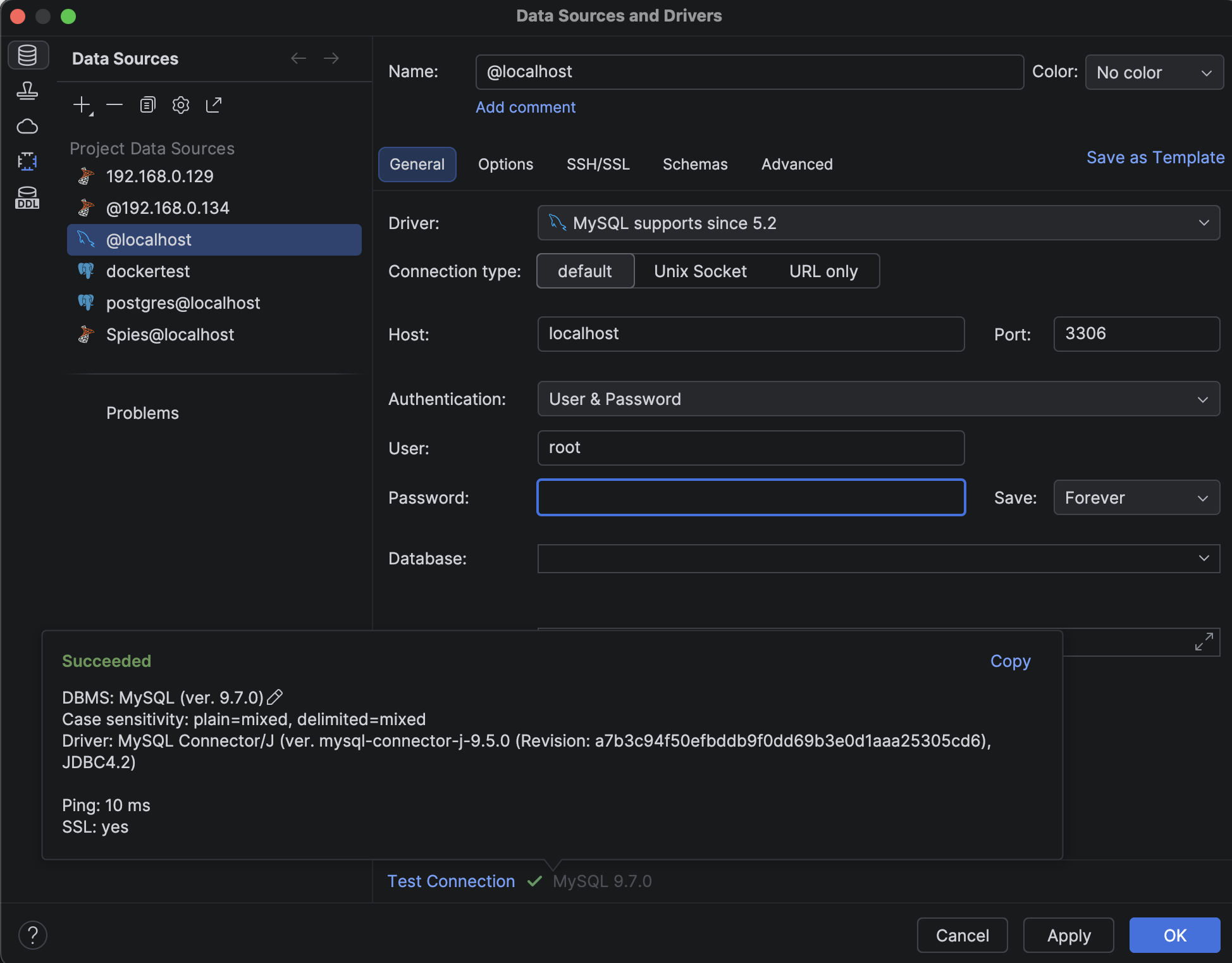
You can then query to verify all is well.
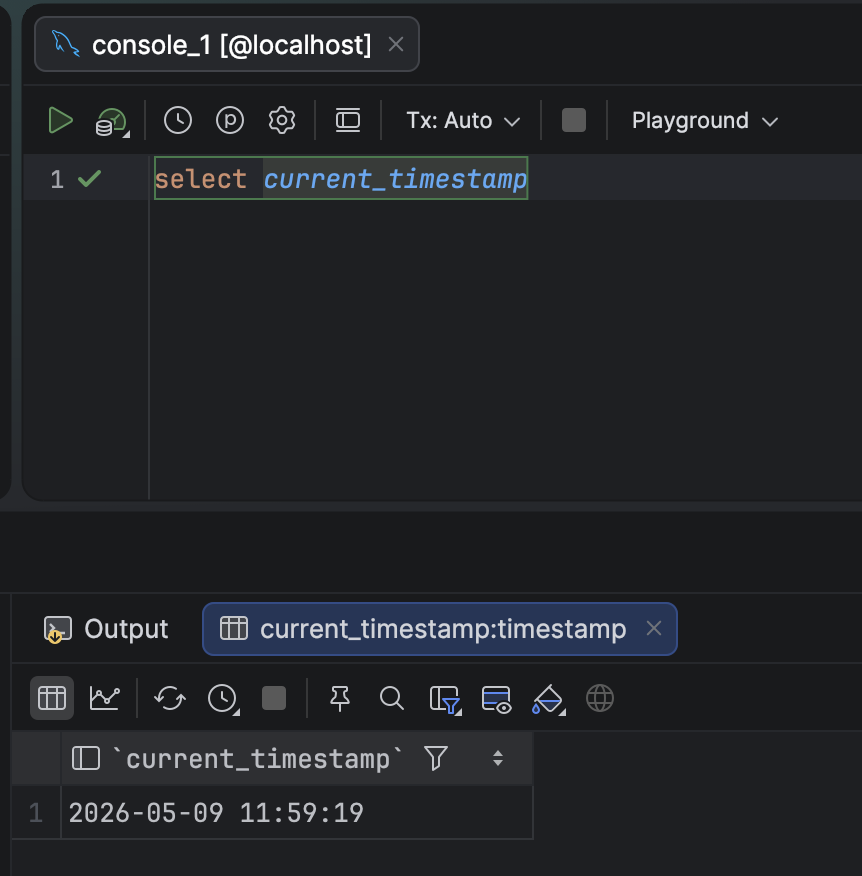
My tool of choice here is JetBrains DataGrip, but you can use anything else, such as MySQL Workbench.
TLDR
Dockerized MySQL is very straightforward to set up.
The code is in my GitHub.
Happy hacking!