Working With "/" The Date Separator In C# & .NET
[C#, .NET]
When working with DateTime and DateOnly, you will inevitably end up outputting them. For this, you will generally need to use /, the date separator.
Something like this:
var now = DateTime.Now;

Console.WriteLine(now.ToString("dd/MM/yyyy"));
No surprises here.
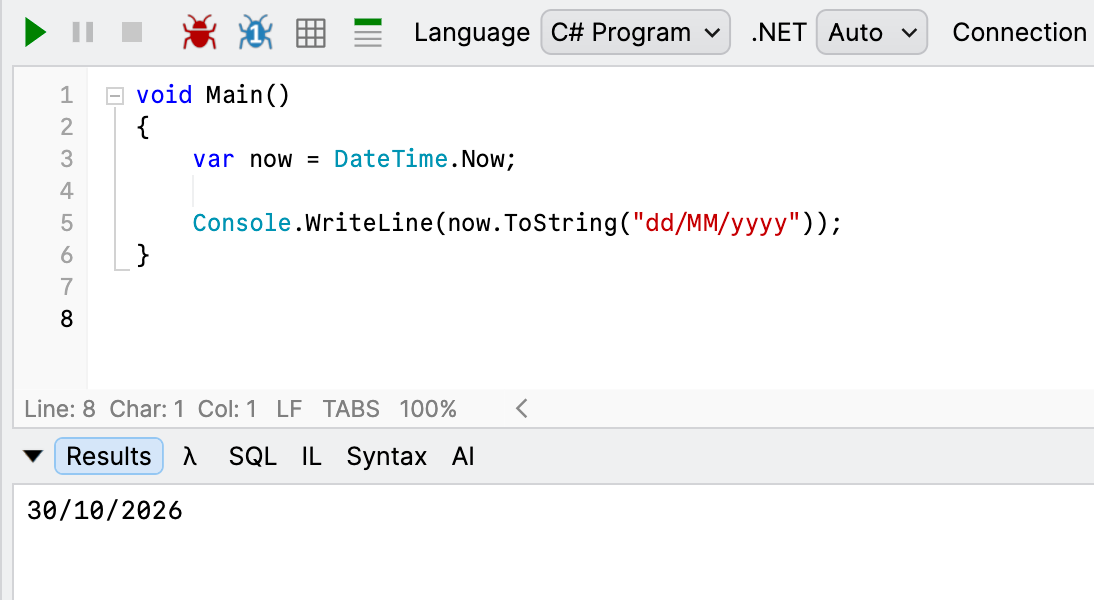
But you need to remember that the / does not mean an actual backslash - it means whatever date separator has been set at the operating system level.
Here is the same code running in my Windows VM.
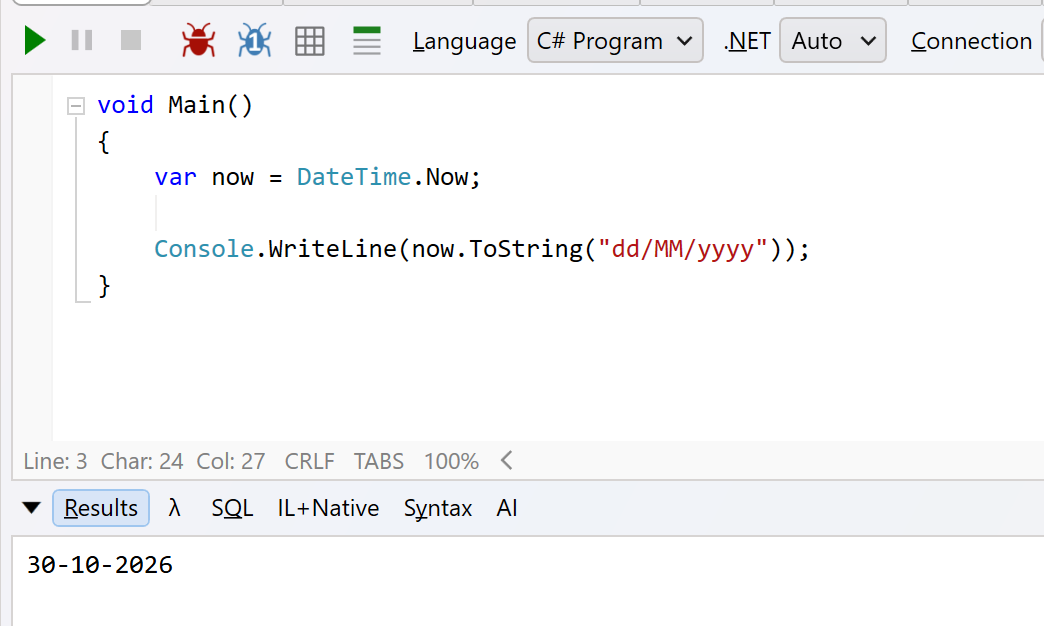
Note the result: 30-10-2026.
This is because my VM has a custom date format.
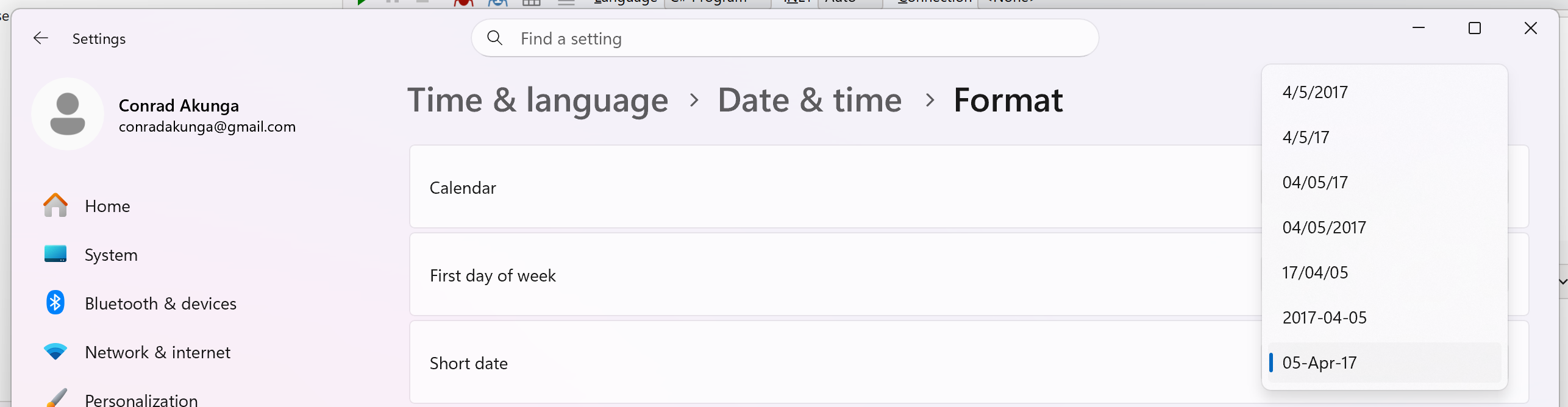
This is a reminder that ``/` refers to the date separator, not necessarily a backslash.
Most of the time, you don’t actually have to worry about this.
But recently I ran into a problem - I am generating a file, and the format for the date is expected to be dd/MM/yyyy.
My code correctly generates 30-10-2026, which is technically correct, but wrong for my purposes.
There are a couple of solutions to this:
The first solution, for simple scenarios, is not to use the DateSeparator at all.
Specify the date format as follows: dd'/'MM'/'yyyy
Note here that the / is now just a normal, escaped character.
The code now looks like this:
void Main()
{
  var now = DateTime.Now;

  Console.WriteLine(now.ToString("dd'/'MM'/'yyyy"));
}
The code will now run as expected, regardless of the configured date separator.
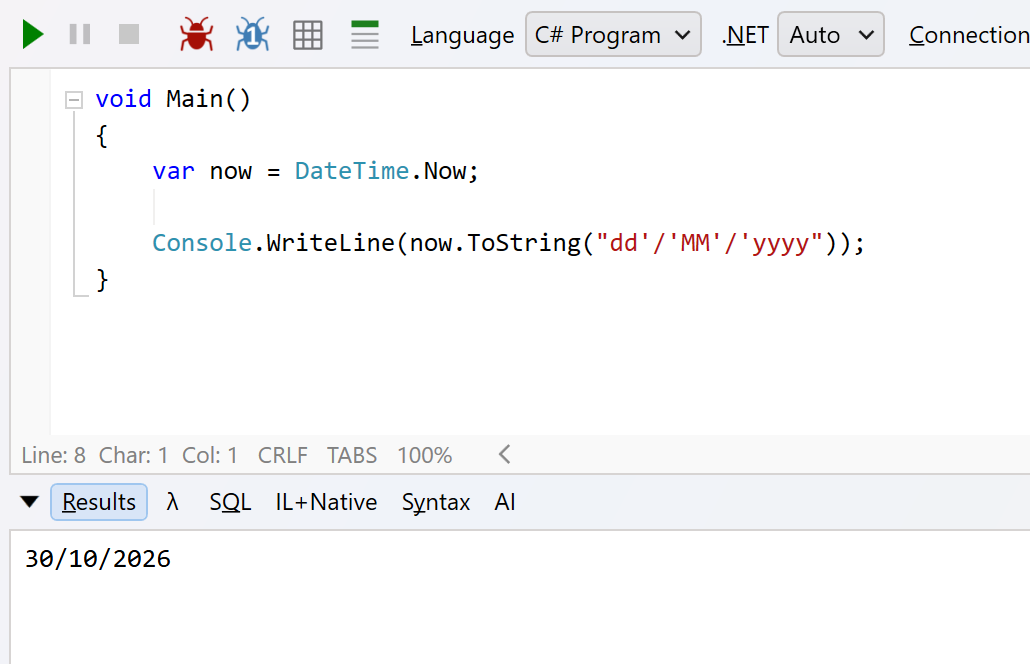
But this is a very hacky solution for one-off use.
We’ll implement the proper solution in our next post.
TLDR
The / in a date format string refers to the currently configured operating system date separator.
Happy hacking!