Getting the Total and Available Space In A Drive in C# & .NET
[C#, .NET]
In our previous post, “Getting the Connected Drives in C# & .NET”, we looked at how to get the available drives attached to a computer.
In this post, we will look at how to check for total and available space.
The solution, naturally, is still in the DriveInfo class.
The properties we need are:
The code is as follows:
// Get all the drives attached
var drives = DriveInfo.GetDrives();

foreach (var drive in drives)
{
  // Check if the drive is ready
  if (drive.IsReady)
  {
    // Compute the total size in GB
    var totalSize = drive.TotalSize / (1024.0 * 1024 * 1024);
    // Compute the available size in GB
    var availableSize = drive.AvailableFreeSpace / (1024.0 * 1024 * 1024);
    Console.WriteLine($"{drive.Name} ({drive.DriveType}) - {availableSize:#,0.00} GB free of {totalSize:#,0.00} GB");
  }
}
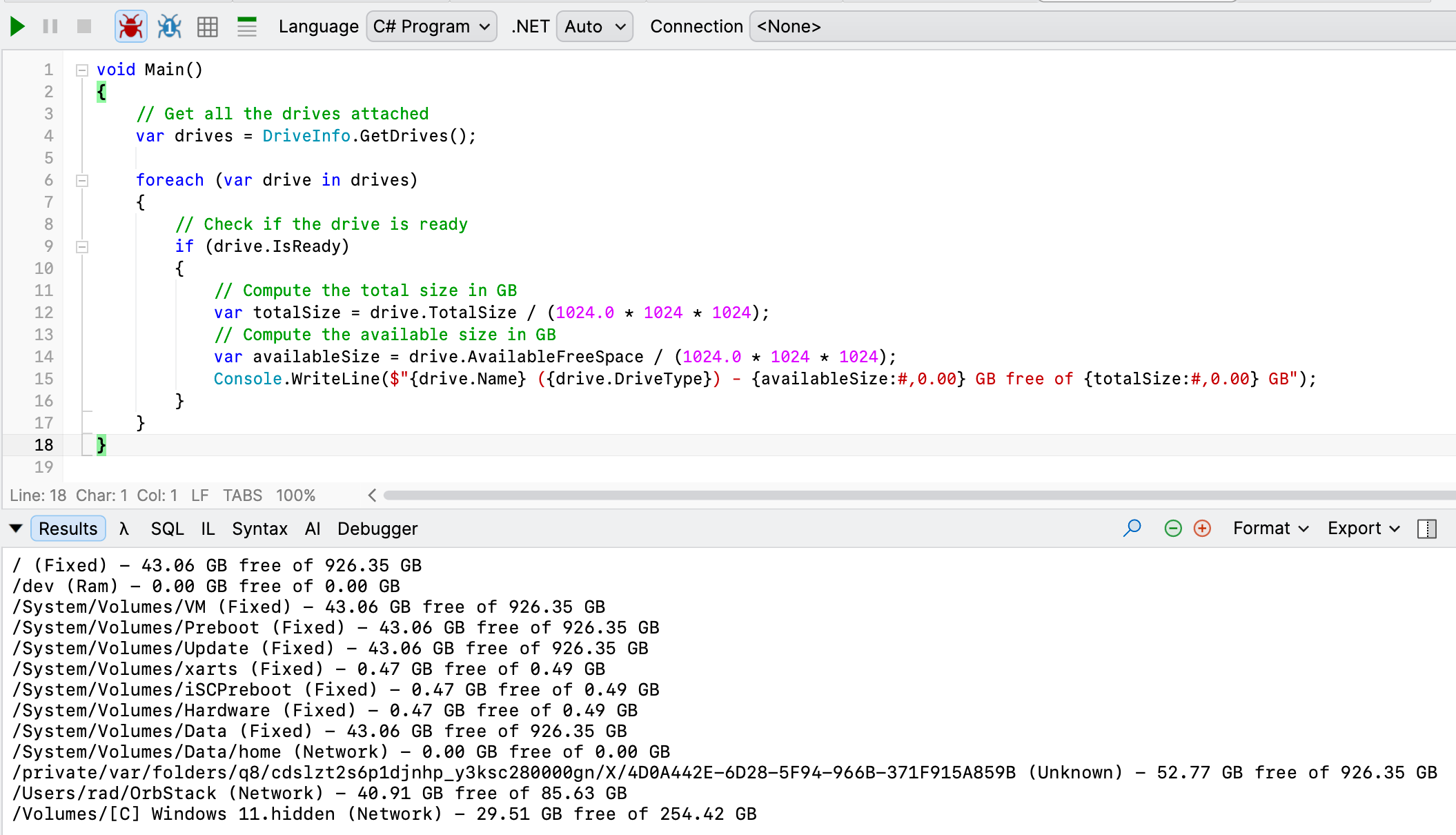
Running this code yields the following on macOS:
On Windows:
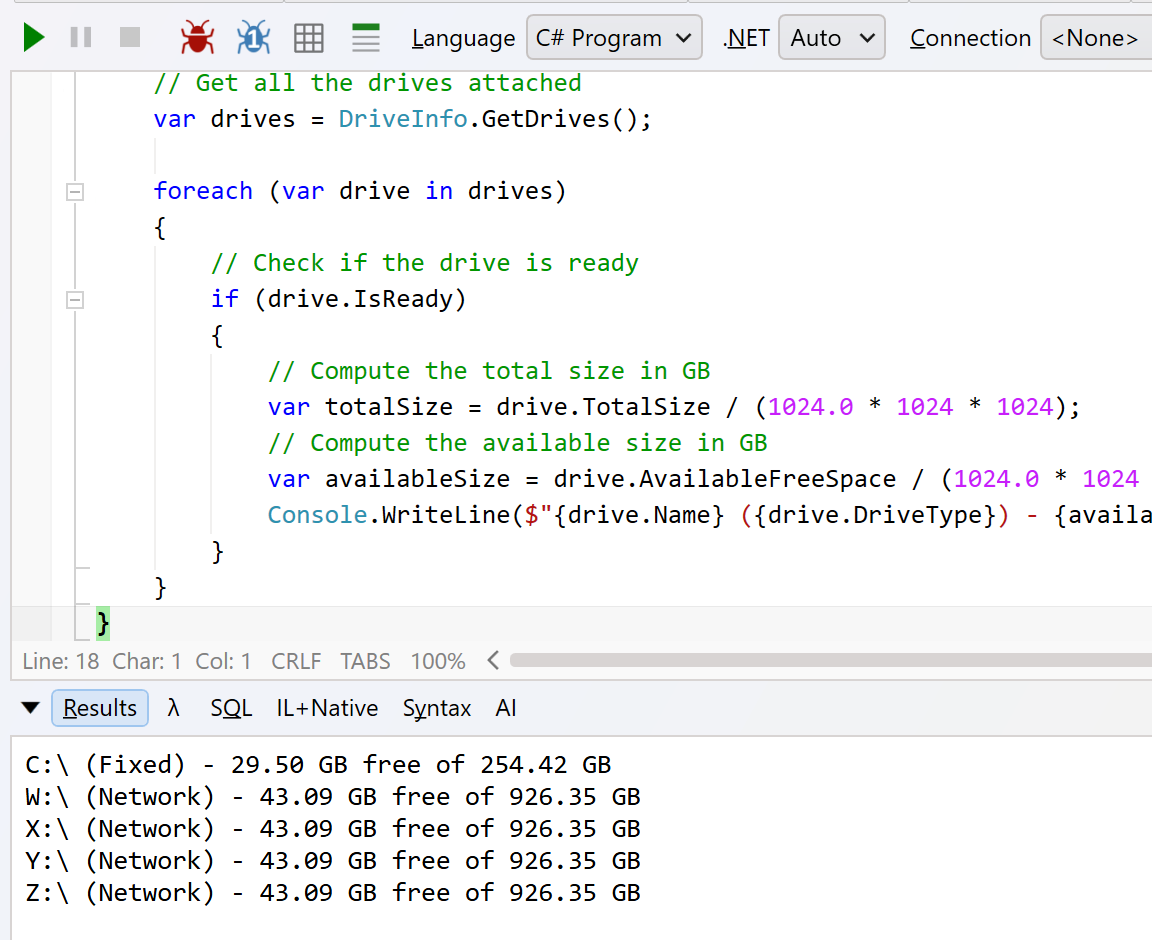
Notably, drives like shares show the underlying information of the drive they are mapped to. For example, the 926.35 GB here is the main drive that is hosting my Windows VM.
TLDR
The DriveInfo class exposes AvailableFreeSpace and TotalSpace properties to get information about the usage of your drives.
The code is in my GitHub.
Happy hacking!