How to Decode Base64 Data In C# & .NET
[C#, .NET]
In a previous post, “How to Encode Base64 Data In C# & .NET”, we looked at how to correctly encode arbitrary data in Base64 for representation and transmission as text
In this post, we will look at the opposite - how to decode Base64 data
Here, like before, we have three options:
- The FromBase64String in the Convert
class. - The DecodeFromUtf8 or DecodeFromChars in the Base64Url
class - The DecodeFromUtf8 method in the Base64 class.
Let us use the encoded string form the example in our previous post:
eyJTZWFyY2hUZXh0IjoiY29ucmFkICIsIlNvcnRDb2x1bW4iOiJOYW1lIiwiUGFnZU51bWJlciI6MCwiUGFnZVNpemUiOjUwLCJEYXRhYmFzZSI6IkFuaW1hbHMiLCJBY3RpdmVPbmx5Ijp0cnVlfQ==
The code is as follows:
const string encodedData = "eyJTZWFyY2hUZXh0IjoiY29ucmFkICIsIlNvcnRDb2x1bW4iOiJOYW1lIiwiUGFnZU51bWJlciI6MCwiUGFnZVNpemUiOjUwLCJEYXRhYmFzZSI6IkFuaW1hbHMiLCJBY3RpdmVPbmx5Ijp0cnVlfQ==";

var convert = Convert.FromBase64String(encodedData);
var base64 = Base64.DecodeFromUtf8(Encoding.Default.GetBytes(encodedData));
var base64Url = Base64Url.DecodeFromUtf8(Encoding.Default.GetBytes(encodedData));
The result of the conversion is a byte array, byte[].
We can test for equality using the LINQ SequenceEquals method as follows:
Console.WriteLine(convert.SequenceEqual(base64) && base64.SequenceEqual(base64Url));
This will print the following:
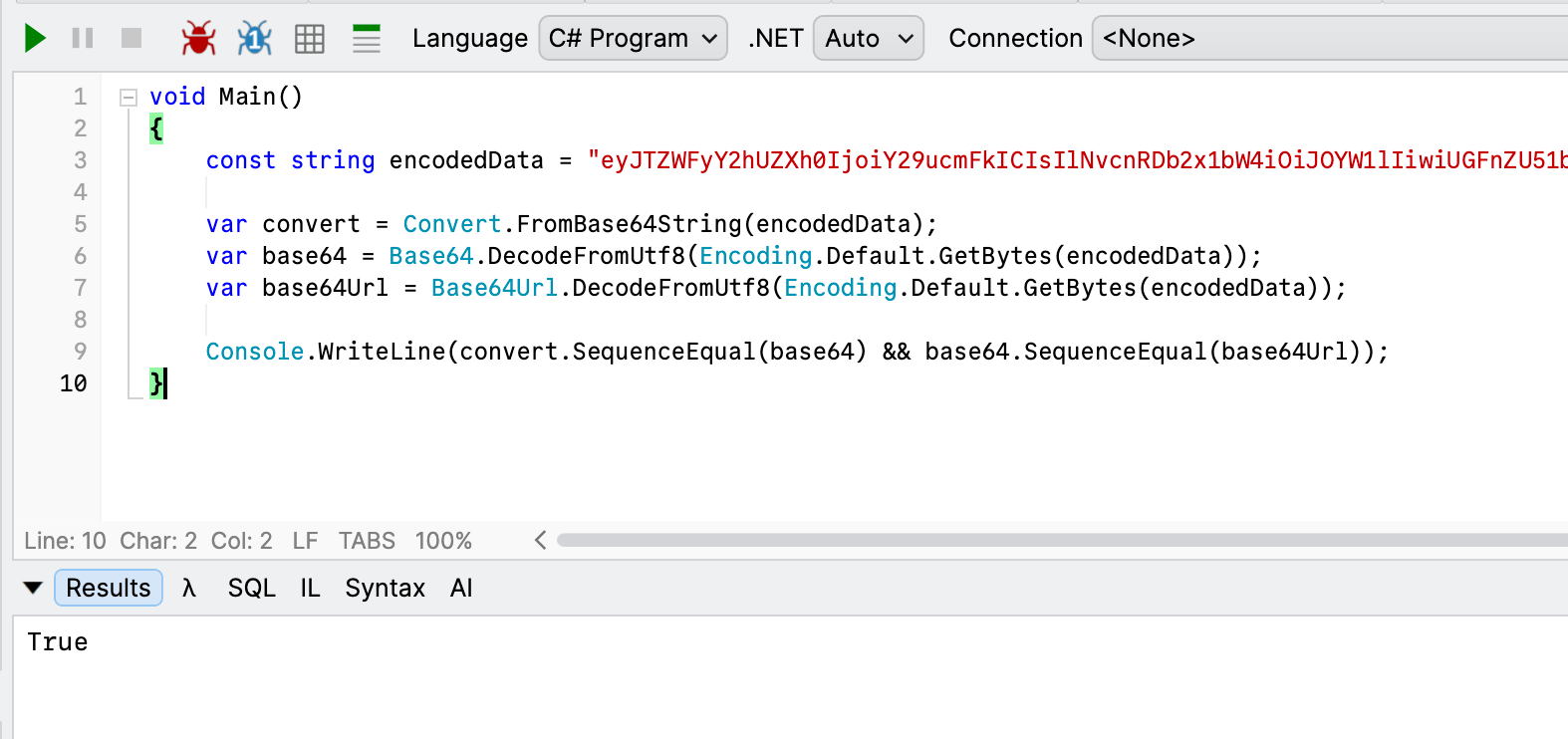
If you want the result back as a string, you can retrieve it as follows:
var original = Encoding.Default.GetString(base64Url);
Console.WriteLine(original);
This returns the following:

TLDR
There are 3 main ways to decode Base64 data.
The code is in my GitHub.
Happy hacking!