Product Review - Stellar Repair for MS SQL - Part 4: SQL Server Database Recovery
[Product Review, SQL Server, Stellar Repair]
This is Part 4 of an independent review of a product, Stellar Repair for MS SQL, from the folks at Stellar Info.
The version being reviewed is 11.0.0.1
- Part 1 - Introduction
- Part 2 - SQL Server Password Recovery
- Part 3 - Backup Data Recovery
- Part 4 - SQL Server Database Recovery (This post)
- Part 5 - File corruption
- Part 6 - Conclusion
In our previous post, “Product Review - Stellar Repair for MS SQL - Part 3: Backup Data Recovery”, we looked at how to recover data from a backup file (.bak).
In this post, we will look at how to recover data from a potentially corrupted database file (.mdf).
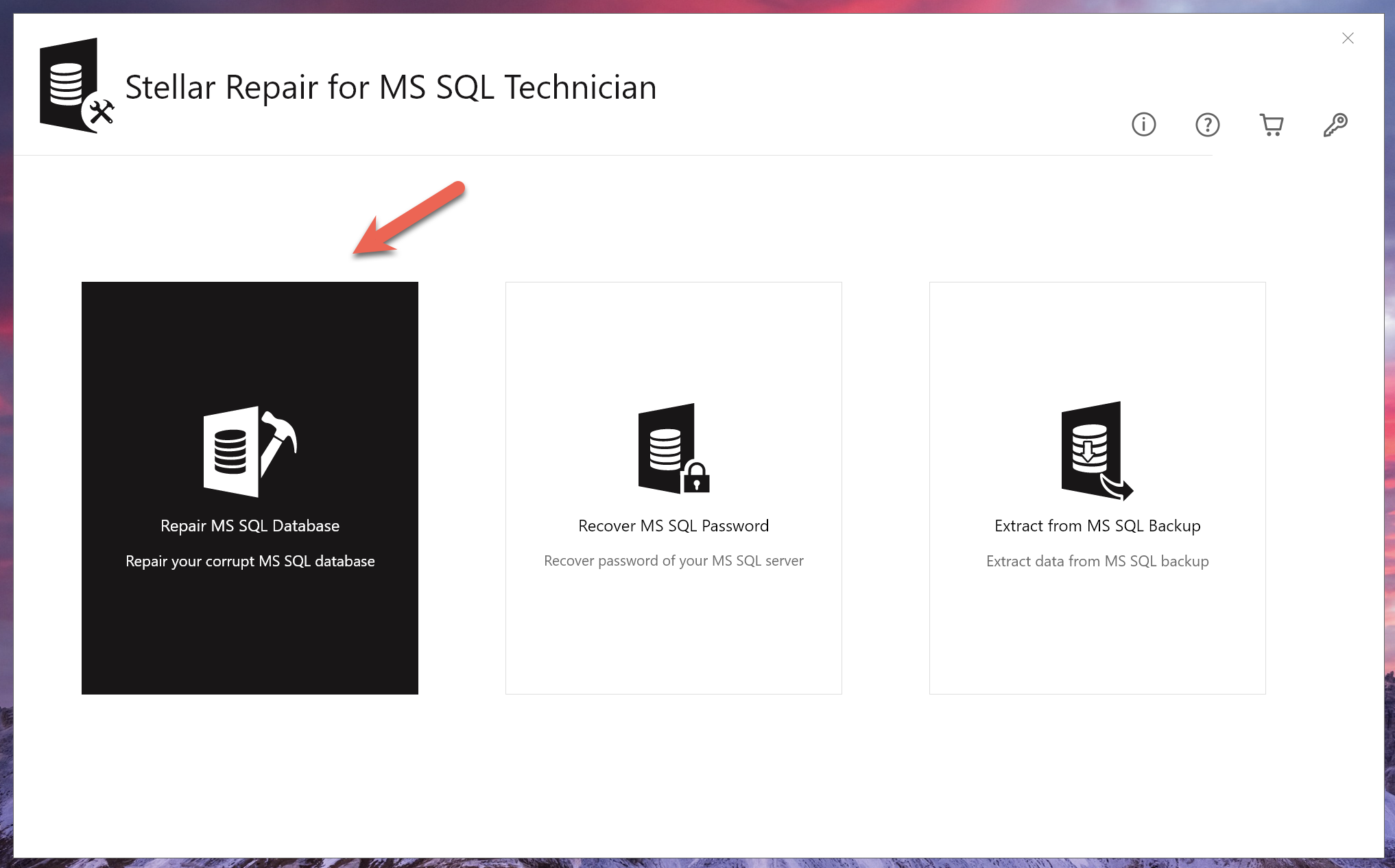
For this, we access the tool from the dashboard.
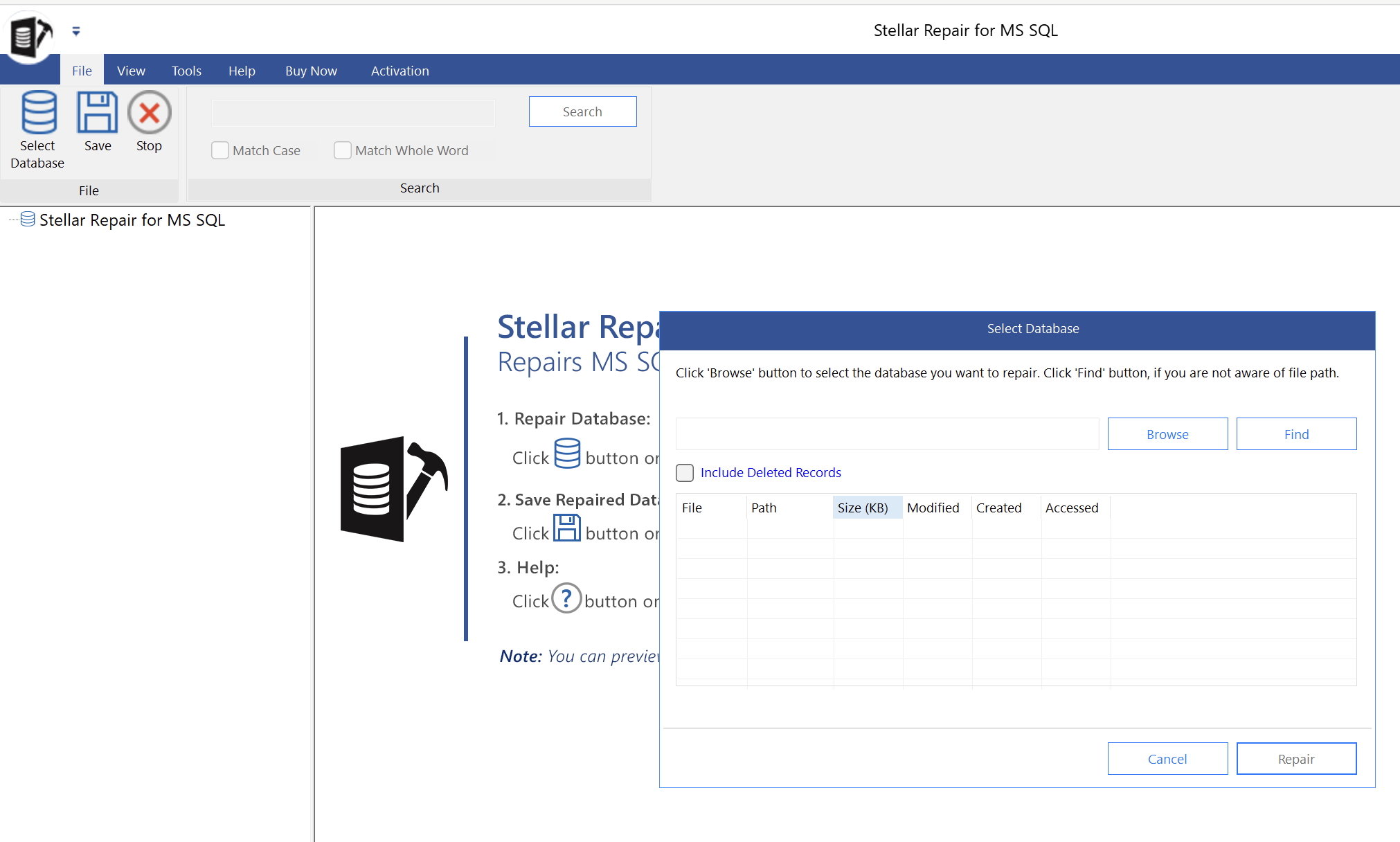
This will launch the tool that will ask the path to the file:
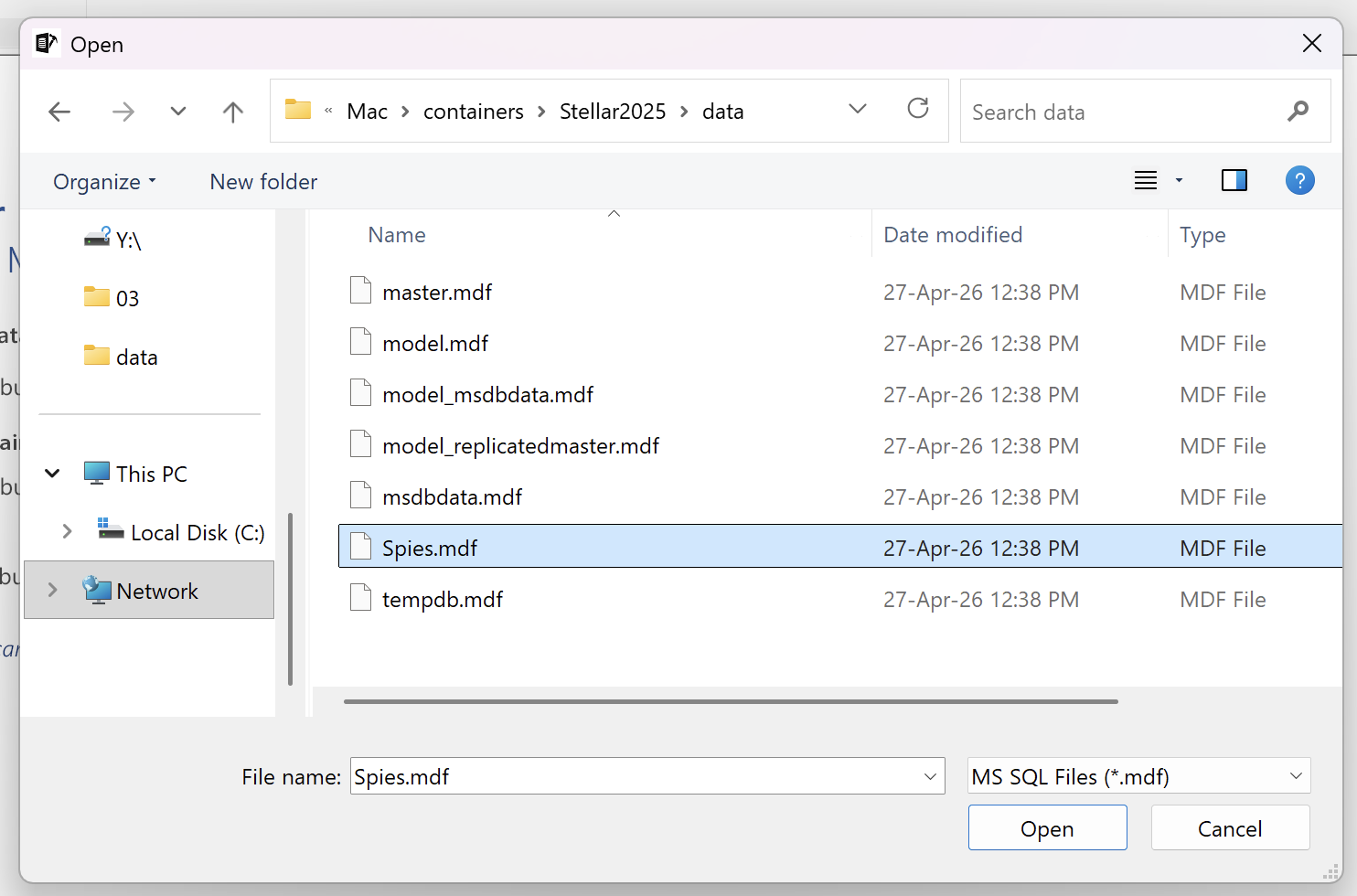
Here we will browse to our test database file, Spies.mdf.
Nothing seems to have changed in the selection UI.
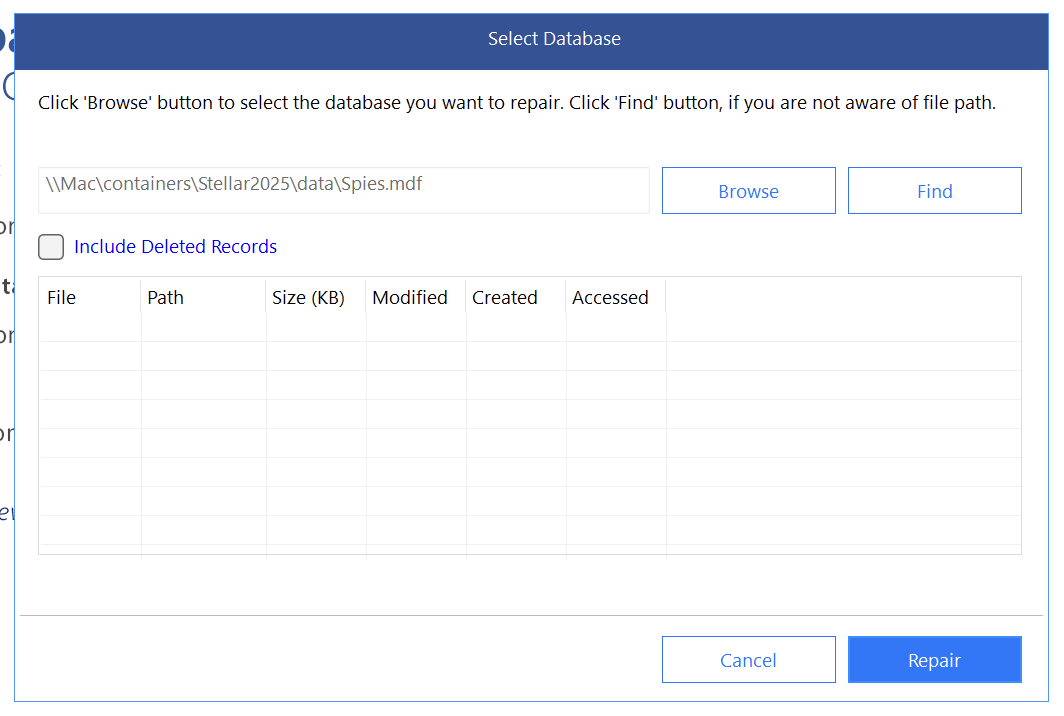
Click Repair anyway.
There seems to be a UI bug with loading the metadata of the selected file.
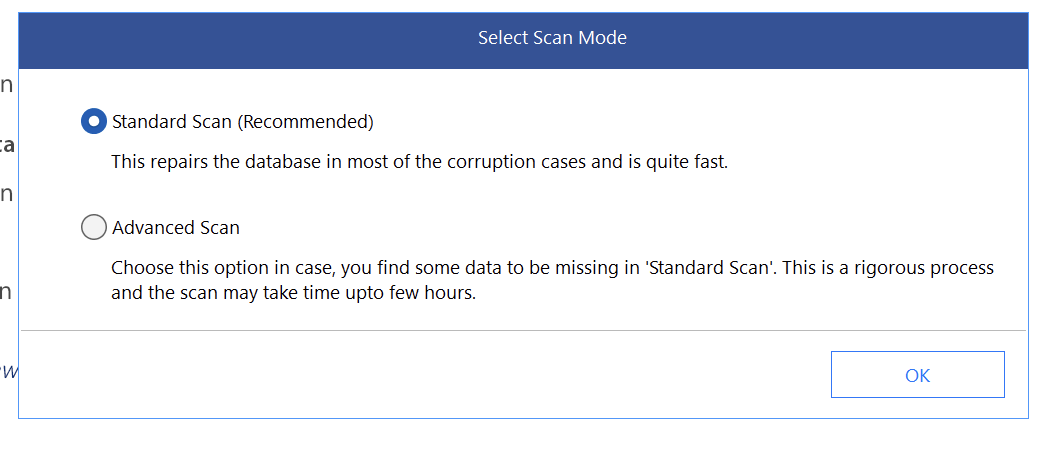
We are presented with the following dialog:
We then get our old friend the version selector:
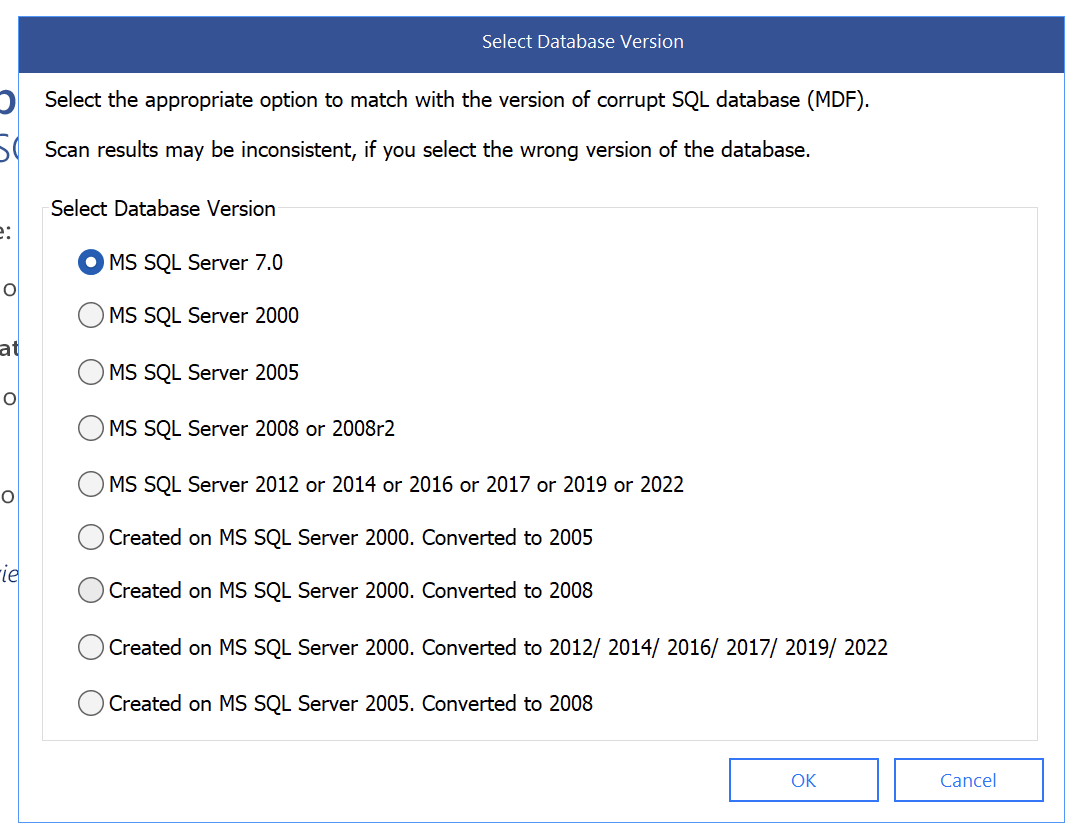
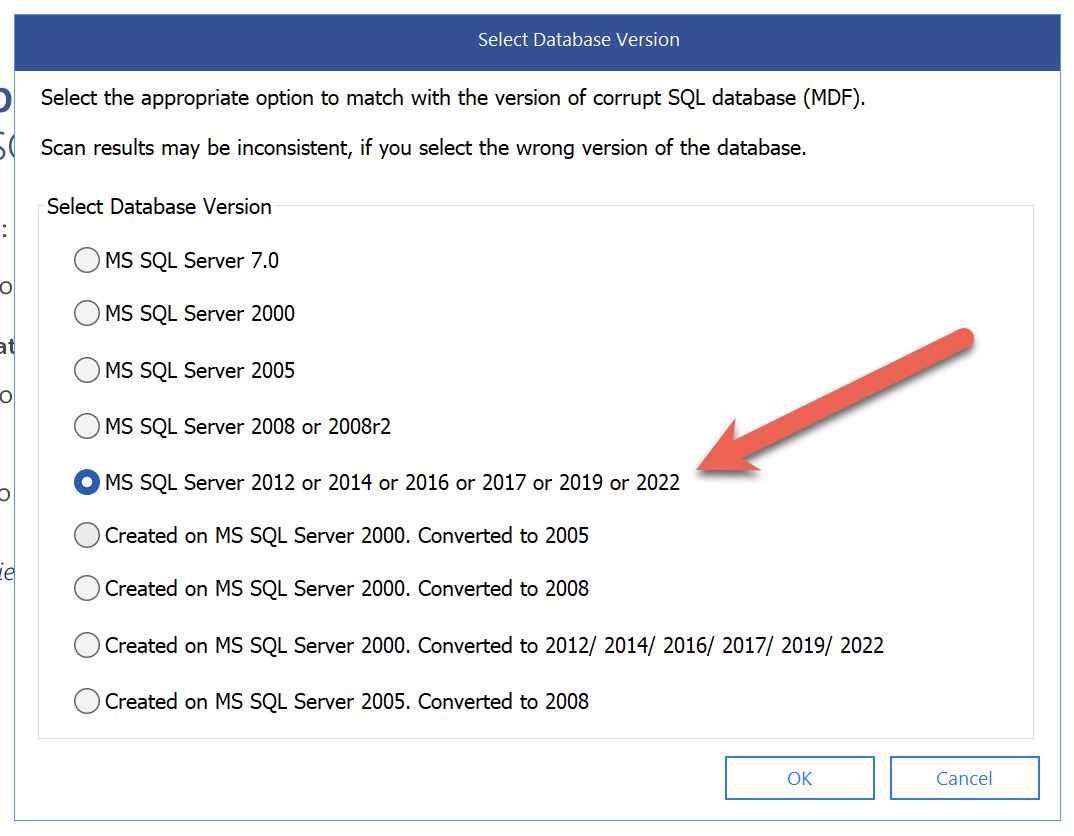
SQL 2025 is missing from these options, so we will select the option that has all the others.
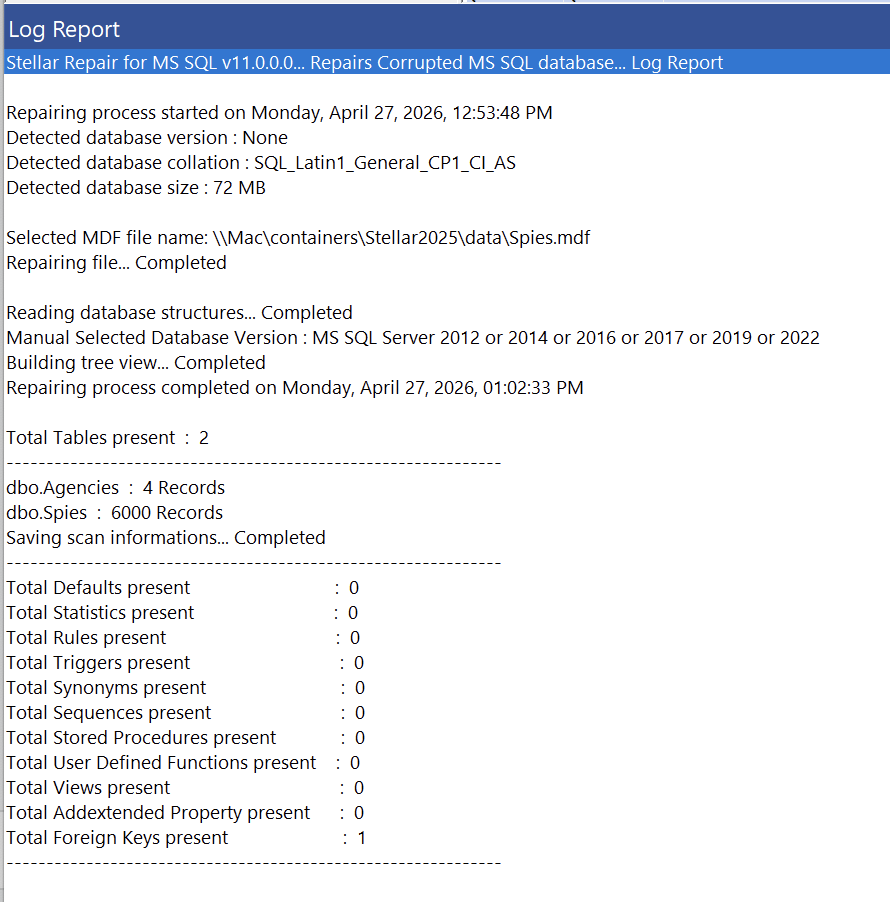
After processing the file we get the following interface, that seems to mirror the one for recovery form a backup.
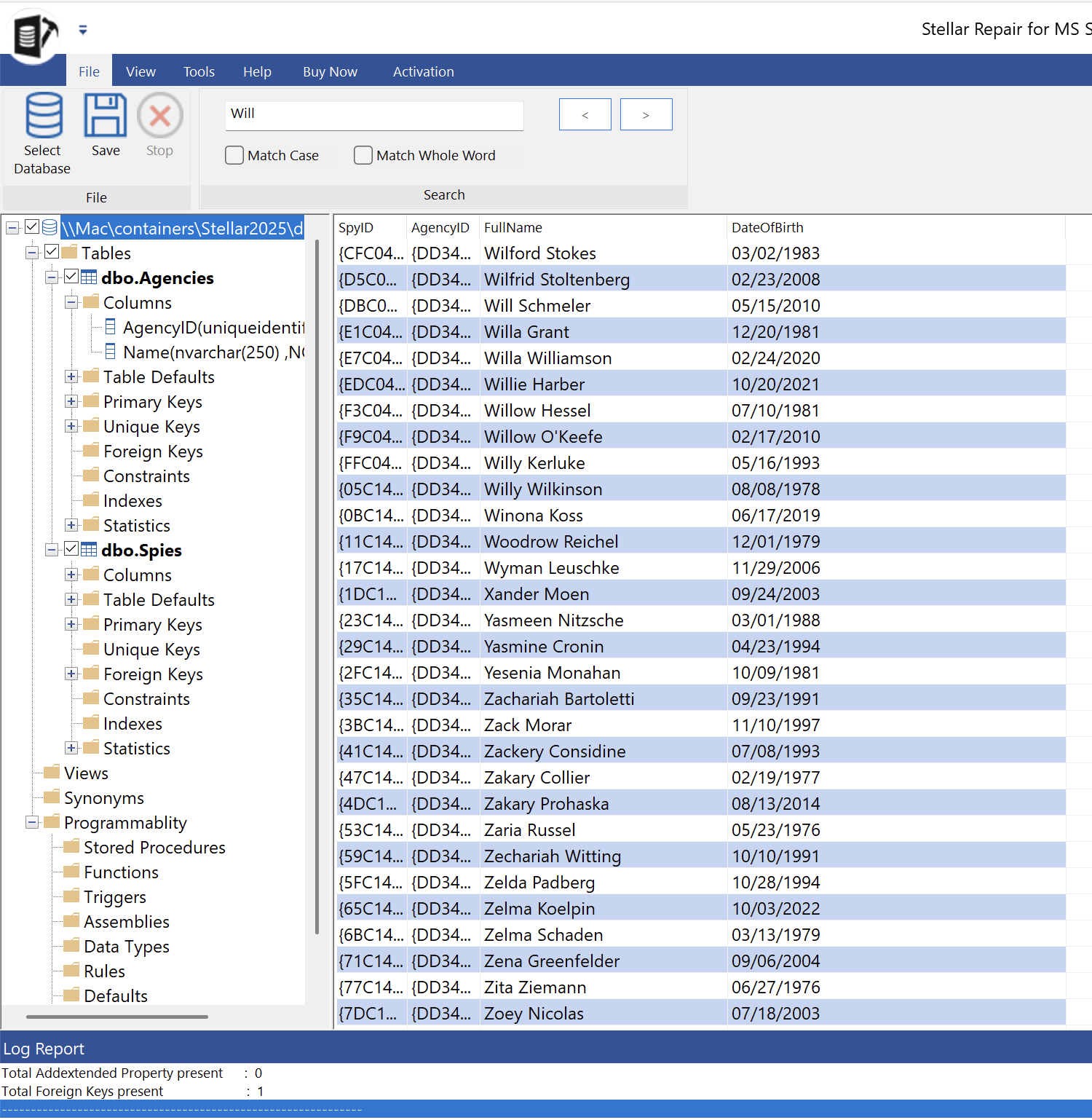
At the bottom is a log report, that you can use to view additional information.
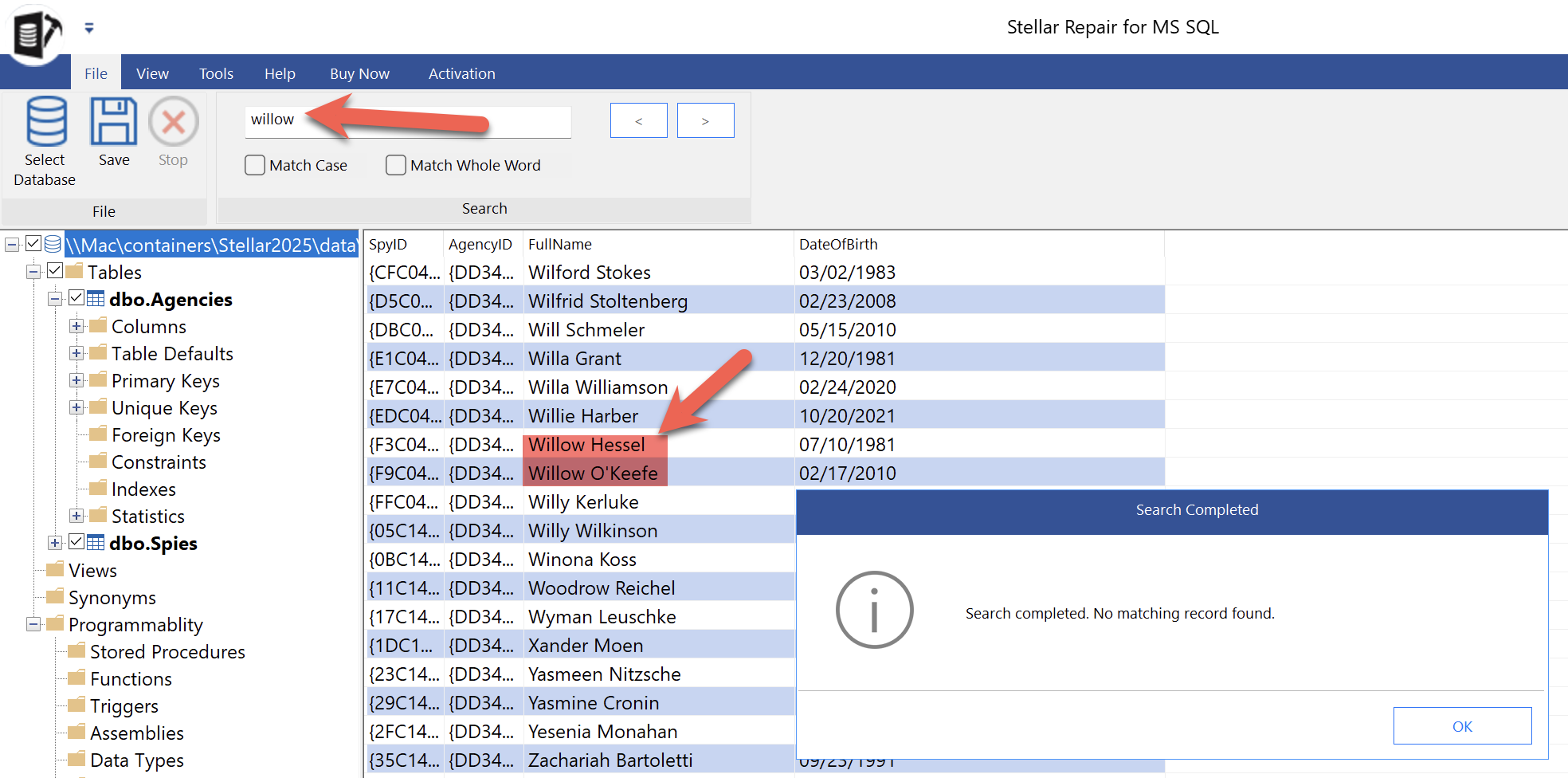
The UI offers a search functionality, but it does not seem to work.
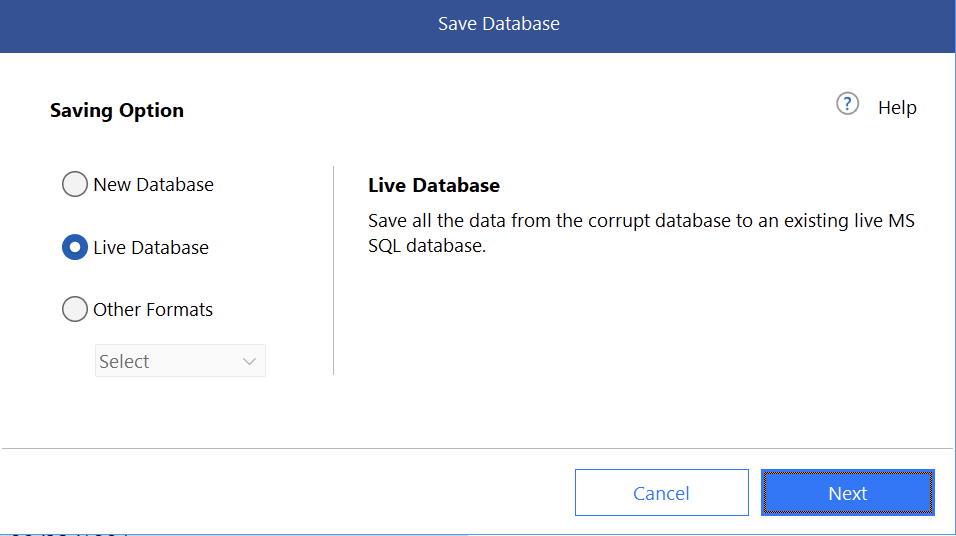
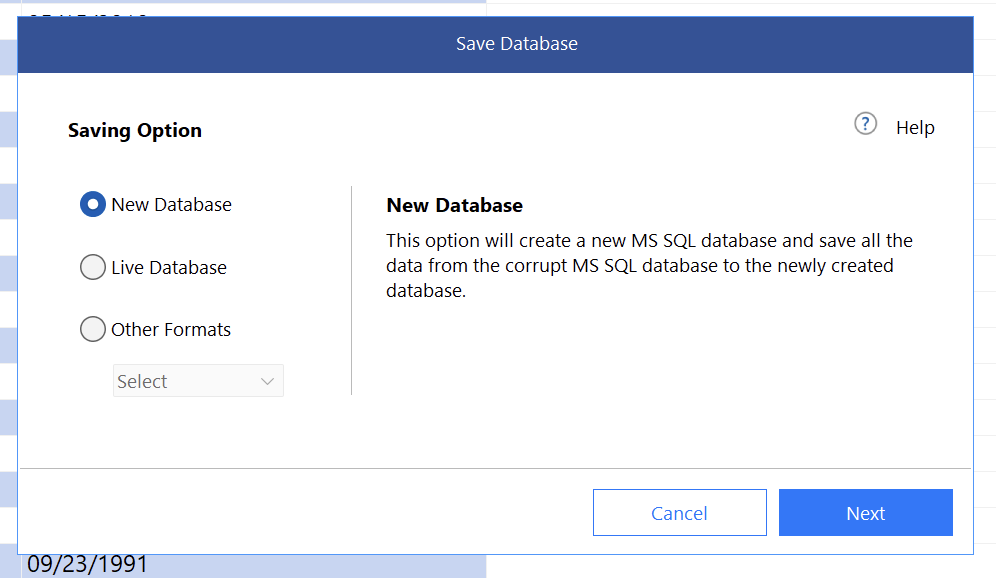
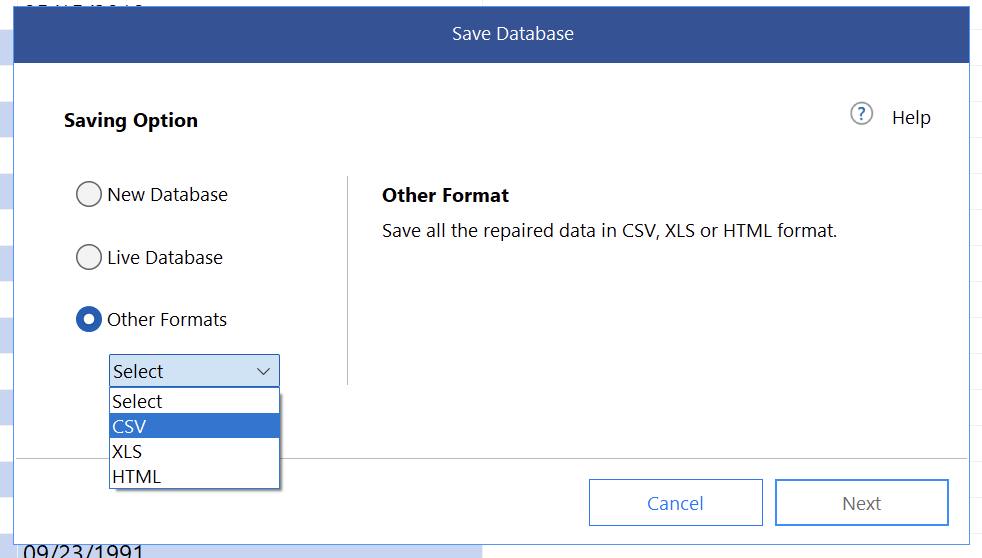
The options to save are the same as for the backup recovery.
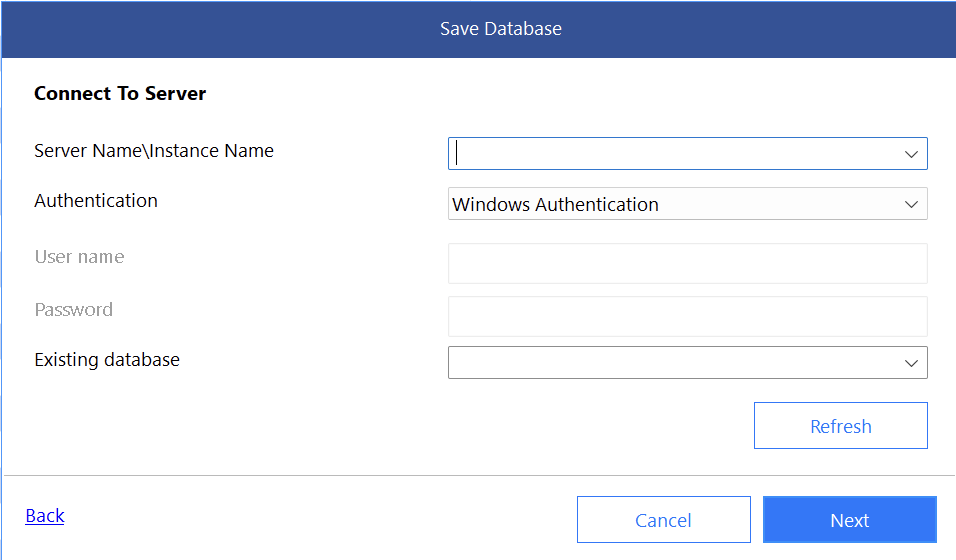
Existing database
This allows you to connect to an existing database.
New Database
Other Format
TLDR
Stellar Repair allows you to extract data and objects from a database file (.mdf).
Happy hacking!