Viewing Files In The Terminal Using Bat Without Line Numbers
[Tools, Terminal]
In a previous post, “Viewing Files In The Terminal Using Bat”, we looked at how to view files in the terminal using the utility bat, the better alternative to the cat utility.
A sample file, docker-compose.yaml, looks like this:
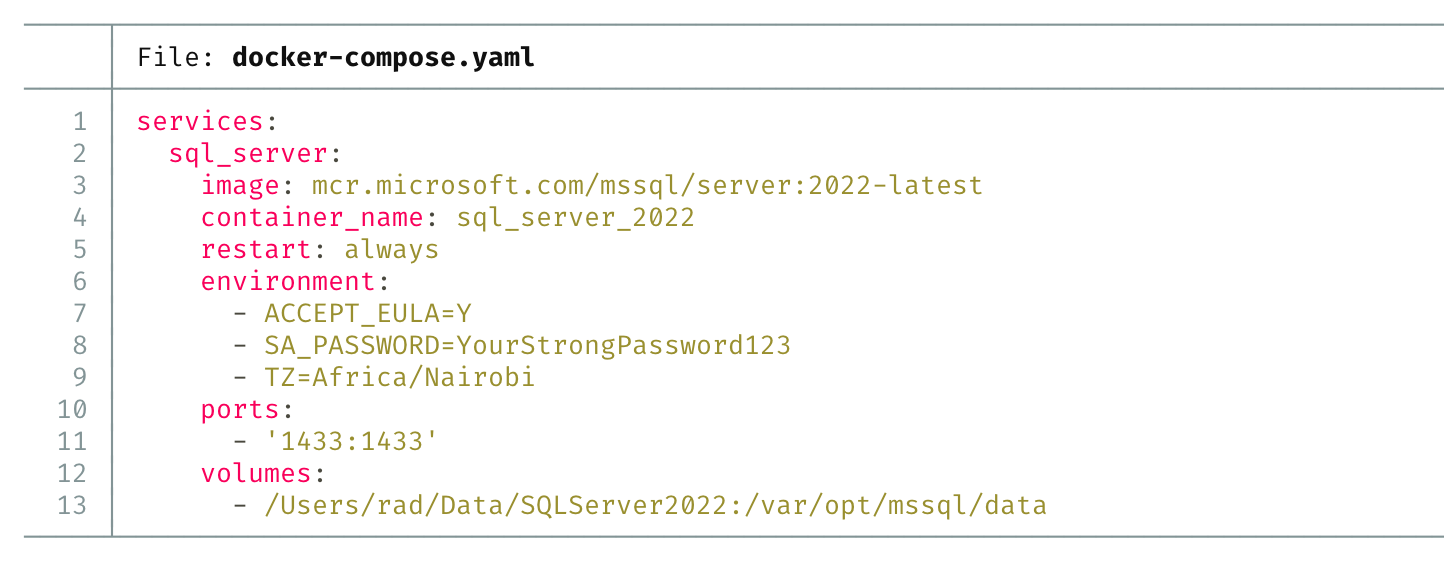
However, that colour coded view, with line numbers, can sometimes be problematic if you need to copy and paste from this view.
The solution to this is the -p parameter.
bat docker-compose.yaml -p
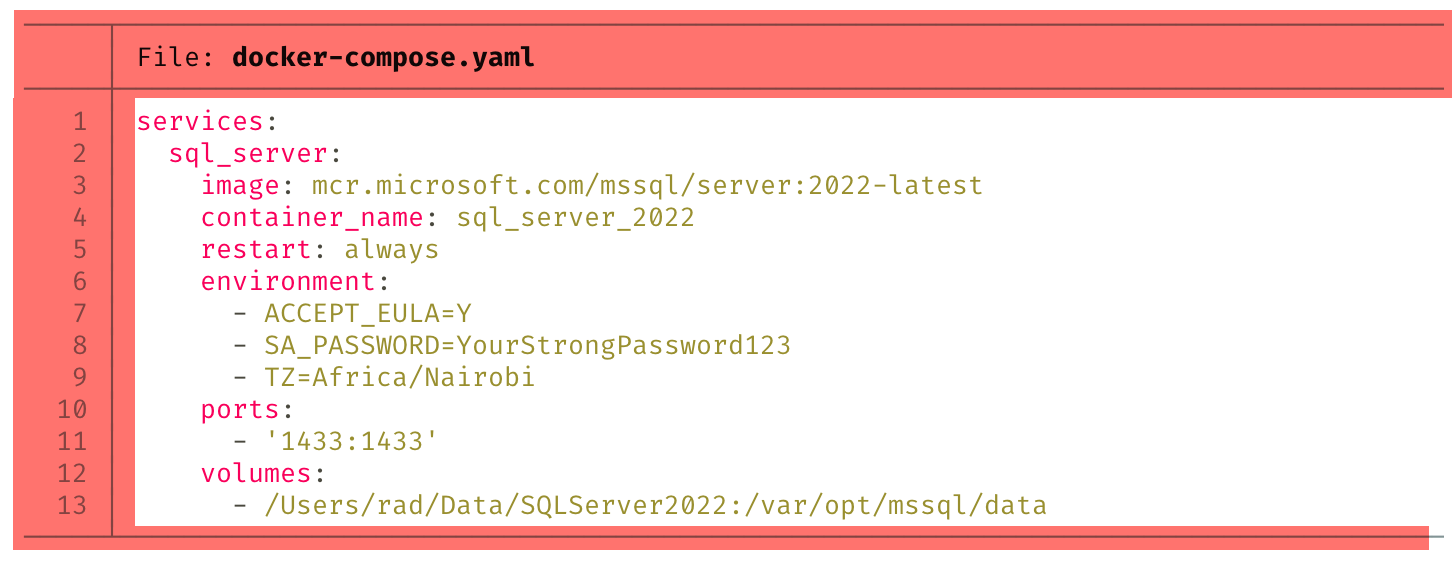
This presents the file without these artifacts:
It therefore now looks like this:
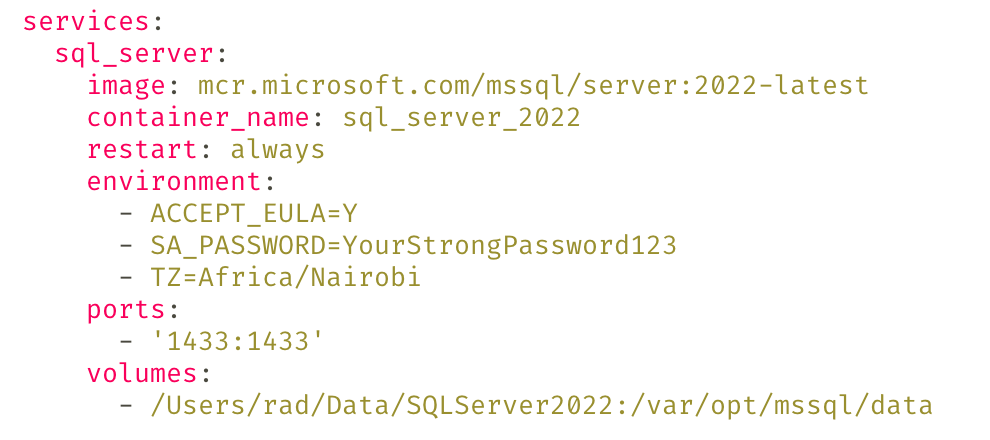
Here, we have the benefit that the display is colour coded but you can now freely copy the text.
TLDR
The bat parameter -p allows you to view files without artifacts.