Viewing Redis Cache With Another Redis Desktop Manager
[Tools, Redis]
In a previous post, “Storing Data In Redis With Command Line”, we looked at how to setup a Redis image for cache purposes, and how to connect to it, insert and retrieve data.
In this post we will look at how to use Another Redis Desktop Manager.
This is a smaller, nimbler tool than DataGrip as its only purpose is to connect to Redis, unlike DataGrip that is a general database manager.
We begin by downloading and installing to software.
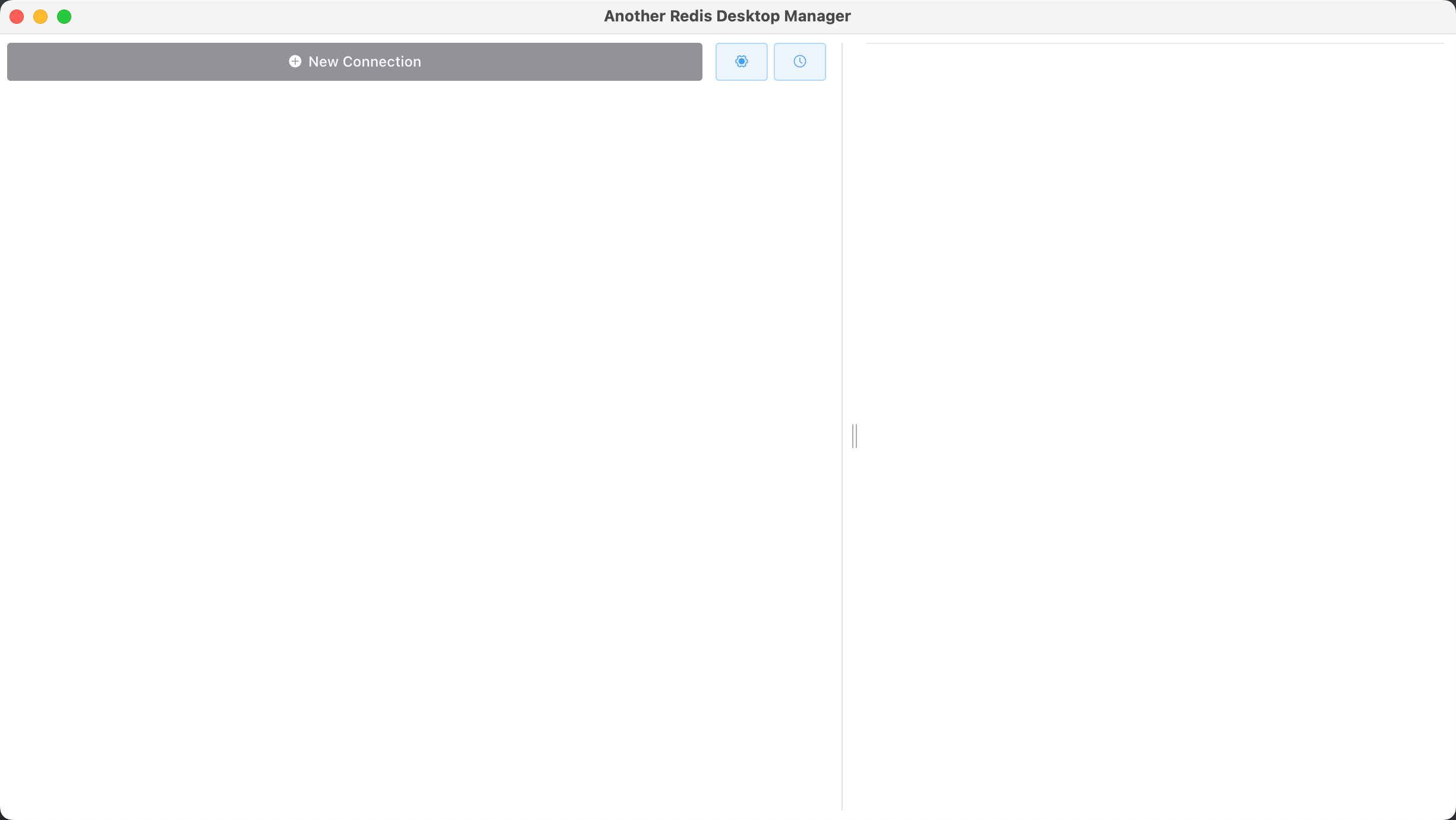
Once launched, you should see the following screen.
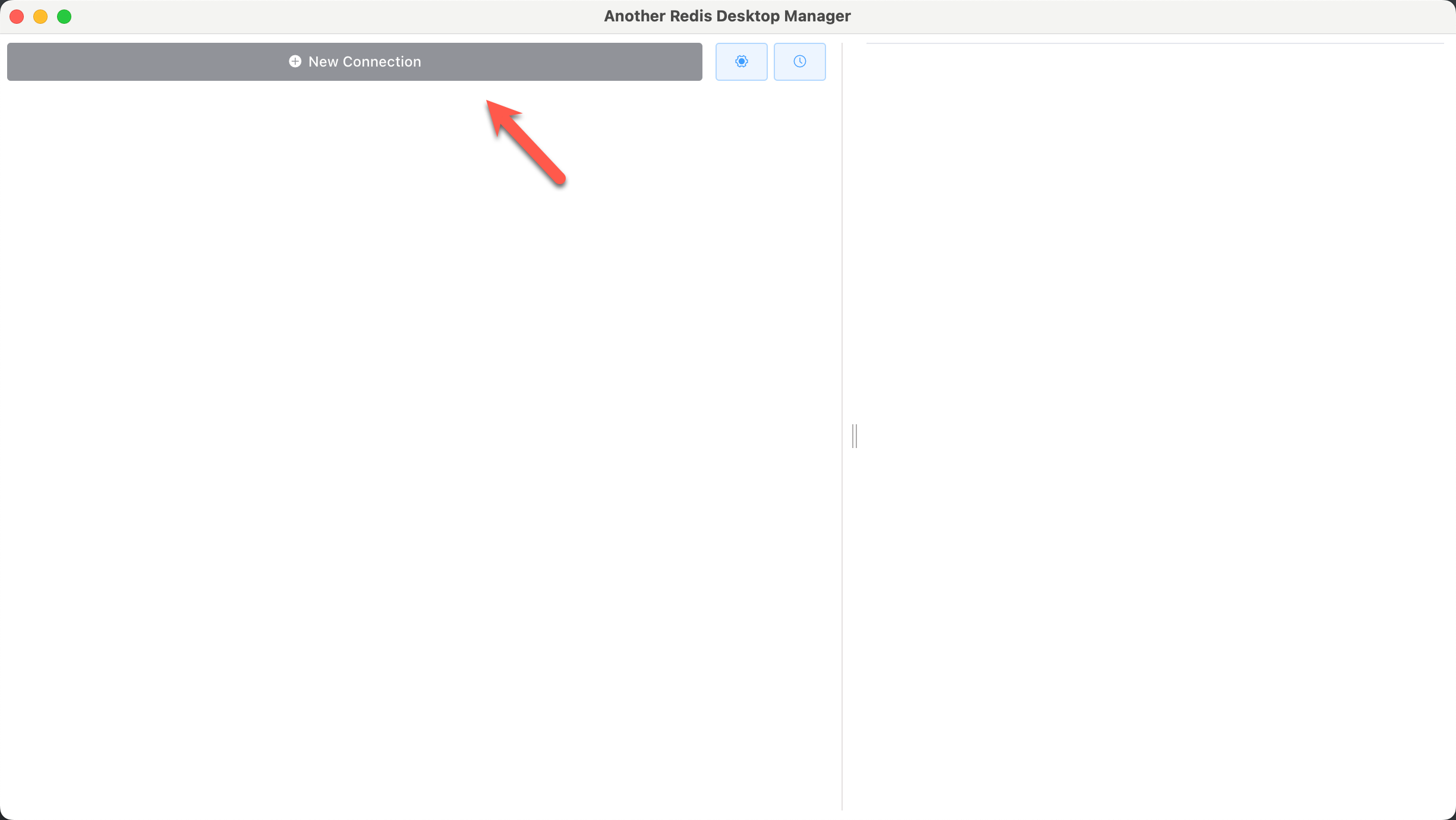
Click New Connection.
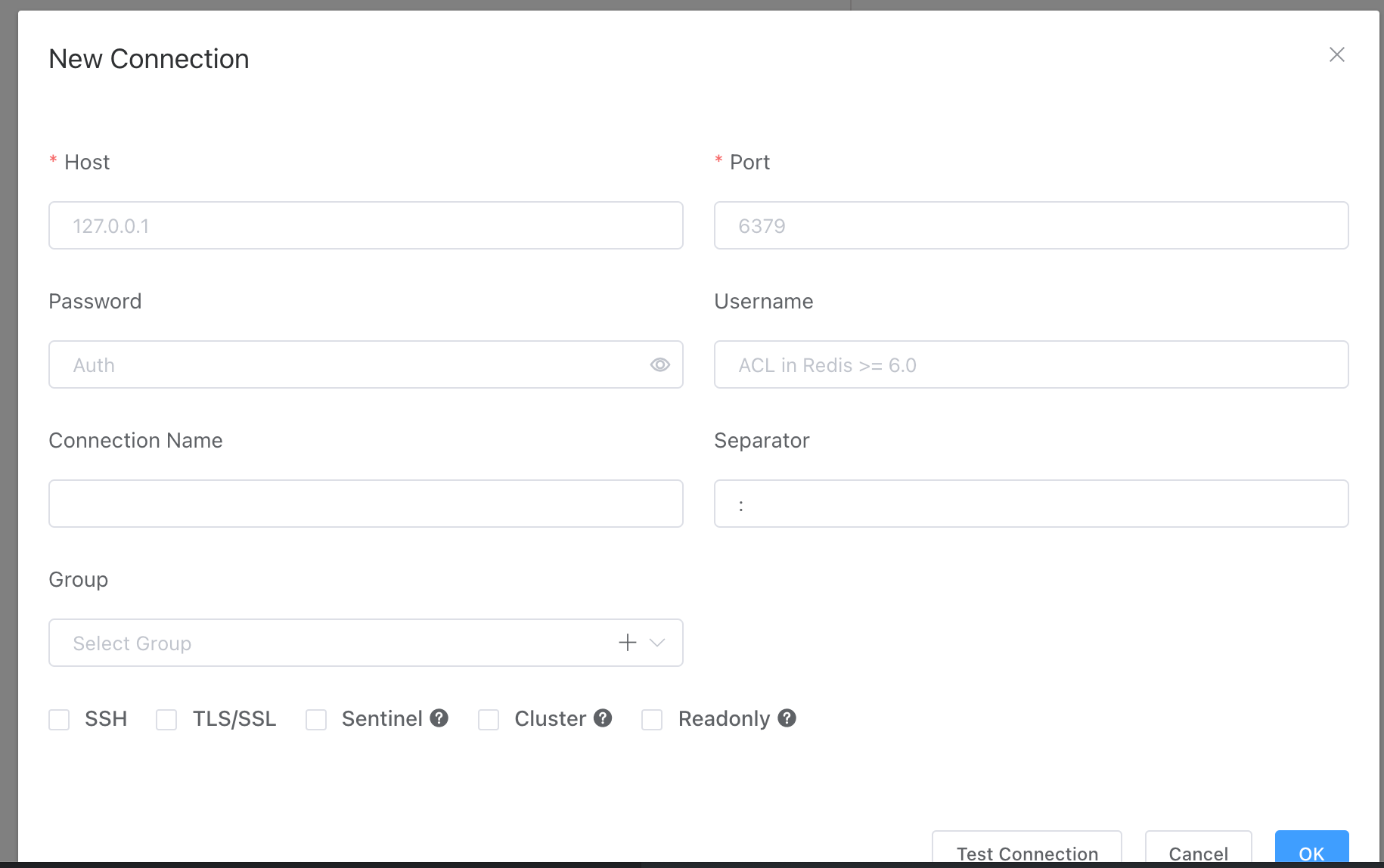
You will get the following dialog to supply connection parameters.
Go on and provide the parameters - host, port and password, as well as a connection name.
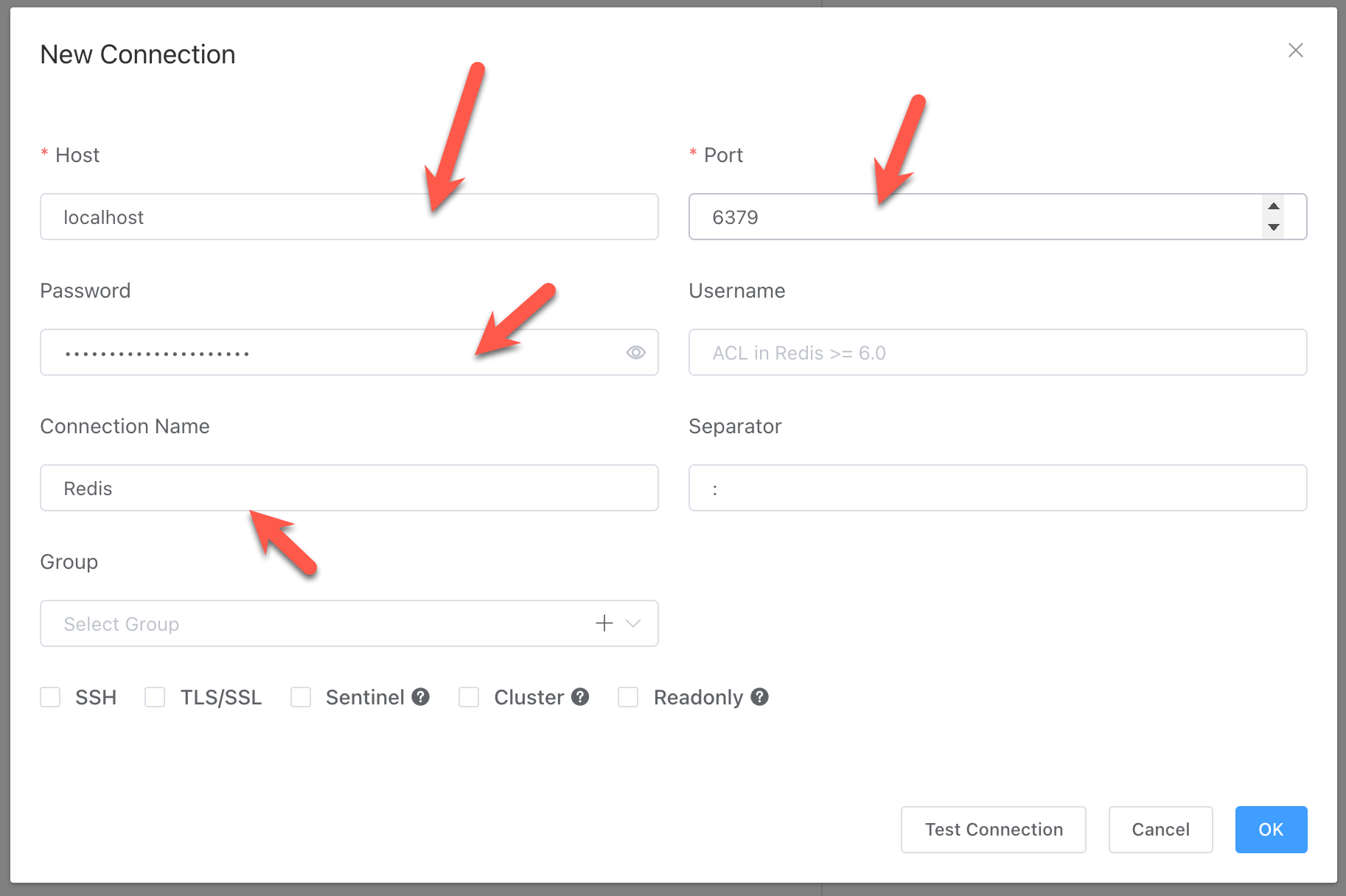
Once supplied, you can test the connection.
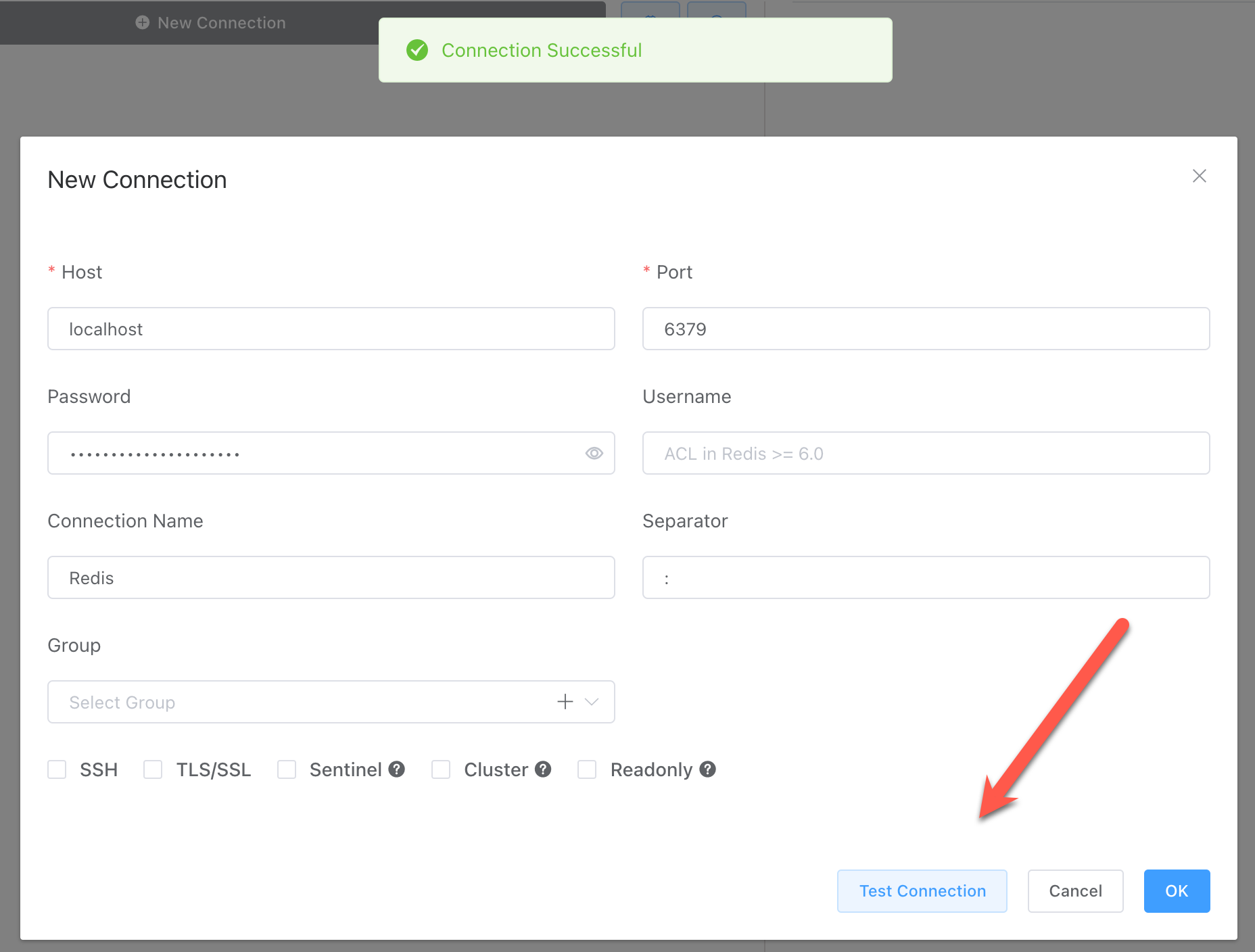
Click OK to complete.
You will now see your new connection.
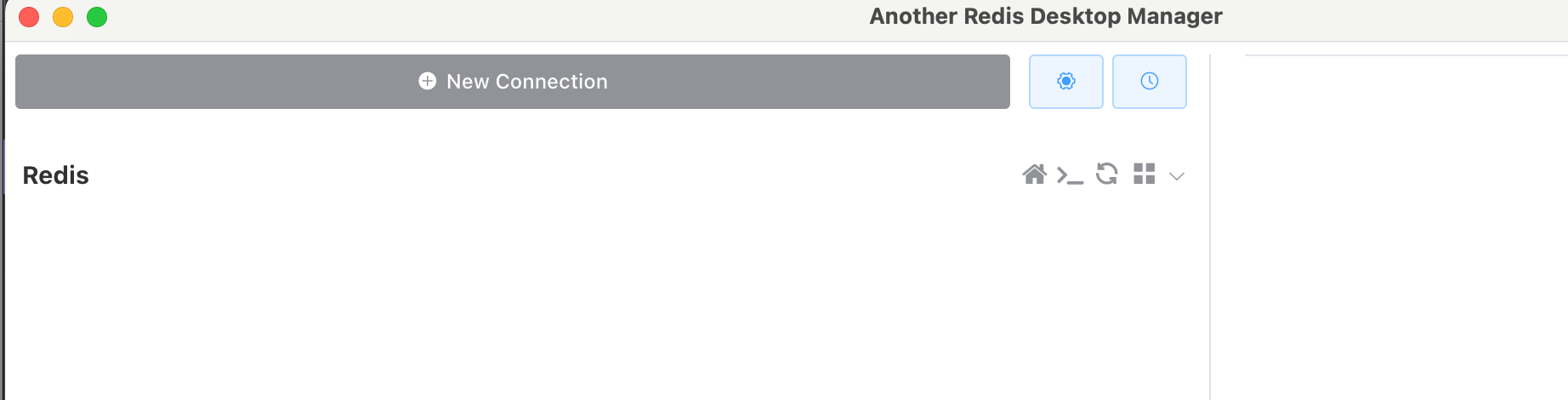
Click on the connection.
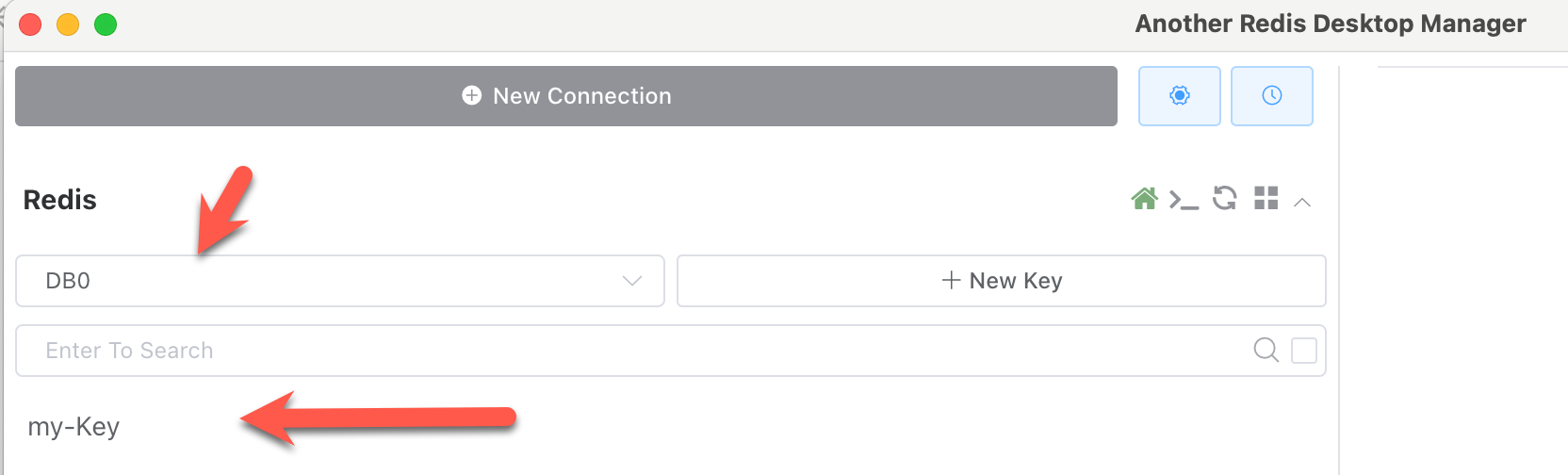
It will expand to show you the available database(s), in this case DB0 and your key.
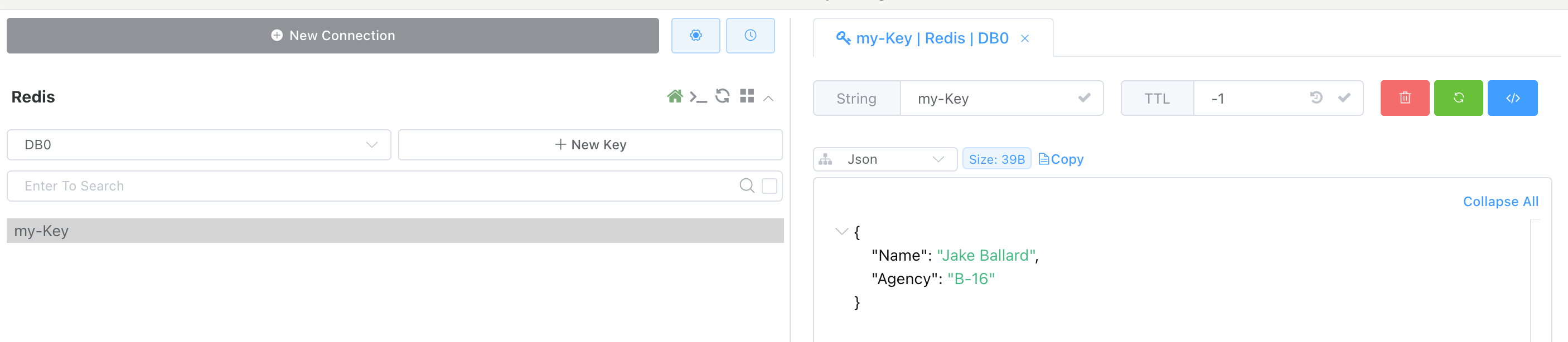
If you click the key, you will see your data.
TLDR
Another Redis Desktop Manager is an excellent tool to view and manage your Redis data.
Happy hacking!